Converting videos to MP3 allows you to obtain audio for video editing or other legitimate purposes. So, how can you quickly extract audio from a video while maintaining the best quality? In this article, we will guide you through the simple and easy steps to convert videos to MP3.
Why convert videos to MP3?
Before delving into the technical details, let's look at the significant benefits of converting video to MP3:
- Save memory space: A Full HD video can have a file size of hundreds of MB, but when converted to high-quality MP3 format (320kbps), the file size is reduced to only about 5-10 MB.
- Listen to music offline anytime, anywhere: You can save your favorite playlists to your phone, music player, or USB drive to listen to them without an internet connection or having your phone screen turned on.
- Create personalized ringtones: Extracting a favorite audio segment from a video is the first step in creating your own unique ringtones.
- Support for studying and working: You can convert lectures and audiobooks from video format to MP3 so you can listen to them repeatedly, helping to improve your comprehension without being distracted by the visuals.
How to convert videos to MP3 online
This is the most popular method because it's convenient, fast, and completely free. All you need is a web browser and an internet connection.
1. Use X2Download.app
This is currently the leading tool for converting YouTube videos to MP3 with extremely high quality.
- Access the website X2Download.app.
- Paste the video link (YouTube, Facebook, etc.) into the search box.
- Choose a format MP3 and quality level (128kbps, 256kbps, or 320kbps).
- Press Get Link and wait for the system to process, then press Download.
2. CloudConvert Tool
CloudConvert is a file format conversion tool that supports over 200 different file types:
- Advantage: Preserves original audio quality and supports uploading files from Google Drive or Dropbox.
- Making: Upload the video file from your computer -> Select "Convert to MP3" -> Adjust the settings (if needed) -> Press Convert and download.
3. Online Audio Converter
This website is very powerful if you want to deeply customize the audio file after conversion. You can change track info (artist name, album name), customize fade-in or fade-out effects. This is very useful for those who want to build a well-structured music library.
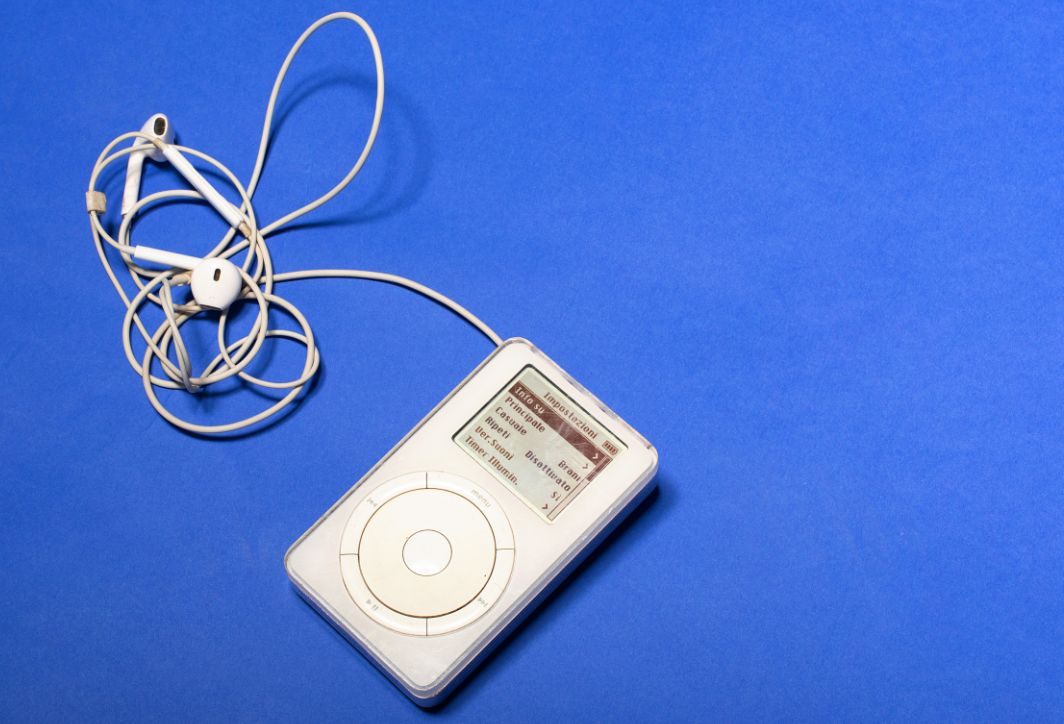
Extracting music from videos is simple using specialized websites.
Convert videos to MP3 on your computer using specialized software.
If you have a long list of videos to convert or require high-quality audio, installable software will be the optimal choice:
1. Format Factory software
Format Factory is a legendary software on Windows that supports converting all types of formats.
How to do it: Open the software -> Select the item Audio -> Select -> MP3 -> Press Add File To select a video -> Press OK and choose Start To begin the music separation process.
2. VLC Media Player
Few people know that the VLC music player also has an extremely powerful format conversion feature:
- Open VLC, go to the menu. Instagram -> Convert / Save.
- Press Add To select the video from which you want to extract the music.
- Press Convert / Save.
- In the Profile section, select Audio – MP3.
- Choose a save location and press Start.
3. Adobe Premiere Pro or Audition
If you're an editor, using software within the Adobe ecosystem will ensure the highest possible audio quality. You can adjust audio frequencies and filter out noise before exporting to studio-quality MP3 format.
How to convert video to MP3 on your phone
With the explosion of smartphones, converting videos to MP3 directly on your phone allows you to have new music in just seconds.
1. For iPhone users
iOS has high security, so you should use a dedicated app. "Video to MP3" on the App Store or using shortcuts.
Use Shortcuts: You can set up a "Extract Audio" shortcut. Simply select the video in your Photo Album -> Tap Share -> Select the "Extract Audio" shortcut. The MP3 file will be saved directly to the "Files" app.
2. For Android users
Android has many free apps such as "Video to MP3 Converter"The interface of these applications is usually very simple: Select Video -> Cut the section you want to extract the music from (if needed) -> Select MP3 format -> Convert. The processing speed on modern phones is extremely fast.
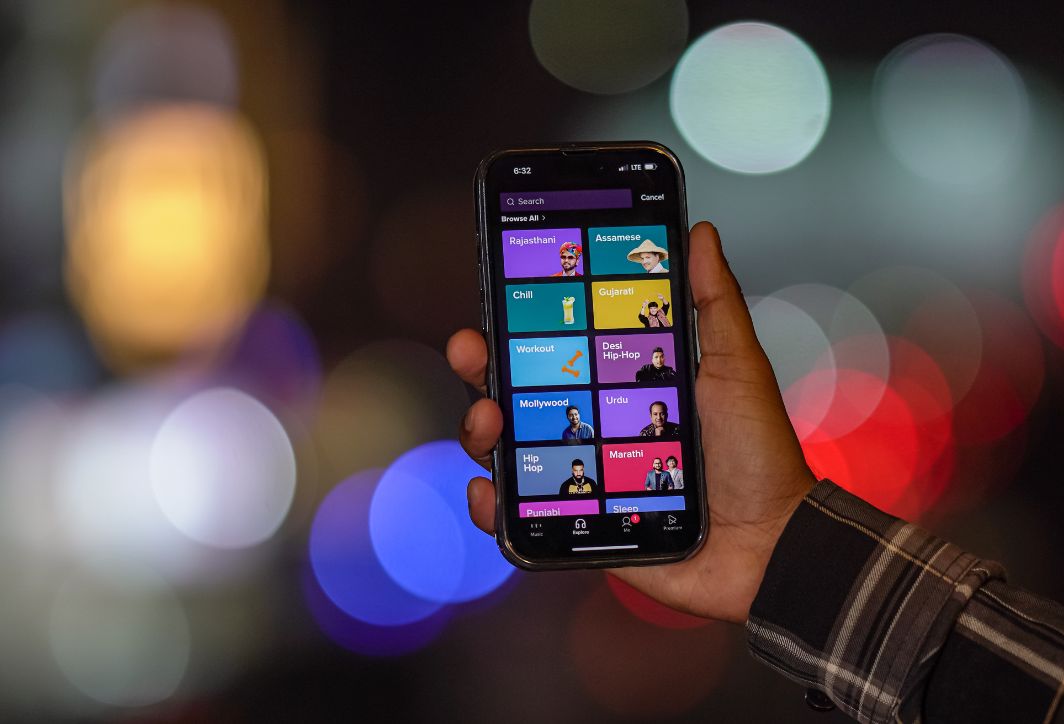
Converting videos to MP3 is easy on your smartphone.
Important notes for obtaining high-quality MP3 files.
When converting a video to MP3, don't just press the "Convert" button; pay attention to the following parameters to ensure the best listening experience:
- Bitrate: This is the most important parameter. Always prioritize 320kbps for CD-quality sound. 128kbps is the minimum; anything lower will result in distorted sound and loss of detail.
- Original video source: If the original video has poor audio quality (stuttering, outdoor recording with a lot of background noise), then even if you convert it to 320kbps MP3, the sound will still not be good. Choose a high-quality video source (HD, 4K) to extract the music.
- Check for copyright: If you download music from videos for commercial use or repost it on social media, make sure you have the rights to use the audio to avoid legal trouble.
Common errors encountered when converting video to MP3 and how to fix them.
Here are some common mistakes people make when converting video to audio, and how to fix them:
- The converted MP3 file is corrupted and cannot be opened. This is usually due to an interrupted download process or a server error on the conversion website. Try converting again using a different tool.
- The audio is quieter than the original video: Some online tools automatically compress audio. You should use software like VLC or Format Factory to preserve the original audio volume.
- Missing song information (ID3 Tag): After conversion, the file is usually just named "video-audio". You should use metadata editing applications to add song titles, artists, and album art for a more visually appealing result.
Converting videos to MP3 is now incredibly simple and offers a variety of methods. Depending on your needs, whether you use it on a phone or a computer, you can choose the most suitable tool. From convenient online websites to professional software, all aim to help you easily extract your favorite music. Hopefully, this article has provided you with the necessary knowledge and steps to successfully extract music from videos yourself.





 English
  Vietnamese