

What is a storyboard?
A storyboard is a term used to describe a sequence of events, used to present ideas, content, and the plot in an overall way. A storyboard includes illustrations, symbols representing each shot, and may also include notes on what needs to be done or shown in that shot. In addition, a storyboard includes all the necessary elements such as camera angles and lighting, ensuring they are appropriate and closely aligned with the video's content.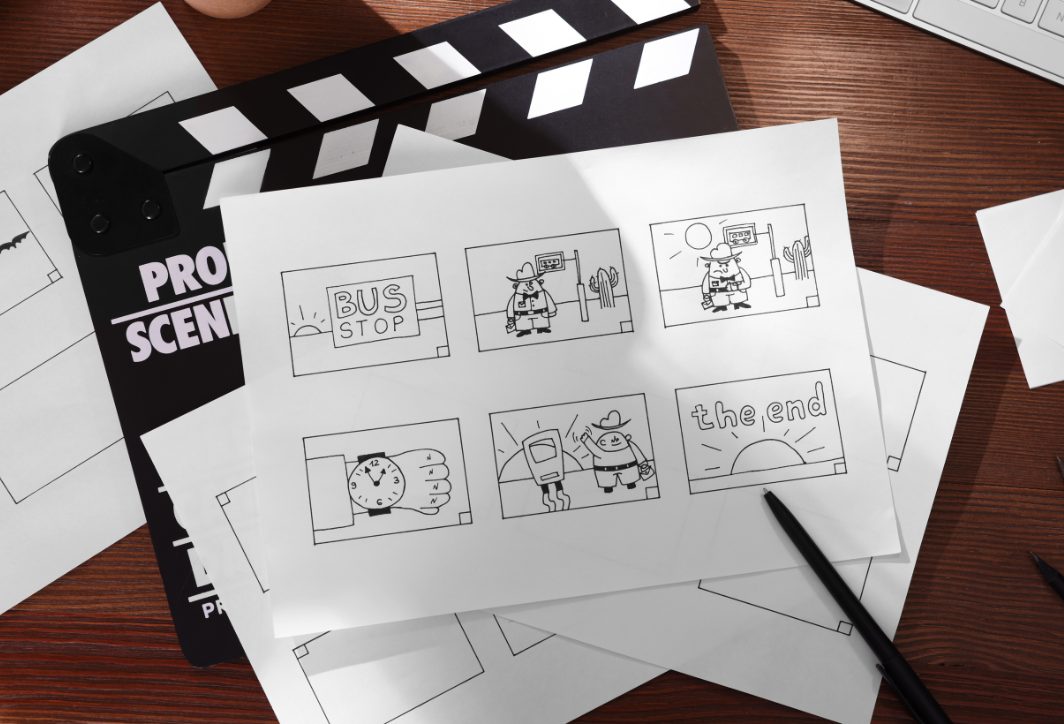
Why is storyboard important in video production?
Many people believe that you should think of a storyboard as a comic book version of your video script. Just by looking at it, you'll know what needs to be done. The importance of a storyboard is further demonstrated by the following four reasons: Support for idea sketching When you only have vague ideas, using a storyboard will help you easily visualize those ideas and logically connect them. Then, you just need to arrange and edit them to make it work. Communicate ideas easily. When you want to explain something related to the content or production of a video, a storyboard is all you need. The person needing the explanation will quickly understand the video producer's intentions and desires. This is because the storyboard clearly shows the images and descriptions of scenes and situations in the storyline.
The 5 basic steps to creating a quality storyboard.
For a video marketing campaign, to create a complete and comprehensive storyboard, you can refer to the following 5 steps:Step 1: Develop a script
From initial ideas, you need to define the storyline and turn them into a complete script.- You need to identify the main idea and plot of the script; what message do you want to convey through this script?
- Select key scenes that showcase the main plot development. This step aims to identify the scenes that require the most detailed storyboard, ensuring the film's visuals are logical and clear.
- Use the script to visualize the scene, describe the situation, and outline the events in each scene.
Step 2: Create a Storyboard
To create a complete storyboard, the following steps are necessary: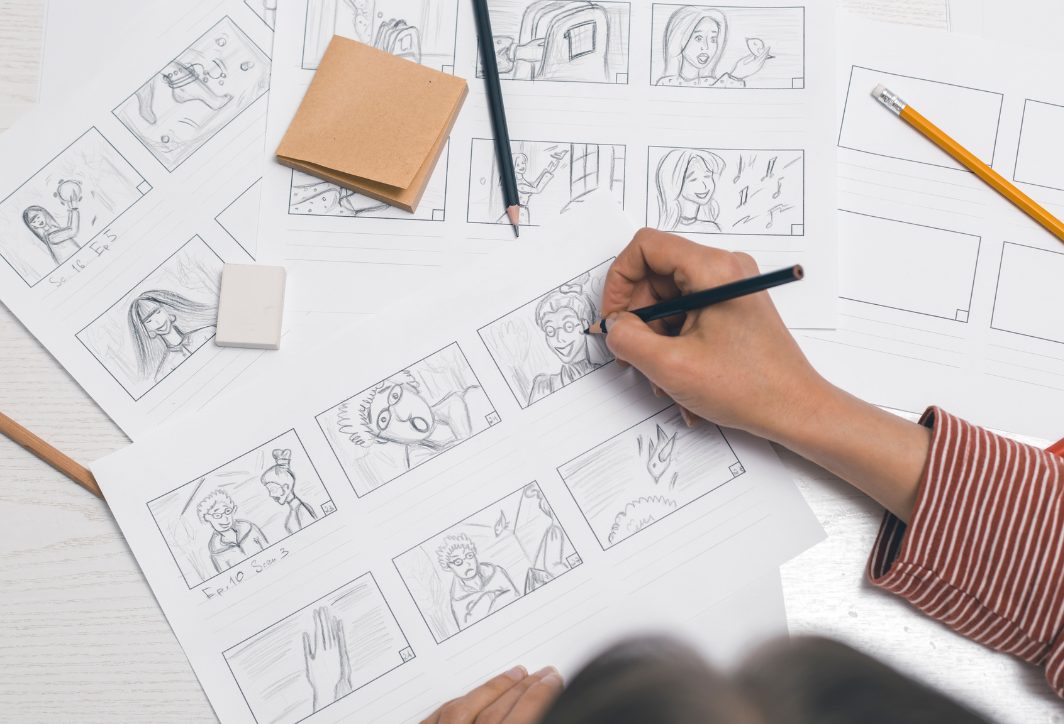
- The number of scenes is determined based on the plot and message.
- Divide the square or sheet of paper into smaller boxes, each representing a specific scene or situation in the story.
- Draw by hand or use graphic design software to create images that match the content, such as characters, actions, or background scenes…
- Add annotations or specific descriptions to provide more detailed explanations of the content in that context.
- Arrange the tiles in a logical order, ensuring a coherent narrative.
- Double-check to ensure the storyboard accurately reflects the plot.
Step 3: Define and establish the timeline
Follow these steps to ensure your timeline is set up correctly:- Define the goals you want to achieve in order to create a suitable timeline.
- Define the timeframe for the event, ensuring it covers the entire timeline, from start to finish.
- Break down the time into smaller segments to appropriately correspond to the scenes, situations, or events.
- Ensure that important events are arranged in a logical and coherent order.
- Adding explanatory notes to each event helps make the timeline more engaging and easier to understand.
- Check and adjust the timeline to ensure the correct timing and order of scenes, situations, and events.
Step 4: Choose a Storyboarding tool
Choosing the right storyboarding tool requires ensuring the following factors:- High compatibility, suitable for various operating systems such as Windows, macOS, or mobile devices.
- The tool is easy to use for the user and doesn't take much time to learn.
- It has all the necessary features to create a quality storyboard, such as drawing, editing, note-taking, sharing, and integrating many other features.
Step 5: Sketch the image
Depending on your drawing skills, if you're good at drawing, you can use the tools above to sketch complete images and characters. But if you can't draw well, you can also cut and paste images into each square to make the storyboard more visual and easy to understand. However, it doesn't need to be overly elaborate; just ensure that you provide all the details in each scene. The rest will rely on annotations and the script to help viewers understand the author's intentions.Some tips for beginners when creating Storyboards.
Following the basic steps when creating a storyboard is essential. However, in practice, the creator needs to pay attention to many other factors such as feasibility, inspiration, creativity, imagination, etc., to personalize the storyboard while still ensuring quality. Here are some tips for beginners learning to create storyboards:- Refer to and research options to choose the most optimal tool.
- Based on the initial idea, create a sketch, then arrange it in the storyboard ensuring logical coherence;
- Break down the script into smaller parts, annotate, and highlight important elements that require attention during the execution process;
- Ensure that the completed storyboard conveys the message effectively, making it easy for viewers to visualize the story you are creating.
Frequently Asked Questions
No. The purpose of a storyboard is to standardize the framing between all parties before filming, not to create a work of art. Stick figures with notes on camera angles, movement, and dialogue are sufficient. Overly detailed drawings will only slow down the review process without adding any practical value.
A storyboard describes the content of each scene in a narrative sequence, used for reviewing ideas with the client. A shooting board is more detailed technically, specifying the lens, camera angle, and shooting order, and is used by the crew on location. Smaller projects often combine both into one.
For simple, single-scene videos, a storyboard can be omitted. However, for TV commercials, corporate films, or any project with multiple parties reviewing it, a storyboard is almost mandatory because it's where misunderstandings are detected earliest. Making corrections on paper is much cheaper than reshooting.