TOP 15 Free Video Animation Software 2026
Based on online user reviews, here are 10 free tools that will allow you to freely create high-quality animation videos.Animaker
Animaker is a great tool for creating professional animation videos. With its user-friendly interface, anyone, from beginners to professionals, can use it. The drag-and-drop functionality simplifies the process and allows users to smoothly add or arrange resources in the timeline. The software allows users to customize a wide variety of animated characters, with thousands of pre-made image and video templates. Additionally, Animaker provides numerous animation effects, transitions, and sound alternatives to enhance video appeal.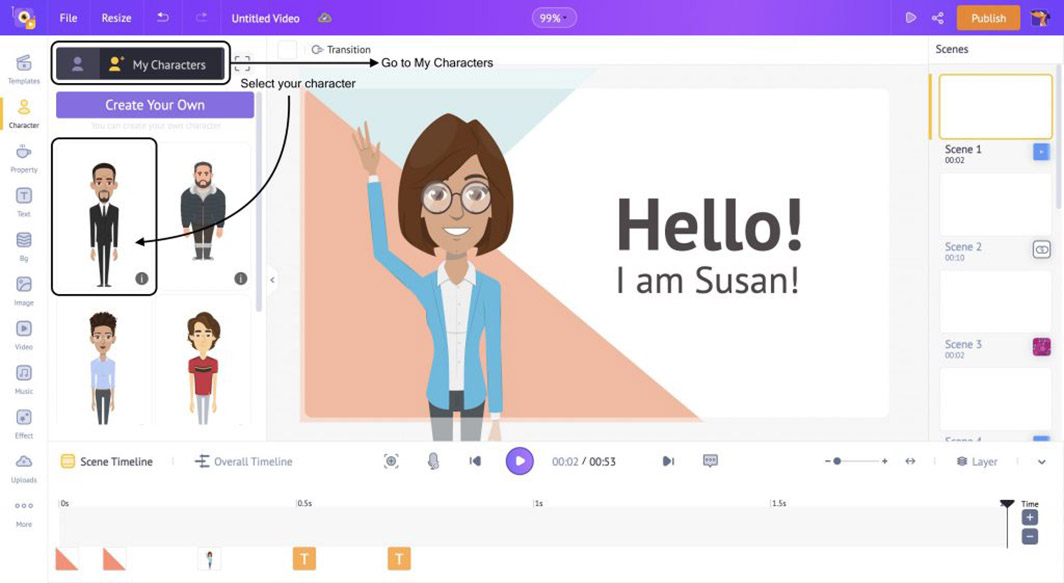
- The interface is easy to use;
- The library has a diverse and rich range of content.
- Animaker's cloud storage software is accessible on any device;
- The free plan has limited design features;
- With complex designs, users need to spend more time researching them in depth;
- It lacks features for cutting audio and editing text;
After Effect
After Effect (AE) is a popular animation software for animators. Developed by Adobe Systems, it offers a full range of professional filmmaking features, allowing you to unleash your creativity and produce your own impressive animated film with a personal touch. After Effect's biggest strength is its vast library of beautiful animation templates. In addition, After Effect provides many other features to help users create vivid and realistic films.- Create fast and fluid movements for animated characters;
- Attaching ribs (rigs) to characters in 2D movies;
- Create mouth movements that match the dialogue for animated characters;
- Design animated logos or create intros;
Toon Boom Studio
Toon Boom Studio is a free tool that allows users to create high-quality, professional-looking short animation videos. Using this software, you'll be surprised at how easily you can create 2D animations with vibrant graphics, effects, and colors that rival those of professional software. With a range of unique features and pre-existing ideas, users can design animated characters that move smoothly, engage in dialogue, and interact seamlessly. Especially with the Automated Lip Synching feature, you can bring your animated characters to life by perfectly matching your voice to your mouth movements.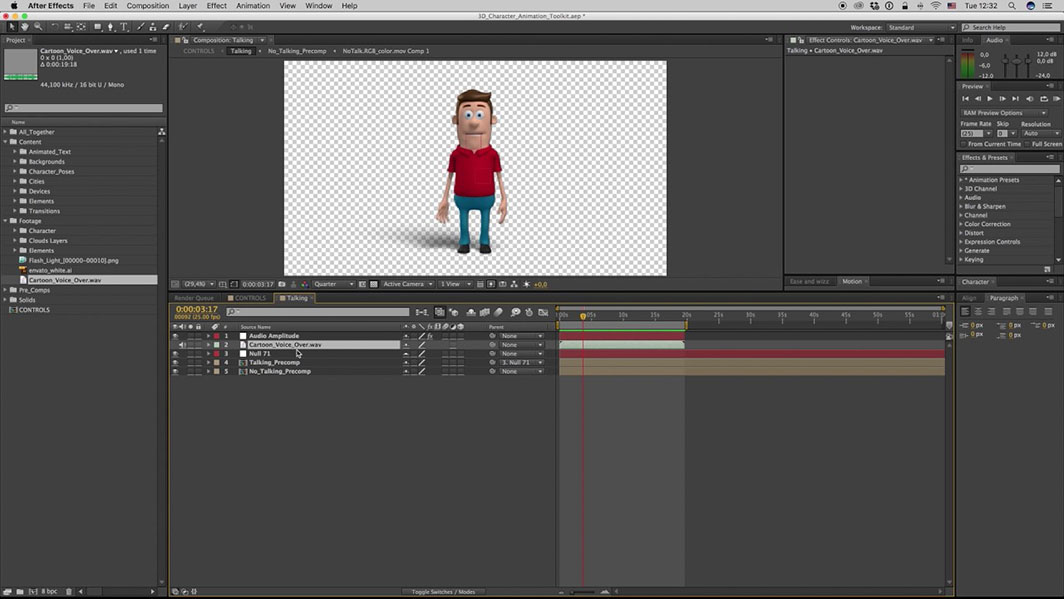
Blender
Blender is a free 2D and 3D video animation software, commonly used for designing and building visual effects, games, and animated films. This tool allows you to import or export video in MPEG, QuickTime, or AVI file formats.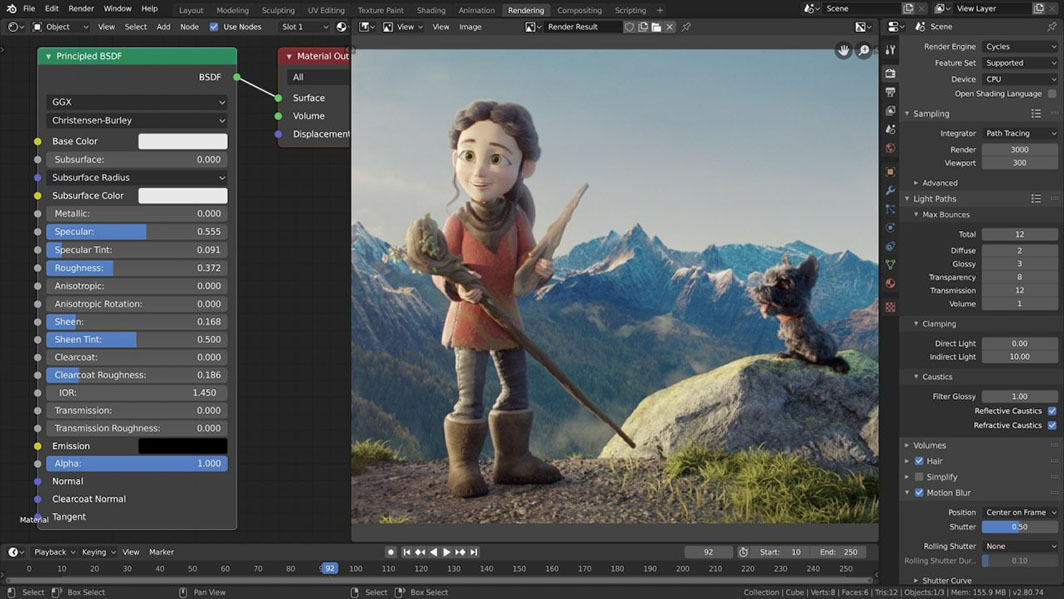
PowerToon
Powtoon is an app for creating high-quality animation videos in just three simple steps. If you don't want to spend a lot of time designing, Powtoon lets you use its library of thousands of unique video templates to create impressive films in just a few minutes. Advantage:- The interface is user-friendly, suitable for beginners;
- A wide variety of video templates and animated characters;
- It integrates with other tools such as PowerPoint;
- The free version has some limitations in terms of features and file output quality;
- If you use the free plan, the exported file will have a watermark logo and will not be able to export in 1080p quality.
3ds Max Design
3ds Max Design is one of the most user-friendly video animation software programs, chosen by many. This tool allows users to create realistic animated characters with lifelike 3D animation effects. However, many users complain that it takes some time to get used to the software's interface.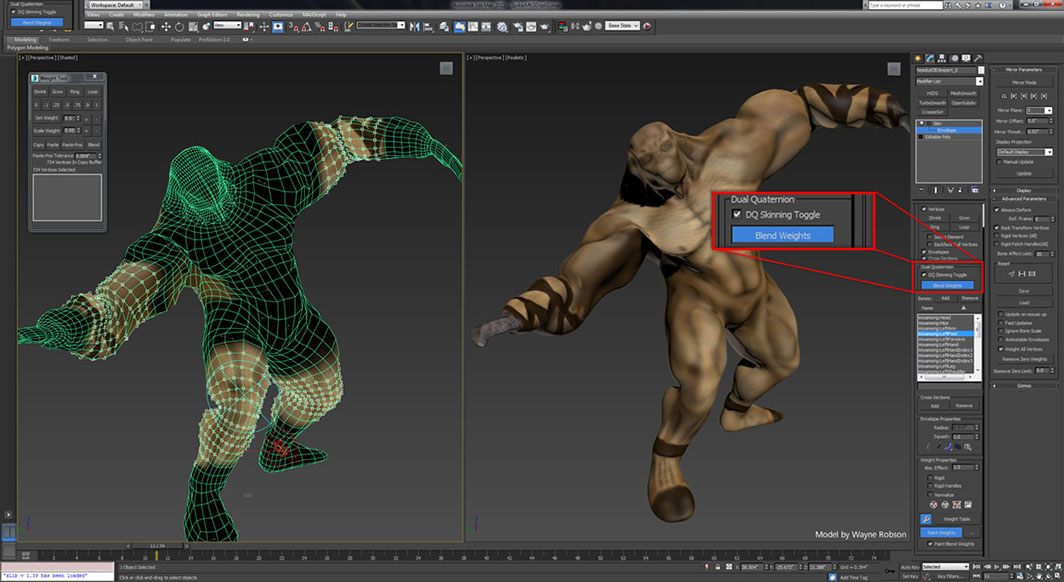
iClone
iClone Pro 7 is one of the most popular and free professional animation software programs. With just this one application, you can produce a 3D animated film or build 3D characters for games, educational videos, art, and more. Its user-friendly interface allows you to create your own designs or mix and match pre-made templates to create animated characters, scenes, and backgrounds. Importantly, the application integrates modern real-time technologies, simplifying the design and production of 3D animation.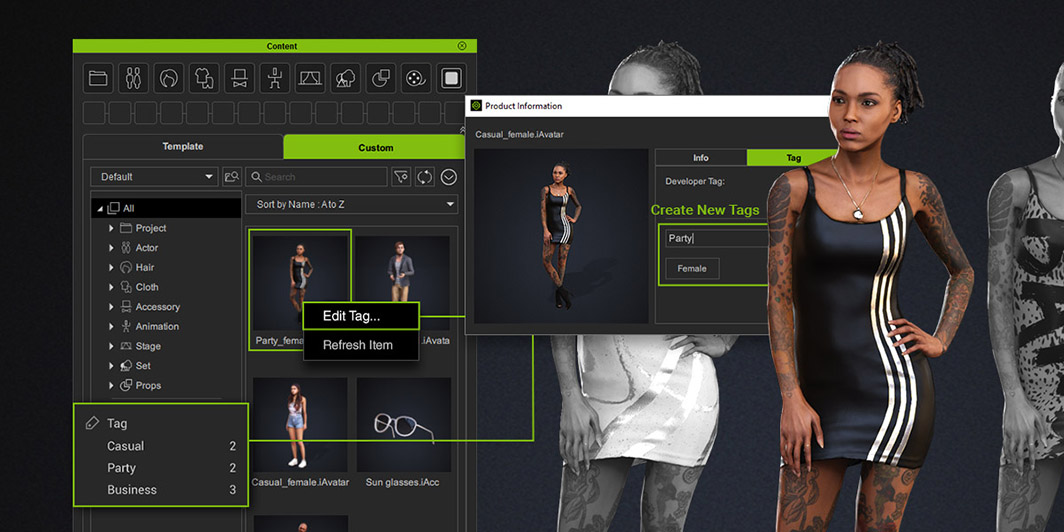
Moho
Moho is an improved version of the old 2D Anime Studio, with many outstanding updates in both features and interface. For someone just starting to learn about animation video, Moho is a perfect choice. It meets almost all your needs, from graphics and effects to special effects. All you need is creativity and professional skills to turn those ideas into realistic and engaging animations.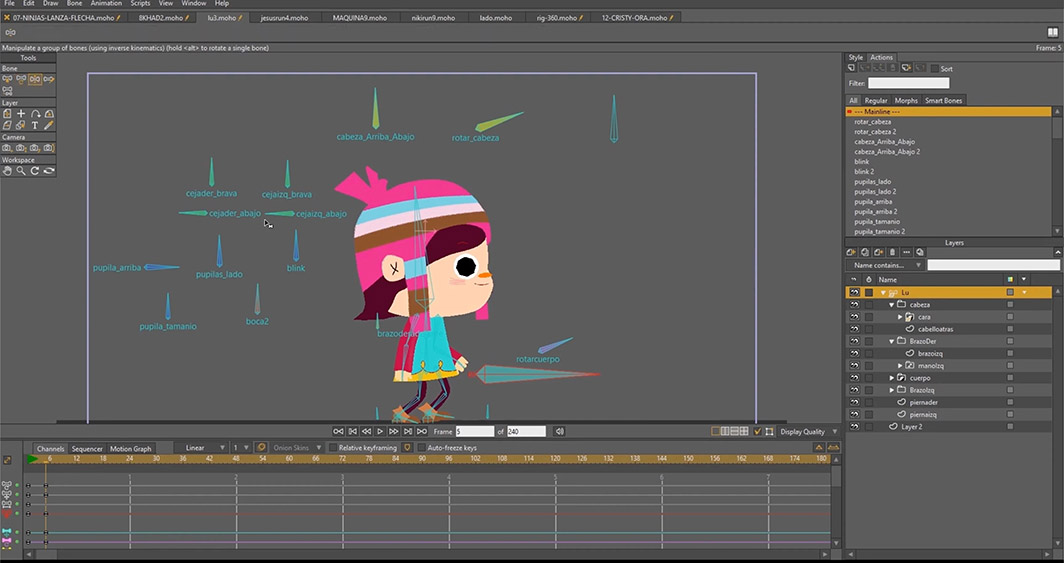
- The Smart Bones, Bezier, and Smart Warp tools help optimize animations.
- The timeline interface is user-friendly and easy to use.
- Frame by Frame tool
- Physical mechanism, motion detection
Web Cartoon Maker
Aurora 3D Animation Maker is a software program that has been around for quite some time, since 2010, and remains a popular choice for creating animation videos. With its simple interface, users can easily create 2D films, and importantly, the software is completely free, ad-free, and offers no usage obstacles. The biggest advantage of Aurora 3D Animation Maker is its ability to produce long animated films and export them in AVI format. Furthermore, its vector file (AI) feature allows you to customize and resize the video as desired without affecting image quality.Animiz
Animiz is one of the simplest animation software programs, with a user-friendly interface that anyone can use, especially beginners. With just basic operations, you can design your own high-quality animation videos without spending too much time.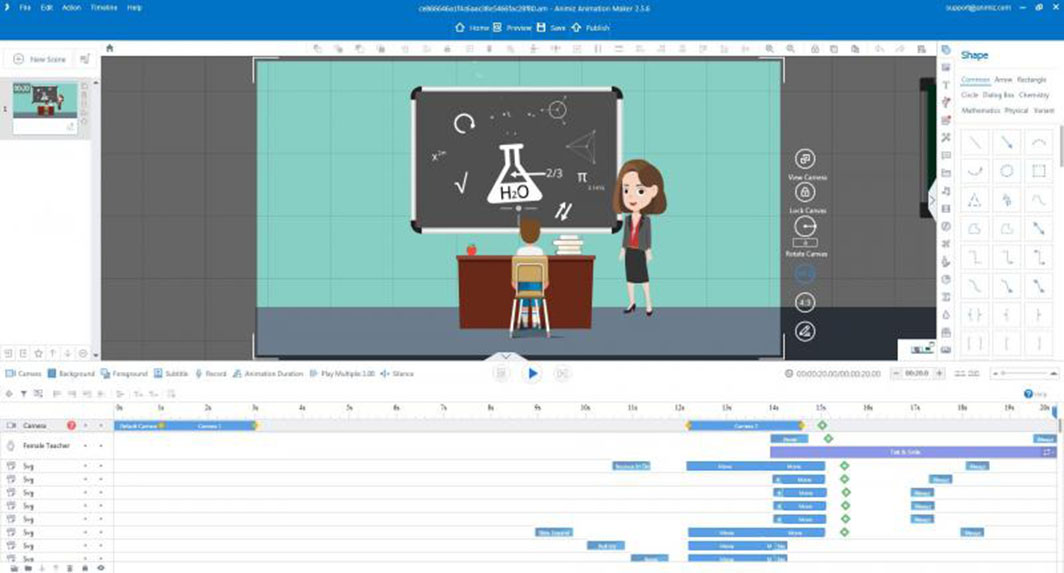
- A diverse and vibrant library of animation effects;
- The Multi-track Timeline feature allows you to customize the camera, animations, background variations, annotations, and more.
- Animiz is linked to social media platforms like YouTube, Facebook, Twitter, etc., so you can upload videos immediately in high quality.
Aurora 3D Animation Maker
Aurora 3D Animation Maker is a popular free video animation software. Its strengths include the ability to create sharp, 3D animations and the ability to create 3D logos and banners simply and quickly.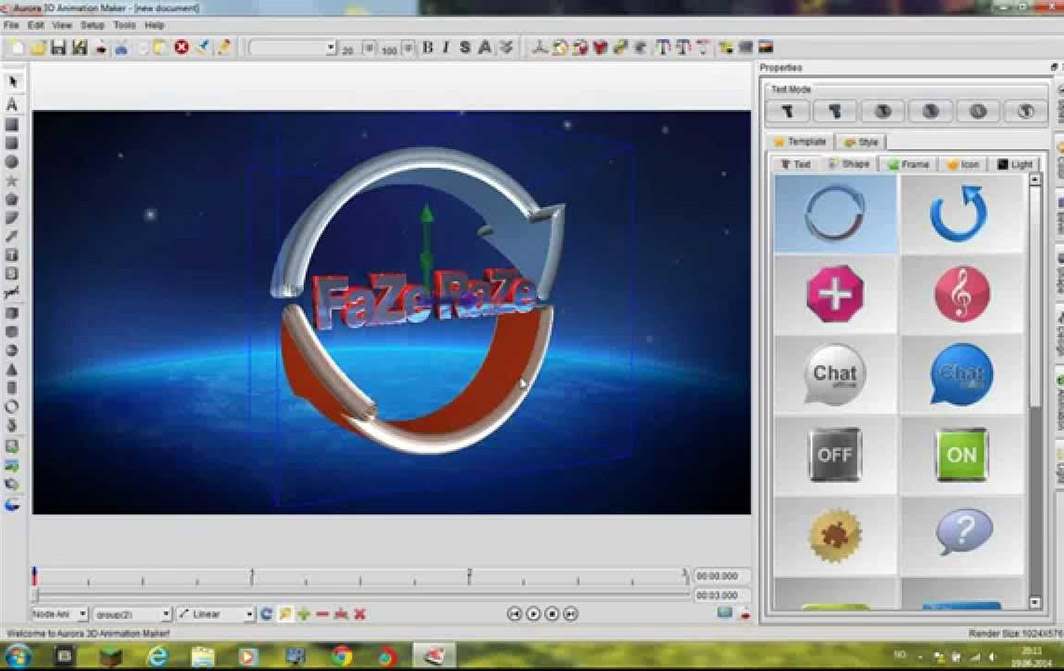
Toon Boom Harmony
Toon Boom Harmony is considered one of the best 2D and 3D animation software programs. It allows you to create animations for a wide variety of genres, from cartoons and games to movies.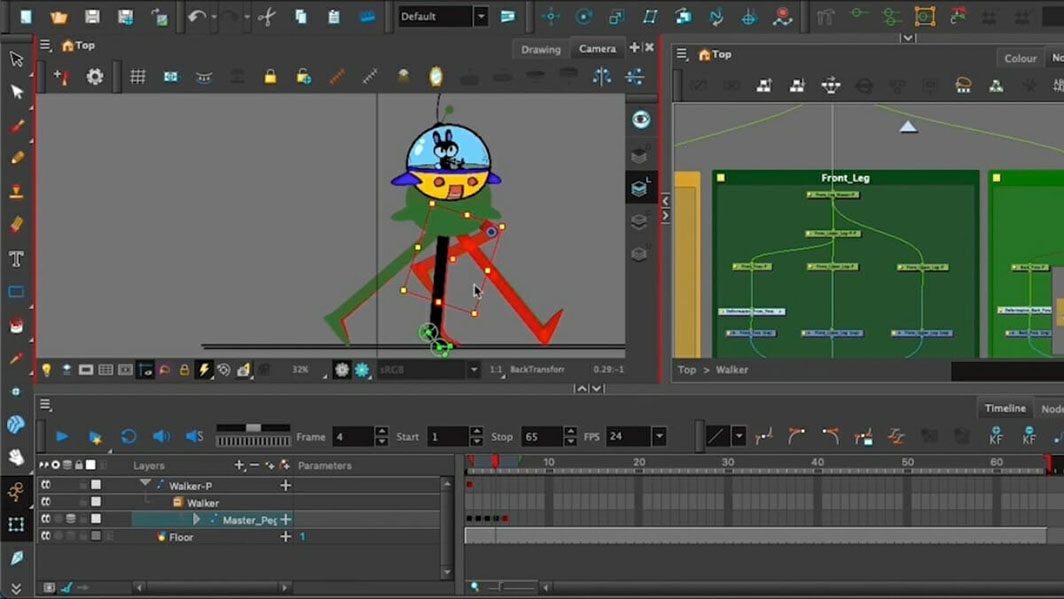
Scratch 1.4
For those passionate about designing and creating animation videos, Scratch 1.4 is a tool you shouldn't miss. A major advantage of this software is that it allows users to design characters with natural, smooth movements, including simple actions like walking, running, jumping, talking, and singing.
Save Flash Player
Save Flash Player is a popular choice among Animator users. With this tool, you can easily transform static images into animations with just a few basic steps. Additionally, another feature of this tool is its ability to create presentation content. With its user-friendly toolset, you can create engaging and easy-to-understand video lectures.Renderfield
Finally, on this list is Renderforest, an integrated tool offering numerous features for video editing, logo design, graphics, and website creation. With the free plan, users can access hundreds or thousands of pre-made video templates with a free music library. The advantage of this software is that the output videos are high-resolution, making your videos sharp and engaging. The disadvantage is that the free plan may not include many VIP features.4 things to keep in mind when using video animation software.
The appeal of animated videos in marketing is undeniable, delivering high effectiveness without the high cost of other marketing methods. To use animation software effectively, you need to keep the following four points in mind: Define your goals from the very beginning. Right from the start of creating an animation video, you need to clearly define the goal of the video you will create by answering the following questions:- What is the purpose of the video?
- Who is the target audience?
- What content would you like to address in the video?
- What message do you want to convey?
- What type of animation video do you want to create? It could be 2D, 3D, motion graphics, etc.
- What is the maximum video length? The length depends on the main content, ranging from 1 minute to longer if you want to tell a longer story.
- Production time, content, and messaging are also important factors to consider when creating animated videos.
Frequently Asked Questions
It's best to choose tools with pre-made template libraries and drag-and-drop functionality, requiring no graphic design skills. This group allows you to complete your first video in a few hours instead of weeks of learning. Once you're comfortable with the editing mindset and pacing, you can move on to more specialized software with greater control.
Sufficient for internal content, tutorial videos, and general social media content. Common limitations include vendor logos, resolution restrictions, and a limited library of copyrighted music. Videos for paid advertising should be purchased with a paid service or produced by a professional production company.
Creating videos in-house is suitable for short videos that need to be released regularly and have constantly changing content. Outsourcing is appropriate when consistent quality is required, a unique brand character is needed, or complex technical simulations are necessary. Many businesses combine both approaches to balance costs.
If your business needs a professional build instead of doing it yourself, consider this: motion graphic services by Right Media.