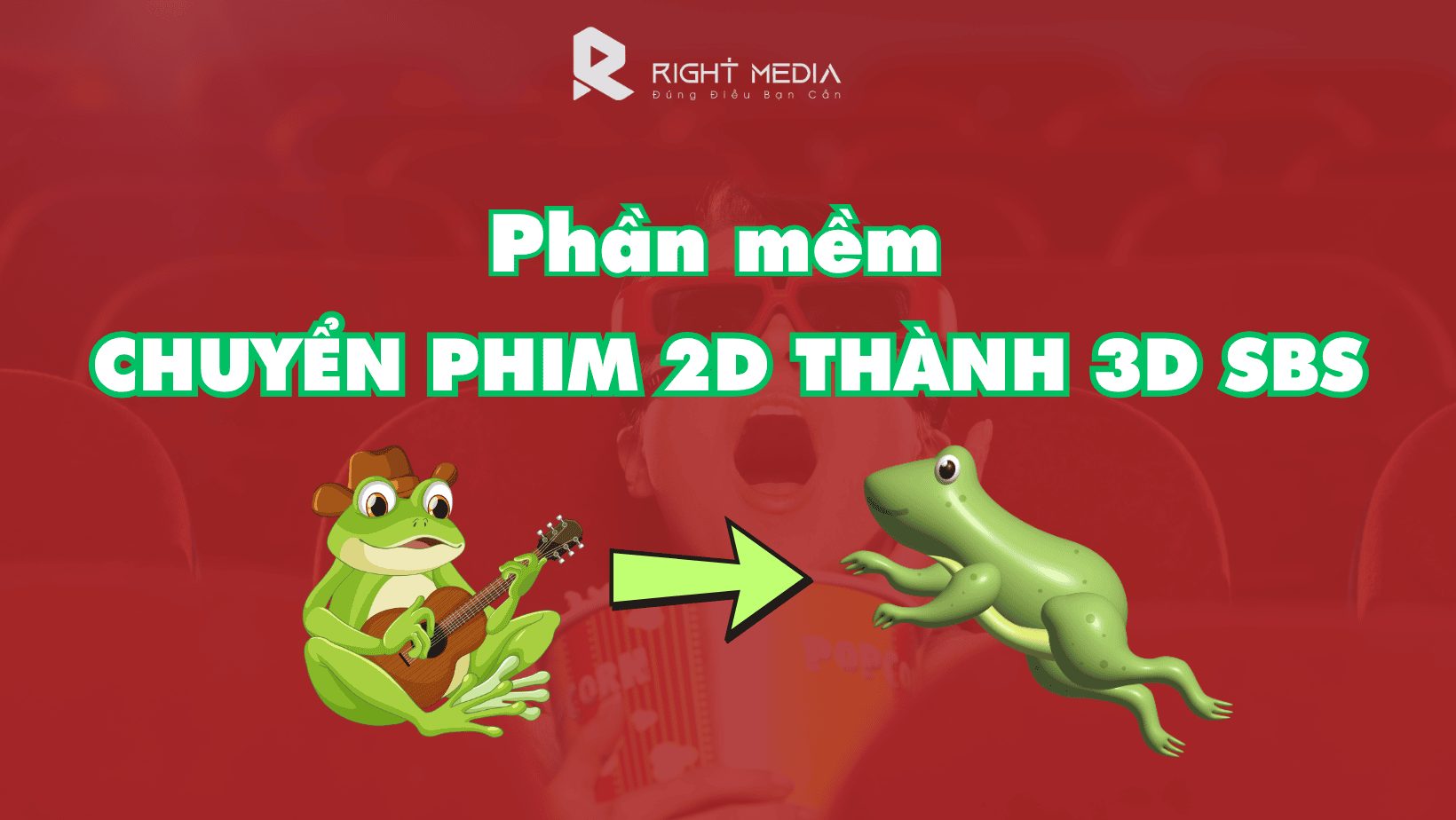
Converting 2D films to 3D SBS makes them more engaging and appealing. This is one of the breakthroughs that has brought much success to the film industry. So how do you convert a 2D film to 3D? Nowadays, filmmakers have useful tools that make the conversion process simpler and more convenient. In this article, we will introduce you to some software used to accomplish this.
What is 3D SBS? Decoding the term.
Before diving into the list of software, let's learn a little about 3D SBS technology. Understanding its nature will make it easier for you to choose and use software to get the best image quality.
3D SBS stands for Side-by-Side, one of the most popular 3D formats. Essentially, a 3D SBS video contains two separate frames placed side-by-side within the same overall video frame. One frame is for the left eye and the other for the right eye.
When you watch this video through 3D-enabled devices such as 3D TVs or virtual reality glasses, the device processes and displays each frame for the corresponding eye. Our brain then automatically combines these two images, creating the illusion of depth and a 3D effect, just like how we see the real world.

A major advantage of the 3D SBS format is its high compatibility and relatively small file size compared to some other 3D formats. This is why converting 2D movies to 3D SBS is so popular among users.
The best software for converting 2D movies to 3D SBS.
The market currently offers many software programs capable of converting 2D videos to 3D. However, not all tools produce good image quality and are easy to use. Below is a list of software programs that have been tested and highly rated by many users:
Aiseesoft Total Video Converter
When discussing video conversion software, it would be a major oversight not to mention Aiseesoft Total Video Converter. This is an extremely powerful tool, supporting hundreds of different video formats and, of course, including the professional feature of converting 2D movies to 3D SBS.
Advantage:
- Impressive 3D quality: Aiseesoft allows users to deeply customize 3D parameters such as depth, helping to create realistic and immersive 3D effects suitable for each scene.
- Multiple 3D options: In addition to SBS, the software also supports many other 3D modes such as Anaglyph (used with blue and red glasses) and Top and Bottom.
- Intuitive interface: Despite its many features, Aiseesoft's interface is quite clean and easy to use, even for those who are not tech-savvy.
- Fast processing speed: Thanks to hardware acceleration technology, the conversion process is fast while maintaining quality.
- Integrated video editor: You can cut, splice, add effects, subtitles, etc., before converting to 3D.
Disadvantages: To use all the features, you need to pay a fee. However, the quality it offers is absolutely worth it.
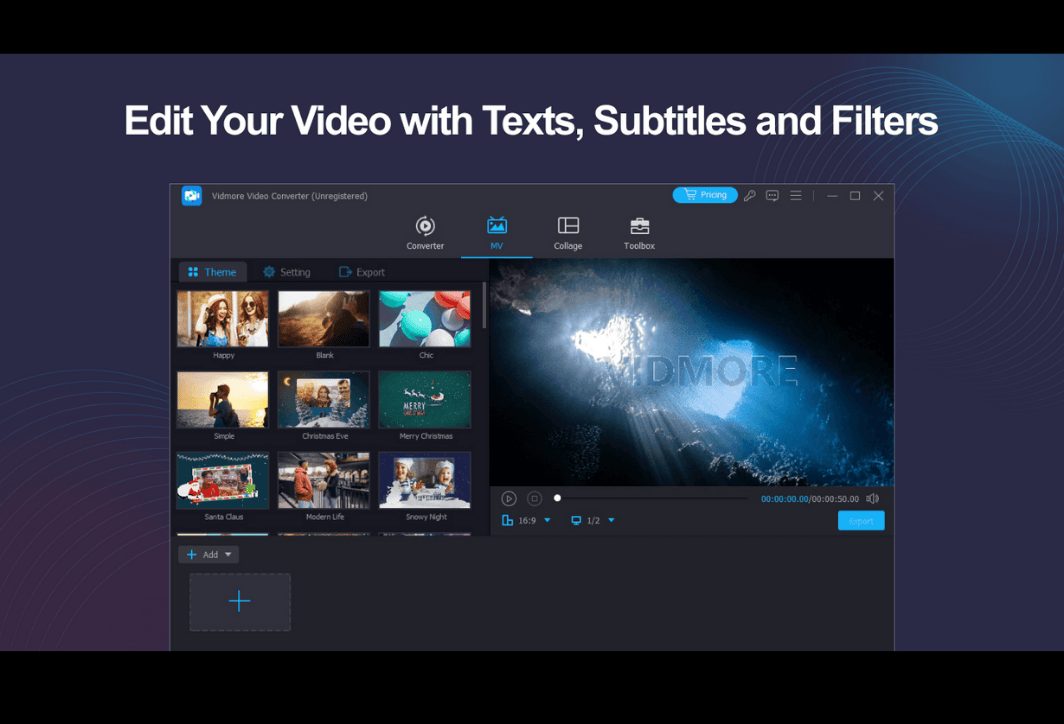
Vidmore Video Converter
Vidmore Video Converter is a strong competitor to Aiseesoft. This software also provides a comprehensive set of tools for video processing, notably the ability to easily create 3D videos from 2D files.
Advantage:
- Easy to use: Vidmore's interface is designed with minimalism in mind, allowing new users to get started immediately.
- Real-time preview: One extremely useful feature is the preview window, which lets you see immediately what the 3D effect will look like when you change the settings.
- Supports a variety of formats: Similar to Aiseesoft, Vidmore can handle most popular video formats currently available.
- High output quality: The software guarantees to maintain the original video quality (up to 4K) after conversion.
Disadvantages: Compared to Aiseesoft, Vidmore offers slightly fewer options for fine-tuning 3D effects, and also requires users to purchase a license for unlimited access.
Axara 2D to 3D Converter
From its name alone, Axara shows its focus on 2D-to-3D conversion. This is a worthwhile option if your primary need revolves around creating 3D videos.
Advantage:
- In-depth focus: The software is optimally designed for converting 2D movies to 3D SBS, ensuring a smooth process.
- High degree of automation: Axara has the ability to automatically analyze and create 3D effects for videos without requiring much user intervention.
- Supports downloading videos online: One advantage is the ability to download videos directly from platforms like YouTube and convert them to 3D.
Disadvantages: Compared to its modern competitors, Axara's interface might look a bit outdated. This software also lacks the many video editing tools found in the other two options.
Convert 2D movies to 3D SBS using Aiseesoft Total Video Converter
To help you visualize this, let's look at a specific example using Aiseesoft Total Video Converter, a software highly regarded for its customization capabilities.
Step 1: Install and launch the software
First, you need to download and install Aiseesoft Total Video Converter on your computer.
Step 2: Add the 2D movie file to be converted.
On the program's main interface, click the button. "Add Files" and select the 2D movie you want to convert. You can add one or more files at the same time.
Step 3: Open the 3D Maker tool.
After adding the movie, go to the tab. "Toolbox" on the toolbar and select "3D Maker".
Step 4: Customize the SBS 3D effects
This is the most important step that determines the quality of the 3D movie. A new window will appear:
- Choose a 3D format: In the "Split Screen" section, please select “Side by Side (Half-Width)” or "Side by Side (Full)"The "Half-Width" option will result in a smaller file size but with half the quality, while "Full" will provide the best quality.
- Adjust the depth: This is the "heart" of the 3D effect. Drag the slider. "Depth" To increase or decrease the image brightness, you need to adjust the screen above to the most comfortable level to avoid eye strain.
- Choose the output format and quality: You can choose the format as MP4 or MKV (MKV is recommended for higher quality) and the quality as “High Quality”.
Step 5: Begin the conversion
Once you are satisfied with the settings, simply select the file save folder in the "Output" section and press the button. "Generate 3D"All that's left is to wait for the software to complete the task. The conversion time will depend on the length and quality of the video, as well as your computer's specifications.
A few things to keep in mind when converting 2D movies to 3D SBS.
Using software is only part of the process; to create a truly high-quality 3D artwork, you need to keep the following points in mind:
- Always choose high-resolution 2D video files (Full HD 1080p or higher). A blurry original video will not produce a good 3D output.
- As mentioned above, don't overdo the depth effect. A subtle, moderate 3D effect will provide a more pleasant and realistic experience than a "fake" and eye-straining image.
- Films with wide shots and multiple layers (foreground, middle ground, background) will create a better 3D effect than flat shots with less detail. Action, science fiction, and animated films are often ideal choices.
- Rendering a long film can take a considerable amount of time. Be patient and don't turn off the computer midway.
Converting 2D movies to 3D SBS is no longer an insurmountable skill. With powerful software and detailed instructions in this article, anyone can create stunning 3D movies to enjoy with family and friends. We hope you have wonderful moments of entertainment and immerse yourself in the vivid three-dimensional world you've created!