The intro is a crucial part that makes a video engaging and impressive. It's typically short, between 5 and 15 seconds, with creative and eye-catching content designed to capture viewers from the very first seconds, encouraging them to continue watching and helping the video easily reach a wider target audience.
What is an intro video?
Intro, short for Introduction, is a term commonly used to refer to a short opening segment of a video. Typically, an intro lasts only 5-15 seconds and provides a quick introduction to the characters, main theme, or an interesting plot point to attract viewers. In some cases, the intro is placed at the end of the video or played separately to increase brand recognition.
Creating a creative and engaging intro can make a strong impression, helping to keep viewers watching the video. Besides increasing brand awareness, a good opening can also enhance viewer emotion, improve credibility and professionalism, and showcase a unique identity that sets it apart from other brands.
The Role of the Intro in Corporate Videos
The intro in a corporate video serves as an engaging opening, helping to build brand image and create a lasting impression. Below are the key roles of the intro:
- Make a strong and professional impression: In corporate videos, first impressions are incredibly important. Therefore, to create appeal and leave a good impression, the video introduction must be truly outstanding and unique. Content creators must come up with unique and fresh ideas, while also investing in special effects, adding logos and colors to make the brand stand out even more.
- Building a brand image: The opening sequence plays a crucial role in establishing brand image in the viewer's mind from the very first seconds. Intros help viewers easily recognize the brand through color, sound, logo, etc. Consistent intros across videos help to link the brand image, ensuring viewers immediately remember the business each time they see this introduction.
- Create a unique identity for your videos: This is one of the roles that the intro of a corporate video fulfills. Creators will use their own words, tone, visual style, and sound to create a unique and distinctive intro. For example, in a video introducing the technology or electronics industry, the intro will have a modern style, showcasing the products or services the business wants to highlight, and quickly conveying information to viewers from the very first second.
- Keep viewers engaged: An engaging intro keeps viewers hooked and encourages them to watch the rest of the video. In some cases, neglecting the opening sequence makes the video boring and reduces watch time. This negatively impacts marketing campaigns, especially when videos are broadcast on social media platforms. Therefore, the intro plays a crucial role in retaining viewers, extending watch time, and easily helping the video trend and reach a large audience.
- Convey the main message and increase consistency: In addition to the roles mentioned above, intro business video Other benefits include attracting viewers, quickly conveying messages through concise and impactful content, and increasing the consistency of marketing campaigns.
Furthermore, the opening sequence of a corporate video optimizes promotional and marketing objectives, increases brand awareness, differentiates the business from competitors, and connects emotionally with the audience. A professional and creative intro video not only helps businesses stand out but also contributes to the sustainable development of their brand image in the minds of customers.
Elements that make up an impressive intro
To create a truly impressive business introduction video, there are several core elements to consider and optimize to ensure the opening leaves a lasting impression on the audience. Here are the key elements:
- Focus on the message: The opening message is also extremely important for a business introduction video. You should focus on creating a compelling and engaging opening to keep viewers engaged.
- Keep it short and concise: Prioritize brevity, clarity, and consistency in messaging with the brand's core values. Avoid confusing intros that might annoy viewers from the very first seconds.
- Use visual aids: The visuals used in the opening sequence need to be striking but also relevant to the overall content of the video. Producers should select distinctive images, colors, and symbols, and may also use charts, animations, etc., to make the intro more unique and impressive.
- Choose the right music: In addition to the factors mentioned above, to create an engaging intro, you need to choose appropriate music. Depending on the content and visuals of the video, the music should be added in the most suitable way. Furthermore, prioritize sounds that pique curiosity and create a lasting impression, encouraging viewers to continue watching the video.
- Use effects and graphics: This is also a crucial factor in getting more views for corporate videos. The intro features beautiful effects and vividly designed graphics that captivate viewers from the very first seconds, reducing the video skip rate.
- The element of creativity and uniqueness: To make your video more engaging, the intro needs to be creative, especially in highlighting the message, creating a unique selling point, and distinguishing yourself from other brands on the market. There's no fixed formula for a perfect intro, but using unique and fresh ideas will help you make a strong impression.
- Emotional and interactive elements: An impressive intro video cannot be without an emotional element; this is the key to "opening the hearts" of viewers, stimulating their minds and curiosity. This encourages them to continue watching the video, learn more about the information, products, and services mentioned by clicking on the screen, adding items to their cart, etc.
- Consistency and uniformity: While intro videos need to be creative and unique, it's crucial to ensure consistency with other brand elements of the business. Consistency in style, color, and messaging helps build a unified and easily recognizable brand image.
- Ensure video quality: High-resolution intros, adapted to broadcast platforms, enhance the viewer experience. Furthermore, high-quality videos demonstrate brand professionalism, leaving a lasting impression and building trust with customers.
These are the elements that make an intro appealing to viewers. The opening sequence is usually short, so the message must be consistent and clear. Added effects and techniques help the video make a good impression on the audience.
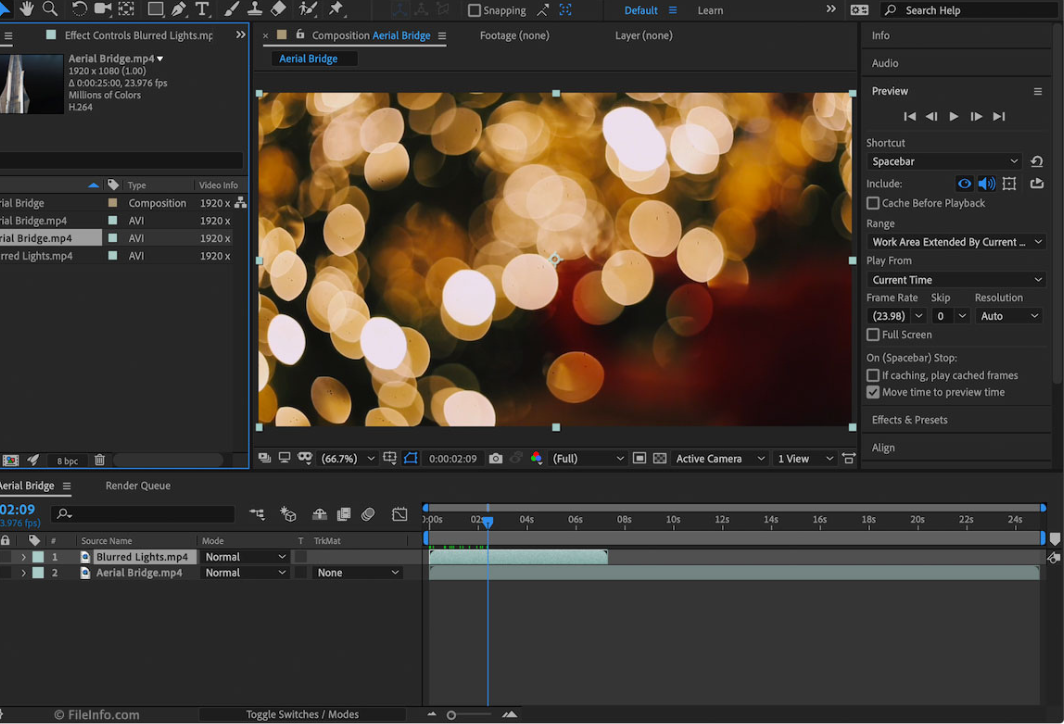
Popular video intro creation software currently available.
Currently, there are many video intro creation software programs that help you save time while still producing high-quality, professional-looking products. Check out these popular software options:
1. Adobe After Effects
This is the most widely used professional animation software for creating animations, intros, and motion graphics today. Adobe After Effects offers a range of features to create video intros from simple to complex, from visual effects to animated text.
- Advantage: It offers a wide range of tools and features, easy integration with other Adobe software (Premiere Pro, Photoshop), numerous ready-made templates, and high customization capabilities.
- Disadvantages: To use it, you need knowledge and understanding of the software's tools; the paid version has more features but will cost more.
2. Blender
Blender is a free, open-source software specializing in 3D graphics and animation; however, it is now also used to create video intros. Blender is particularly useful for those who want to create professional 3D intros without spending a lot of money.
- Advantage: Completely free, supports 3D graphics and animation creation.
- Disadvantages: The interface is quite complex, requiring users to have a certain level of knowledge of 3D graphics.
3. Camtasia
Camtasia is a simple and easy-to-use software, suitable for creating short video intros for small projects or YouTube videos. Camtasia provides basic video editing tools and offers many ready-made templates.
- Advantage: The interface is user-friendly and easy to learn, with a library of ready-made templates and effects, and integrated screen recording and video editing capabilities.
- Disadvantages: Limited advanced features and relatively high cost for individual users.
4. Filmora
Filmora is a popular video editing software, known for its user-friendly interface and a wide range of basic to advanced features. It also boasts a rich selection of video intro templates and motion effects, making it easy for users to create professional intros.
- Advantage: Intuitive interface, easy to use for beginners, many ready-made intro effects and templates, low cost compared to professional software.
- Disadvantages: Limited in advanced features compared to Adobe After Effects or Blender.
5. Pinnacle Studio
Pinnacle Studio is an easy-to-use video editing software with many features suitable for creating video intros, from basic to advanced. It has tools for animation and an integrated library of pre-made intro templates.
- Advantage: Suitable for beginners and with the potential for advanced users, it features numerous effects and intro templates, and allows easy video export in various formats.
- Disadvantages: Its performance may not be as powerful as high-end software like Adobe After Effects.
6. Final Cut Pro
Final Cut Pro is professional video editing software for Mac users. It supports many powerful tools for creating video intros, especially its ability to integrate with Apple products and provide high-quality graphic effects.
- Advantage: Excellent integration with the Apple ecosystem, powerful performance, support for high-quality graphics, and a wide variety of templates and effects available.
- Disadvantages: Only for Mac users, high cost.
7. Renderforest
Renderforest is an online platform that helps you quickly create video intros with many ready-made templates. You don't need to download any software; you can edit directly in your browser. It's suitable for non-professional users who want to create intros quickly.
- Advantage: Easy to use, no software download required, with a wide variety of intro templates, suitable for those with little design skill.
- Disadvantages: It has limited features compared to dedicated offline software, and requires payment for higher video quality and watermark removal.
8. Panzoid
Panzoid is a popular, free online tool for creating video intros with pre-designed templates. Panzoid allows users to customize 3D intro templates without needing extensive technical knowledge.
- Advantage: Completely free, easy to use, with many 3D templates, suitable for YouTubers and beginners.
- Disadvantages: The features are limited compared to paid software, and the intro quality is not as good as professional software.
9. Biteable
Biteable is a simple online tool for creating video intros with pre-made templates. This software is suitable for businesses or individuals who want to create intros quickly without needing any knowledge of video design or editing.
- Advantage: Simple and user-friendly interface, many beautiful and professional intro templates, and the ability to create intros quickly without downloading any software.
- Disadvantages: The templates are limited in the free version; there is a high cost to use all features.
10. Animaker
Animaker is an online platform that helps users create video intros and animations using drag-and-drop. It offers numerous templates and tools for creating dynamic intros without requiring specialized graphic design knowledge.
- Advantage: Easy to use, just drag and drop, many templates and dynamic graphic tools, suitable for beginners.
- Disadvantages: The free version has limited features and requires an internet connection to access and edit.
The choice of intro creation software depends on the producer's needs and skill level. For example, user-friendly software like Camtasia, Filmora, or online tools like Renderforest and Panzoid are suitable; professional software like Adobe After Effects or Blender is also an option. Furthermore, the choice of software depends on the complexity of the intro you want to create and your budget.
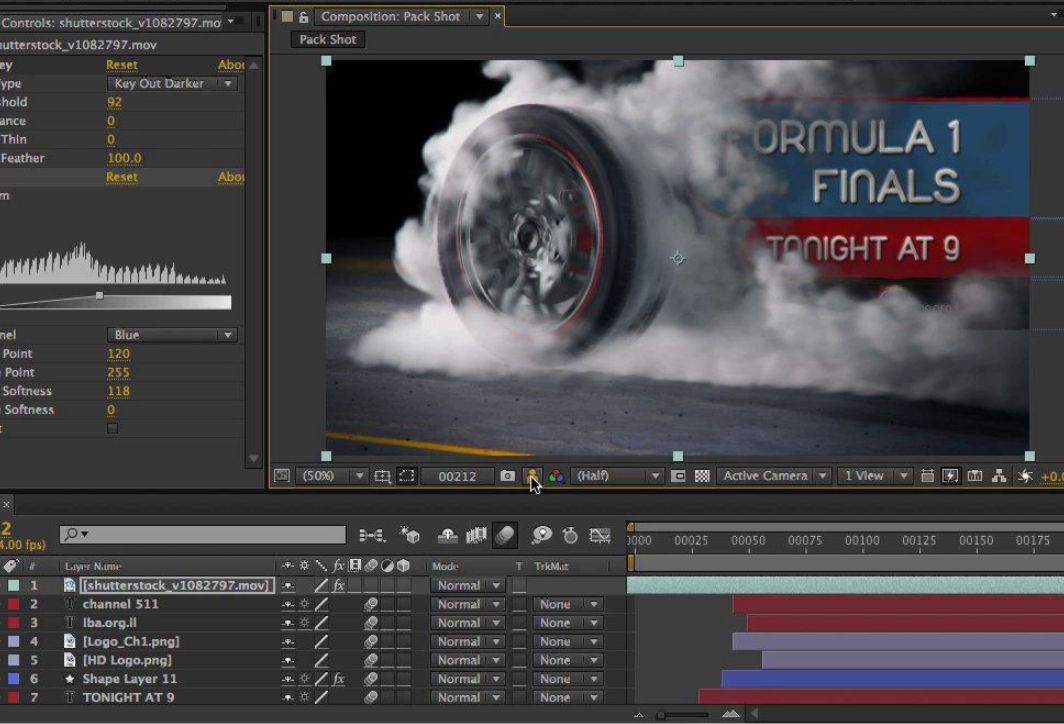
Some things to keep in mind when producing an intro video.
When creating an intro video, several factors need to be considered, such as identifying the target audience, selecting the message, imagery, and colors to align with the brand's criteria. More specifically, here are some key points to keep in mind for an engaging and captivating opening:
- Understand your target audience: Create an intro that suits the tastes and needs of your target audience.
- The message is clear: Convey the message concisely and clearly.
- Keep the introduction short: The ideal length is 5-15 seconds to keep the viewer's attention.
- High-quality images and graphics: Use sharp images and smooth animation to create a lasting impression.
- Music and sound are appropriate: Choose music and sound effects that evoke emotion but are not overwhelming.
- Clear branding: The logo, colors, and brand message need to be striking and easily recognizable.
- Consistency: Ensure the intro matches the style and content of the video.
- Multi-platform: Ensure the intro displays well across multiple devices and platforms.
- Measurement and adjustment: Monitor feedback to improve the intro over time.
- Keep it simple and avoid overusing effects: Use effects appropriately, avoiding overly complex intros.





 English
  Vietnamese