Watching 3D movies on YouTube makes your experience more enjoyable and convenient. You don't need to go to the cinema to enjoy great movies at home. So how do you watch 3D movies on YouTube? Knowing the needs of many people regarding this, in the following article we will guide you on how to watch 3D movies in a very simple way.
Is it possible to watch 3D movies on YouTube?
The answer is definitely YES. YouTube is not only a massive treasure trove of videos covering every field, but it also strongly supports advanced video formats, including 3D video and 360-degree virtual reality (VR) video.
For many years, YouTube users have been able to watch and upload 3D videos. 3D films on this platform are typically created using two main technologies:
- 3D Anaglyph Technology (Red-Blue Glass): This is the most classic and simplest 3D technology. The video will have two layers of images with two different colors (usually red and cyan) superimposed on each other. Viewers will wear a pair of glasses with two corresponding colored lenses; each eye will only see one layer of the image, and the brain will automatically combine them, creating the illusion of depth and three-dimensional space.
- Side-by-Side 3D (SBS) Technology for Virtual Reality (VR) Glasses: This is cutting-edge technology that provides a much more realistic experience. The video screen is divided into two separate frames, one for the left eye and one for the right eye. When viewing through VR glasses, each eye looks at a corresponding frame. The device automatically merges these two images, creating a complete, vivid, and impressively deep 3D space. You can turn your head to look around, giving you the feeling of actually being in the video's setting.
Understanding the existence and differences between these two technologies is the first and most important step in choosing the right method and equipment to watch 3D movies on YouTube.
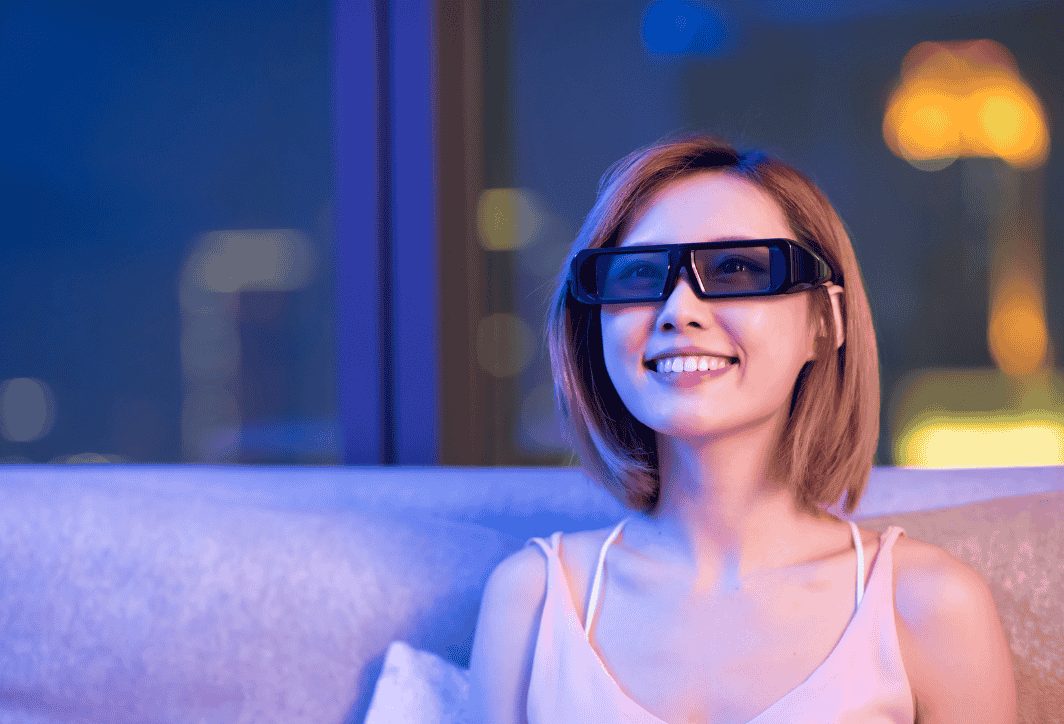
A simple guide on how to watch 3D movies on YouTube.
You'll need a few things to start experiencing 3D movies on YouTube. Below are the most basic instructions; the method may vary depending on your device:
Search for 3D videos on YouTube
The first and most important step is finding the right 3D content. YouTube has an incredibly rich library of 3D and VR videos.
Use keywords: The simplest way is to type keywords directly into the YouTube search bar. Try phrases like:
- "3D movies"
- "3D video"
- "3D Movies"
- "Side by Side 3D" (to find videos for VR glasses)
- “3D SBS”
- “Anaglyph 3D” (to find videos for red-blue glasses)
- "VR 360 3D"
Use a filter: After searching, YouTube provides a very useful filter. Click on "Filters" and under "Features," select "VR180" or "360°." This will help you filter out videos specifically designed for virtual reality experiences.
Method 1: Viewing with Red-Blue (Anaglyph) 3D Glasses
This is the most economical way to experience basic 3D effects.
Equipment needed: You'll need a pair of 3D Anaglyph glasses (red eye – blue/green eye). These glasses are usually made of paper or plastic and are very inexpensive. You'll also need a smartphone, tablet, or computer.
Steps to follow:
- Find videos: Use keywords like “anaglyph 3D” or “red cyan 3D” to find matching videos. You’ll recognize them immediately by the red and cyan borders on the screen.
- Play video: Open the video you want to watch.
- Put on your glasses and enjoy: Put on your red-green 3D glasses and start watching. The depth effect will appear right before your eyes.
Advantage: Extremely low cost, no complex equipment required.
Disadvantages: The 3D effects aren't really impressive, the video's colors are quite distorted, and watching for extended periods can cause eye strain.
Method 2: Viewing using a virtual reality headset (VR Headset)
This method offers the most immersive and realistic 3D experience currently available.
Equipment needed:
- Smartphones have a gyroscope sensor. Most modern smartphones have this sensor.
- A virtual reality (VR) headset for your phone. There are many types on the market, from inexpensive cardboard Google Cardboard headsets to more high-end models like VR Shinecon, BoboVR, etc.
Steps to follow:
- Find videos: Search for videos using keywords like “3D SBS”, “VR 360”, or “3D movies for VR glasses”. These videos will feature a screen divided into two identical halves.
- Open the YouTube app on your phone.
- Turn on VR mode: While the video is playing, find and tap the glasses icon (it looks like Google Cardboard) in the bottom right corner of the video player.
- Switch to VR view: The phone screen will automatically split in two, optimized for viewing through VR glasses.
- Insert your phone into the VR headset: Open the VR headset's tray, place your phone in the center, and close it.
- Put on your glasses and immerse yourself: Put on the glasses, adjust the strap and focus (if applicable) until the image is clearest. Now you can enjoy 3D movies in a lifelike environment. With 360 VR videos, you can even turn your head to look around.
Advantage: The 3D experience is incredibly vivid, realistic, and deep, providing a completely immersive feeling.
Disadvantages: You need to invest in VR glasses, and your phone needs to have suitable specifications and sensors.
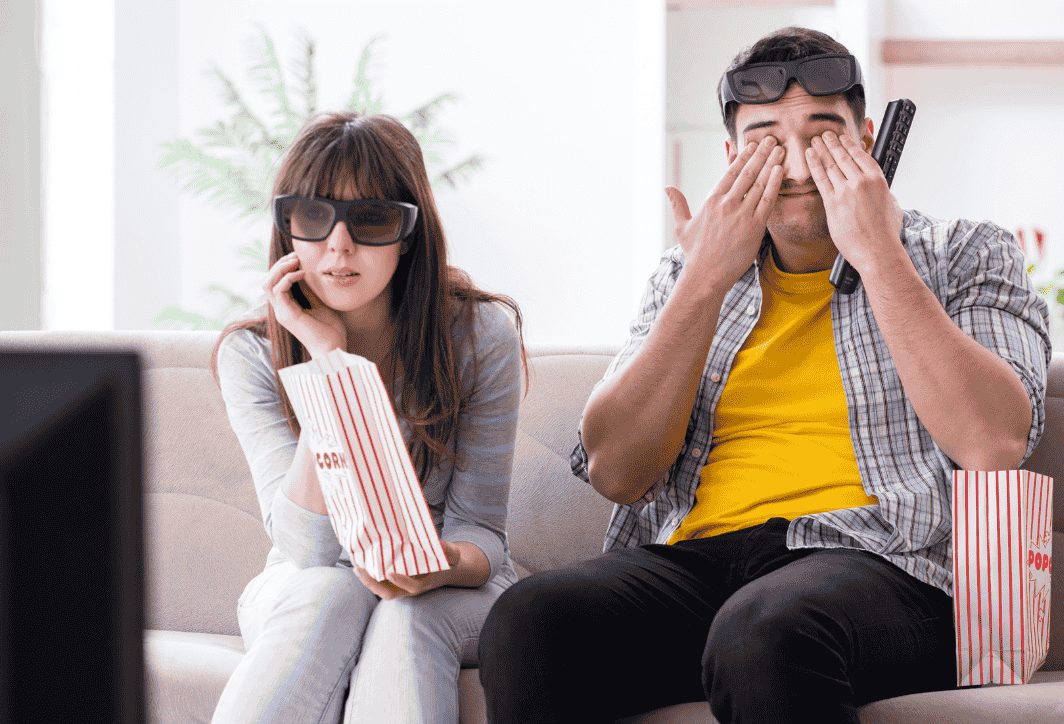
Some things to keep in mind when watching 3D movies on YouTube.
To ensure a safe and enjoyable 3D movie viewing experience on YouTube, please keep the following important points in mind:
- 3D effects will be much clearer and more visually appealing when you watch videos in high resolution. Always select the highest possible video quality (720p, 1080p, 2K, 4K) in YouTube's settings.
- Watching high-quality videos, especially 360-degree videos, requires a strong and stable internet connection. If the network is weak, the video will be blurry and laggy, ruining your viewing experience.
- Avoid watching 3D movies for too long, especially with VR glasses. Take breaks every 30-45 minutes to allow your eyes to relax.
- If you experience symptoms such as dizziness, nausea, headache, or eye strain, stop watching immediately.
- People with a history of cardiovascular disease, high blood pressure, or vestibular disorders should exercise caution when watching 3D content with many action-packed, thrilling, and fast-paced scenes.
- If you are nearsighted, you can still watch 3D movies. Most VR headsets available today are designed to be worn with prescription glasses.
When using VR glasses, you will be almost "separated" from the real world. Make sure you are in a safe space with no obstacles around you to avoid collisions or tripping when you move or turn. It's best to sit still while watching.
Watching videos and using your phone's sensors in VR mode will consume a lot of battery power. Make sure your phone is fully charged before you begin.
In summary, watching 3D movies on YouTube has become incredibly easy and accessible to everyone. Whether you choose the budget-friendly option with red-green glasses or invest in a top-tier experience with virtual reality glasses, YouTube remains a fantastic gateway to the captivating world of three-dimensional entertainment. Hopefully, with the detailed instructions and tips in this article, you will have truly impressive and memorable moments of relaxation.





 English
  Vietnamese