Slow motion is commonly used in film, advertising, and other fields. You can use this feature on your iPhone to create unique and engaging videos. Let's explore slow motion in more detail and learn how to shoot videos using this effect in the following article.
What is slow motion?
Slow motion, also known as Slo-Mo, is a term referring to the effect of slowing down video playback, making the image appear slower than it actually is. Specifically, movements in the video are extended, allowing viewers to observe more detail. Compared to normal speed, slow motion displays the actions of objects and people in the video more clearly.
So, how does this effect work? Slow motion, or slow-motion recording, works on the principle of shooting video at a high frame rate (fps – frames per second). The videos you usually watch have a speed of 24-30 fps, but with the Slo-Mo effect, the frame rate is significantly increased to 120-240 fps.
When playing back video at standard speed, slow-motion details will appear slower than in real time. For example, if you record video on your phone at 240 fps and play it back at 30 fps, the images displayed in the video may appear up to eight times slower than reality.
Applying slow motion effects
Currently, slow motion filming is widely used in practice. Not only is it used in advertising, film, and media, but slow motion is also a powerful tool to make fields like sports, games, and design more engaging. Below are some common applications of slow motion effects:
- In movies and films: The slow-motion effect in filmmaking makes dramatic details in the movie more captivating. In particular, focusing on slow-motion sequences evokes stronger emotions in viewers, especially during action scenes and emotional moments.
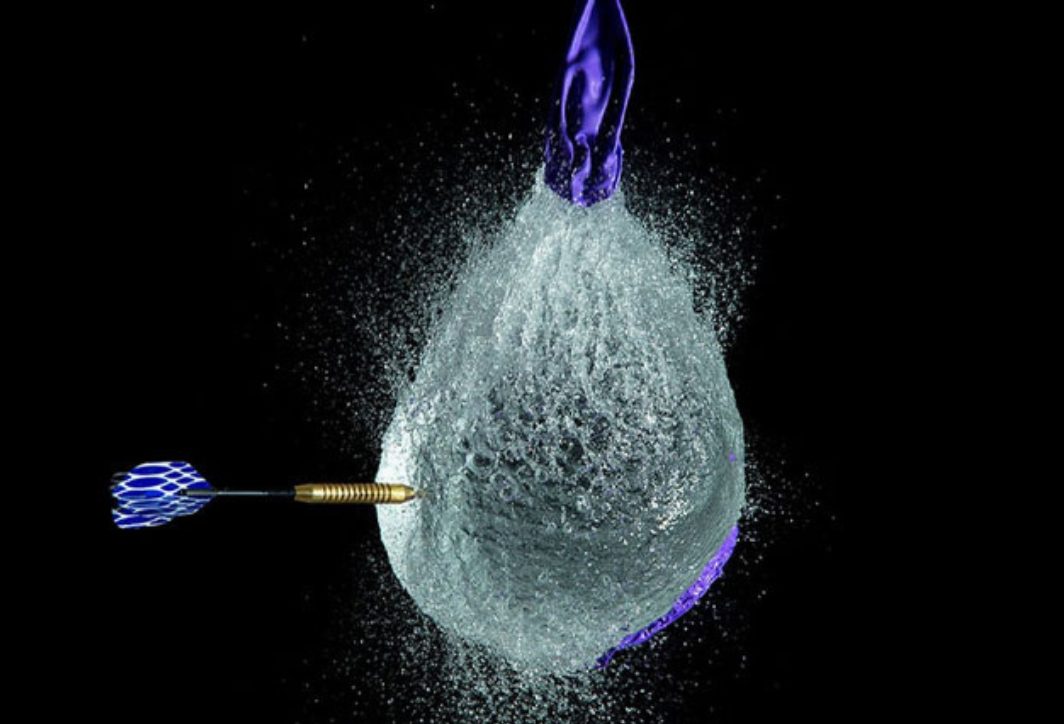
- Applications in advertising: This is one of the common applications of the Slow Motion method. Producers add slow-motion details to videos to highlight products. For example, the slow-motion of a water droplet, the dripping of skincare serum, the slow movement of food items, etc., make advertisements more appealing.
- In sports: Using slow motion in sports helps analyze athlete movements, evaluate techniques, identify errors, or highlight memorable moments in competitions.
- Applications in daily life: Using slow motion in games with children, game design, model design, using slow motion techniques in creating TikTok videos, etc.
Nowadays, slow motion is widely used through the convenience of smartphones. You can shoot slow-motion videos yourself using your touchscreen phone, unleashing your creativity and imagination to create interesting films.
Advantages and disadvantages of Slow Motion
Slow motion is widely used because it offers many benefits; however, this effect still has some limitations. Let's explore them in more detail:
Regarding the advantages of Slow Motion:
- Slow motion animation helps viewers feel more emotionally connected, especially during important moments.
- Highlight details that the audience might easily overlook.
- Slo-Mo evokes powerful artistic emotions through its smooth, unique, and impressive slow-motion footage. It is more commonly used in feature films, commercials, and other artistic projects.
- With today's modern technology, you can shoot Slo-Mo (slow-motion) videos with just a phone, without needing a professional camera. Furthermore, you only need to press a button to start filming; no complicated techniques are required.
Regarding the disadvantages of slow motion:
- Good lighting is required because slow motion filming has a high frame rate. In low light conditions, the image and movements may appear blurry and not smooth.
- Videos shot using the slow-motion effect often take up more storage space than regular videos. This can affect the user experience, especially when storage is limited.
- Some static shots with little movement are not suitable for slow motion, as it can make your video boring.
- For videos requiring more professional quality, additional equipment will be needed.
- Overusing slow-motion scenes can make a video feel drawn out and lose its appeal.
Although Slo-Mo is a tool that makes videos more impressive, improper use can negatively impact video quality. Therefore, you need to choose the right moment and select the appropriate filming technique to create captivating footage.
Is Slow Motion easy to use on iPhone?
Shooting slow motion on your iPhone is easy and convenient with the feature added by the manufacturer. From the iPhone 5s onwards, you can use the high-quality slow motion recording feature. Users don't need to install any third-party apps on their iPhone; simply go to the camera app, select slow motion mode, and start recording.
The image quality captured by the iPhone camera in slow-motion mode is typically 1080p Full HD resolution, providing clear footage. Additionally, the slow-motion video recording speed on the iPhone can reach 240fps, resulting in smoother motion. After recording, you can edit the video directly in your photo library.
Summary of slow-motion recording features on iPhone models
Starting with the iPhone 5s, Apple introduced the Slow Motion recording feature. And in recent iPhone models like the iPhone 16, this feature has been further improved. Specifically:
- iPhone 5s: The slow-motion effect, initially achieved with a standard camera, offered a speed of 120 fps and a resolution of 720p HD. This marked a new milestone in video recording and was loved by many users. However, this iPhone model still had limitations, lacking support for high speeds and full HD resolution, resulting in videos of less than optimal quality.
- iPhone 6: The iPhone 6 series features improved frame rates from 120 fps to 240 fps, and resolutions from 720p HD to 1080p Full HD. As a result, videos are clearer and smoother than those from previous iPhone models.
- iPhone 7: It supports Slo-Mo recording at frame rates of 120-240 fps and 1080p Full HD resolution. Additionally, the camera sensor has been upgraded, allowing users to record video even in low light conditions.
- iPhone 8: The frame rate and resolution are similar to the iPhone 7. However, in the new version, Apple has upgraded the chip, resulting in higher quality slow-motion videos and powerful image processing, delivering smooth and clear footage.
- iPhone 11: Slow Motion Selfie support allows users to record slow-motion videos using both the rear and front cameras, expanding their creative possibilities.
- iPhone 12: The frame rate and resolution remain unchanged. However, the higher-resolution camera sensor allows for clearer video recording even in low-light conditions.
- iPhone 13-16: Slow motion recording has been improved, allowing users to unleash their creativity on their phones without needing professional filming equipment.
How to shoot slow motion videos on iPhone to create impressive videos.
Shoot slow motion videos on your iPhone with simple steps. You can refer to and follow these steps:
How to shoot slow motion on iPhone:
Simple steps:
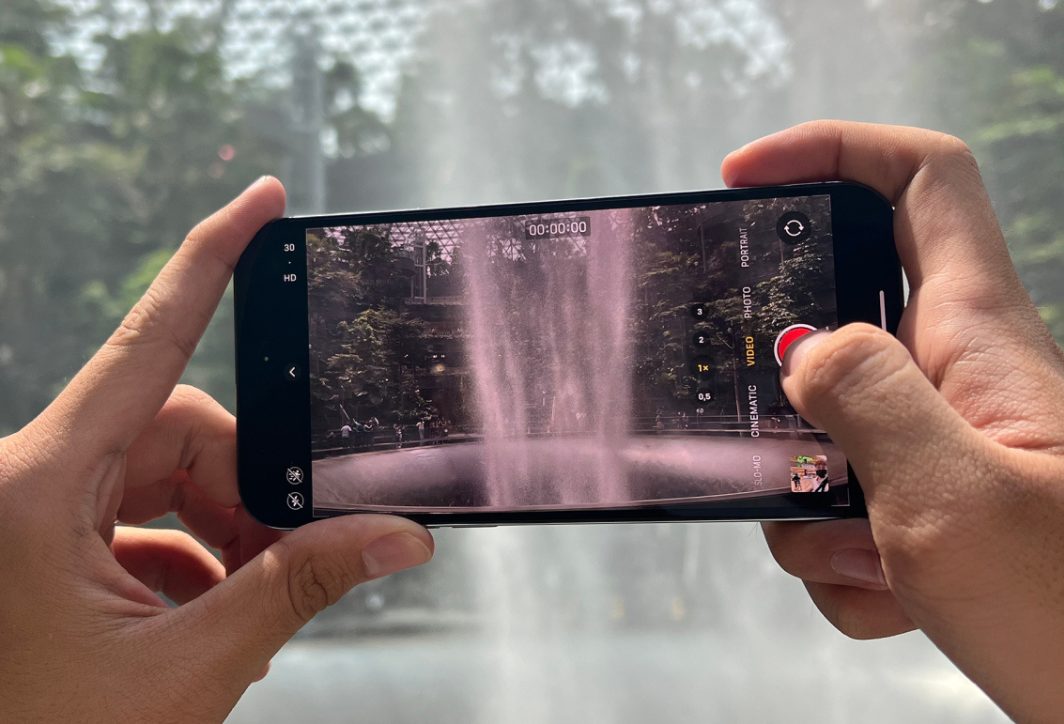
- Open the application Camera
- Swipe to select mode Slo-Mo
- Press the button Turn and start creating, click Stop Once filming is complete.
Customize optimal Slo-Mo video parameters:
Adjust the quality of your slow-motion video to your liking by:
Go to section Settings > Camera > Slo-Mo Recording
Optional:
- 1080p at 120 FPT (Gentle slow-motion effect)
- 1080p at 240 FPT (The slow-motion effect is clear and smooth.)
Lighting conditions when shooting slow motion:
With a high frame rate, good lighting conditions are essential to ensure clear images and high-quality video. Therefore, when filming, you need to ensure a location with strong light, either natural light or a spotlight on the filming area. Avoid areas with insufficient light to prevent video grain.
In addition to the issues mentioned above, to create impressive slow-motion videos on your iPhone, you can also consider the following:
- Choose the right shot: Fast movements like splashing water, hair blowing in the wind, sudden jumps, speeding cars, etc., are often captured visually stunning when filmed using the slow-motion effect. Alternatively, you can choose to film emotions such as an actor's smiling face, sad or happy eyes, etc., to clearly express the character's psychology.
- Use additional support equipment: To make your slow-motion video clearer and higher quality, you can use a tripod or gimbal to avoid shaking that makes the video look unprofessional.
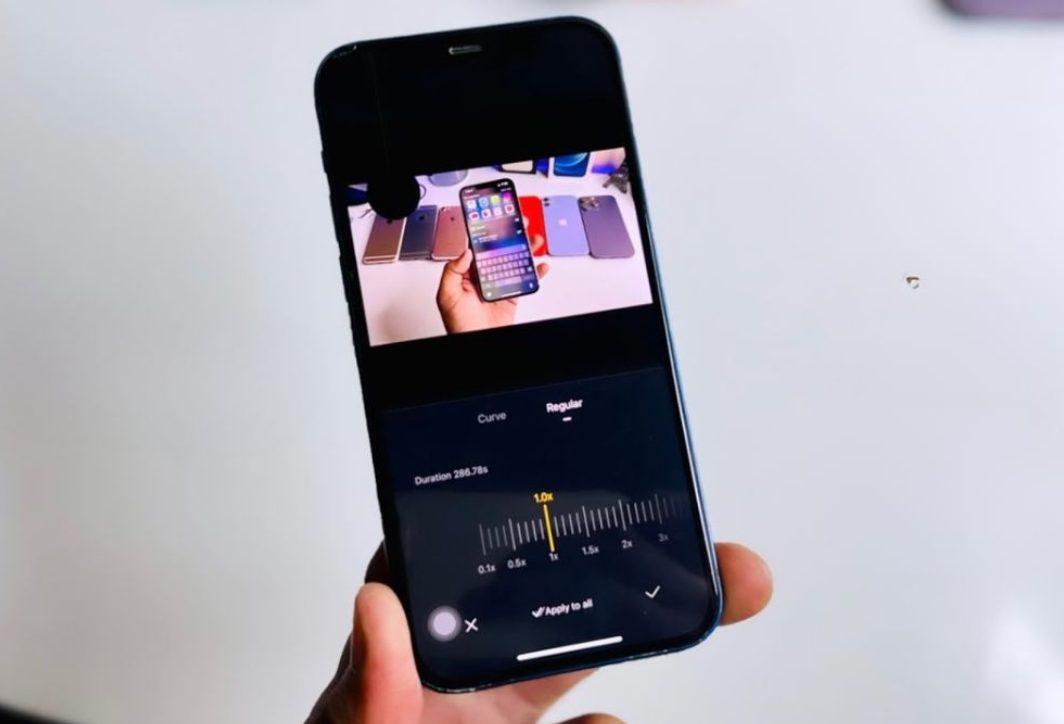
- Use the editing feature: Edit the recorded video in the section Image, press Fix Then, start adjusting the colors, trimming the footage, and adjusting the speed accordingly. Additionally, you can also use other specialized editing apps on your phone to create more engaging and unique videos.
- Add music to your video: To make your video more engaging, you can add music to the slow-motion segments. Choose music that is appropriate for the video's content.
In summary, slow motion is a widely used video recording technique. Furthermore, it's a tool that helps you capture beautiful moments and preserve special memories. Nowadays, with just an iPhone or other smartphones with slow-motion capabilities, you can easily record videos without needing specialized equipment.




 English
  Vietnamese