
CGI software is a useful tool that helps filmmakers produce many captivating films, replacing scenes where human actors cannot perform. In addition, this software also supports businesses in creating outstanding videos that make marketing campaigns more engaging. Join Right Media in exploring CGI and some of the most popular and widely used software in the article below.
What is CGI software?
Before delving into commonly used CGI software, we'll help readers better understand this software, especially for those unfamiliar with what it is and how it works.
CGI software consists of specialized computer applications that allow artists, designers, and filmmakers to create or edit 2D and 3D images and animations. This useful software replaces the need for complex physical models or the creation of dangerous and expensive stunts. Many challenging ideas can now be fully realized on a computer thanks to CGI.
CGI technology works by using computer graphics algorithms to build objects (models), apply materials, color (texturing), set up lighting, and finally render to create the final image or sequence of images.
This software is currently widely used, especially in film and television. Film producers often use CGI to create many attractive special effects that would be difficult for humans to achieve. In addition, fields such as interior design, medicine, science, advertising, and entertainment also use CGI software to create complex models with vivid and realistic visuals.

7+ Popular CGI Software Programs Used by Many People
The CGI software market is very diverse, ranging from free to paid, from simple for beginners to complex for experts. Below is a list of the most popular and trusted names:
Blender – A widely used CGI software
When talking about the most powerful free CGI software, Blender is a must-mention. It's a complete open-source 3D toolset that supports the entire process from modeling, rigging, animation, simulation, rendering, compositing, and motion tracking, to video editing.
- Target users: Suitable for everyone, from beginners and independent artists to small studios and professionals.
- Advantage: Free, feature-rich, with extensive support documentation and continuous updates.
- Disadvantages: New users often find it difficult to use the software interface when they first encounter it.
Autodesk Maya software
Maya is one of the world's leading 3D CGI software programs, considered a standard in the animation and visual effects industry. Blockbuster films from Disney, Pixar, and other major studios all bear the mark of Maya.
Target users: Film studios, character animation specialists, and visual effects experts.
Advantage: A powerful and flexible animation and rigging toolset, an advanced simulation system, and integration with supplementary software enable fast and impressive image creation.
Disadvantages: It's expensive to buy a license, and new users have to spend a long time learning how to use it before they can become proficient.
Autodesk 3ds Max – Architectural and game CGI software
While Maya dominates animation, 3ds Max is the top choice for architectural visualization (Archviz) and game development. This software is extremely powerful for modeling objects with hard surfaces.
- Target users: Architect, interior designer, game developer.
- Advantage: Huge plugin and script resources, fast and efficient modeling, and good interaction with other software.
- Disadvantages: The licensing costs are high, and the animation tools are not as powerful as those in Maya software.
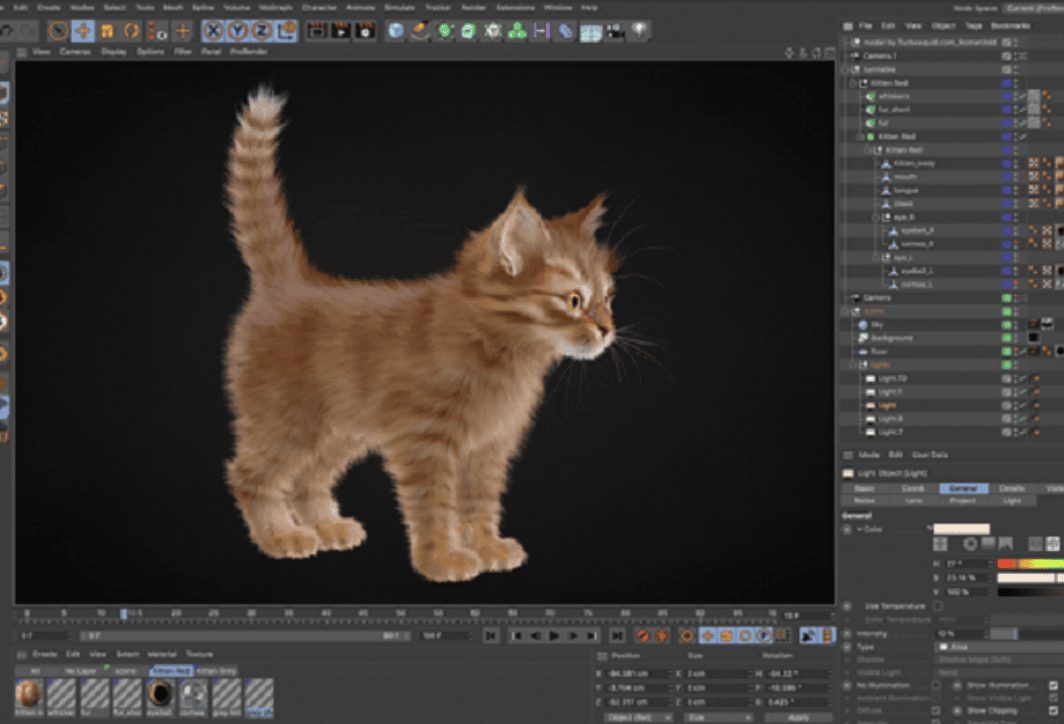
Cinema 4D software is easy to use.
Cinema 4D (C4D) is renowned for its intuitive interface, ease of learning, and logical workflow. It is a popular CGI software in the fields of motion graphics, advertising, and product design.
- Target users: Motion graphic artist, designer, advertising professional.
- Advantage: Easy to use for beginners, the MoGraph toolkit is powerful, creating complex effects simply, and integrates many other design tools.
- Disadvantages: The licensing fees are quite high considering the advanced features in some areas.
Houdini – Creating stunning visual effects
Houdini is a name that cannot be overlooked when discussing CGI software. This software specializes in complex visual effects (VFX) such as fire, explosions, smoke, water, and particle systems. Houdini's unique feature is its node-based procedural workflow, allowing artists to control and customize effects to the highest degree.
- Target users: Visual effects (VFX) artists work in large studios.
- Advantage: It offers flexible effects, realistic simulations, and a free version for students.
- Disadvantages: It's very difficult to learn, requiring strong logical thinking and technical skills.
ZBrush digital "sculpting" software
ZBrush is not a general-purpose CGI software but focuses intensively on a single field: digital sculpting. It allows artists to “mold” virtual clay to create highly detailed 3D models, from characters and monsters to complex surfaces.
- Target users: Character artist, game designer, concept artist.
- Advantage: Smooth polygon effect processing, a diverse toolset, and realistic simulation capabilities, especially for highly detailed models.
- Disadvantages: The interface is unique and different; it takes some time to get used to.
Unreal Engine & Unity – CGI software for games
Although originally game engines, Unreal Engine and Unity are increasingly being used as powerful CGI software for real-time rendering. They are revolutionizing virtual film production, architecture, and many other fields thanks to their ability to produce realistic images instantly without waiting for rendering.
- Target users: Game developer, filmmaker, architect.
- Advantage: Rendering times are incredibly fast, almost super-fast. Image quality is constantly improving, with both free and paid versions available to meet the needs of a wide range of users.
- Disadvantages: Requires knowledge of game engine workflows.
Above are 7 widely used CGI software programs worldwide. Based on your needs and the project you're working on, choose the software that best suits you. Each software has its own advantages and disadvantages; you can explore and experiment to find the one you like best and use it effectively for your work.
Some notes on using CGI software
Stepping into the fascinating yet challenging world of CGI, here are a few important points to keep in mind:
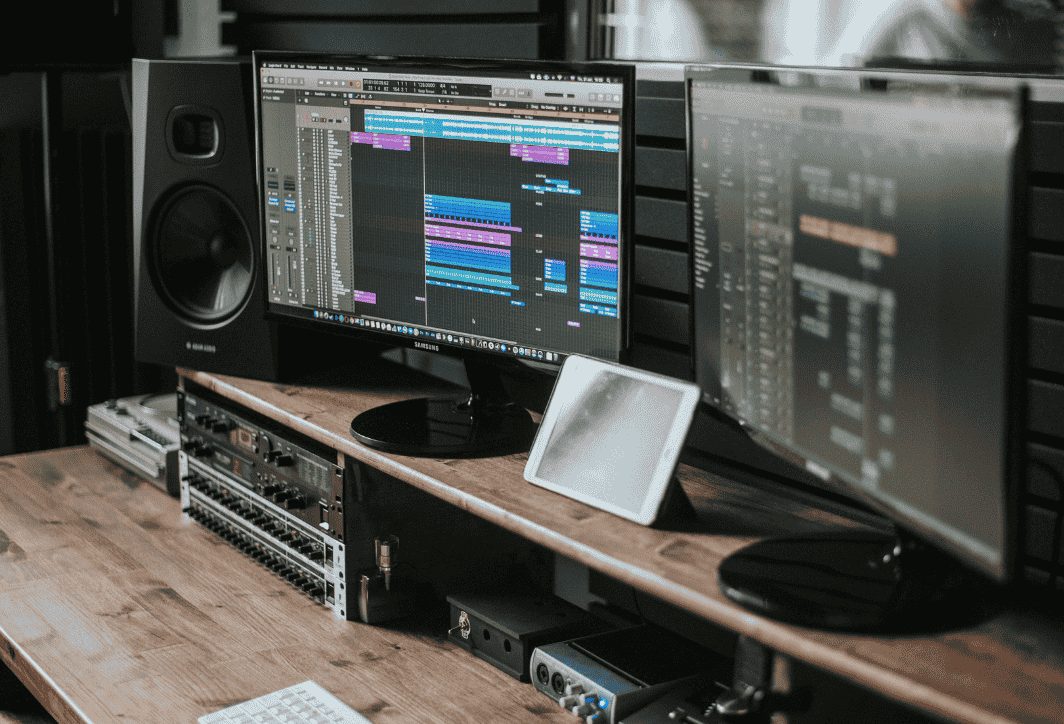
- Your computer needs to be powerful enough to download and run the software: CGI software is very resource-intensive. A powerful computer with a multi-core CPU, ample RAM (at least 16GB, 32GB or more recommended), and especially a powerful graphics card (GPU) is essential for a smooth working experience.
- Clearly define your learning goals: Identify the area you're most interested in (animation, special effects, architecture, games, etc.) and choose a suitable software to start with instead of trying to learn everything at once. For example, if you love animation, start with Blender or Maya.
- Be persistent until you understand how it works and how to use it: Learning CGI software is a long process and requires patience. There will be times when you feel discouraged, but remember that every expert was once a beginner. Practice every day, even if it's just a little.
- Leverage community resources: The internet is a treasure trove of invaluable knowledge. Join forums and communities on social media (Facebook, Reddit), watch tutorial videos on YouTube, and don't hesitate to ask questions.
- Learn the fundamental theory: Besides learning the tools, cultivate fundamental knowledge of art such as composition, color, lighting, and animation principles. It is this knowledge that will help you create truly soulful works.
By choosing the right CGI software and equipping yourself with a thirst for learning and perseverance, you can absolutely turn even the boldest ideas in your head into reality. Good luck on your journey to conquering 3D graphics!





 English
  Vietnamese