Nowadays, creating a time-lapse video or an artistic slow-motion shot has become easier thanks to supporting tools. Online video speed adjustment websites have emerged, solving many problems for digital content creators. Let's take a look at some of the most popular websites in the article below.
Should you use a website to adjust video speed?
Before using video speed adjustment websites, you need to understand what they are and what their advantages and disadvantages are. Many people have raised questions about this, and we have received many comments from readers about whether or not to use online video speed adjustment websites.
Because they are torn between choosing online tools and installed software. To get a definitive answer, let's analyze the advantages and disadvantages of online platforms:
Outstanding advantages:
- Fast and convenient: The biggest advantage is that you don't need to download or install any heavy software. Just visit the website, upload your video, edit it, and download it. The whole process only takes a few minutes.
- No high-end computer requirements: Because all processing tasks are performed on the service provider's servers, even a weak computer can smoothly adjust video speed.
- Cross-platform compatibility: You can use it on any operating system (Windows, macOS, Linux) as long as you have a web browser and an internet connection.
- User-friendly interface: Most of these websites are designed with a minimalist, intuitive interface, focusing on a single main function, making them easy for even non-technical users to use.
- Free for basic needs: For simple tasks like increasing/decreasing speed, basic cutting and pasting, online tools are often provided for free.
The emergence of online video editing websites has helped creators shorten video editing time, eliminating the need to spend a lot of money on software and installation on computers, etc.

However, despite the advantages mentioned above, using web-based video speed adjustment still has some limitations:
There are a few drawbacks to consider:
- Dependent on internet connection: The speed of video uploads, processing, and downloads depends entirely on the quality of your network. A weak network will result in a frustrating experience.
- Feature limitations: Compared to professional software like Adobe Premiere Pro or DaVinci Resolve, online tools offer fewer advanced features.
- Security issues: You need to be cautious when uploading videos containing sensitive or private information because they are temporarily stored on third-party servers.
- Limits on file size and duration: Free versions often limit the file size or video length you can upload.
- Copyright logo (Watermark): Many free services will insert their logo into the finished video.
If you only need to adjust video speed in a basic, infrequent way and want a quick and easy solution, then online web-based options are perfect. If you are a professional content creator requiring more complex features, consider using installed software.
Top 7 most popular online video speed adjustment websites
Below is a list of tools selected based on their reputation, popularity in Vietnam, user-friendliness, and good output quality:
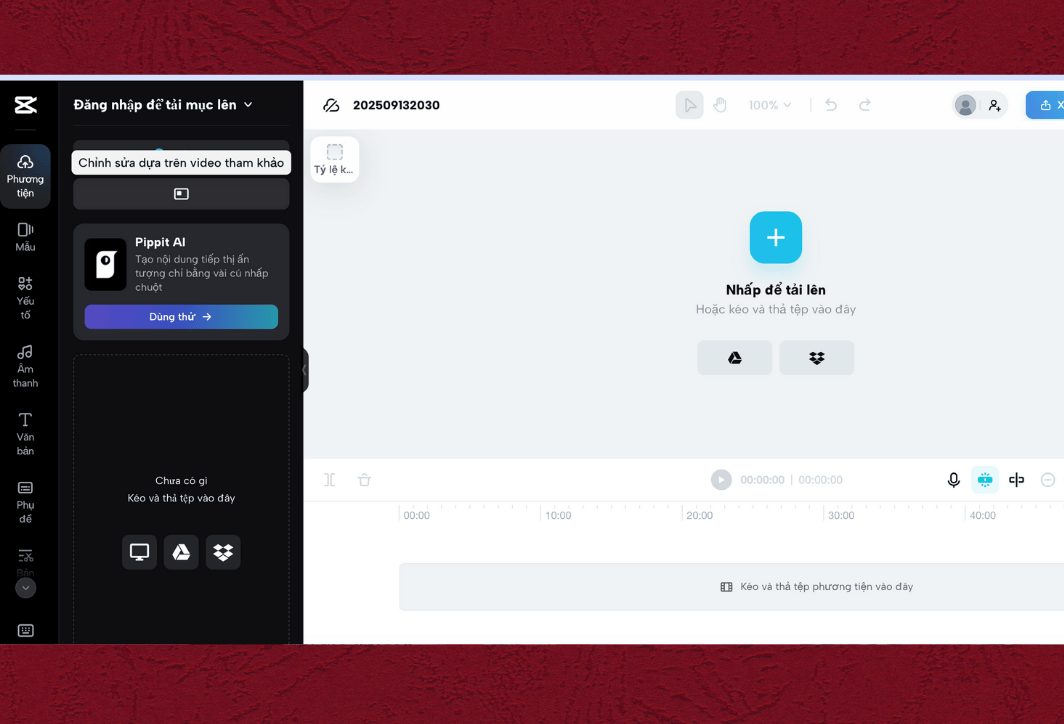
1. CapCut Online – Adjust video speed online
Familiar to TikTok users, CapCut has developed an extremely powerful web version. It's a top choice for those who want an "all-in-one" tool that goes beyond just speed adjustment. Notable features include:
- Adjust speed flexibly: It offers both customizable speed sliders (from 0.1x to 100x) and a "Curve" effect to create videos with smooth speed changes.
- A vast resource pool: Includes a built-in library of free, royalty-free sounds, effects, filters, and stickers.
- AI features: Automatically generate subtitles, remove backgrounds, enhance video quality…
- Cloud storage: Your project is stored in the cloud, making it easy to access and edit from anywhere.
Capcut Online still offers a full range of features found in professional software. However, the website requires login to use, and the feature-rich interface may be somewhat complex for beginners.
2. Canva Video Editor – Simple and Effective
Canva is not just a graphic design tool, but also a very powerful and easy-to-use online video editor. If you are already familiar with the Canva ecosystem, this is a great option. Let's take a look at some of the outstanding features when editing videos with Canva:
- Adjusting the speed is easy: It provides a simple slider that allows you to drag from slow-motion to timelapse.
- Template repository integration: Thousands of video templates are available for every purpose (social media, presentations, etc.).
- Design ecosystem: Easily add text, images, icons, and charts from Canva's vast library to your videos.
Adjust video speed online using Canva Video Editor, which has an extremely intuitive interface, suitable for non-professionals, and combines design and video well. However, it still has the drawback that the free version has some limitations in resources (images, stock videos) and advanced features.
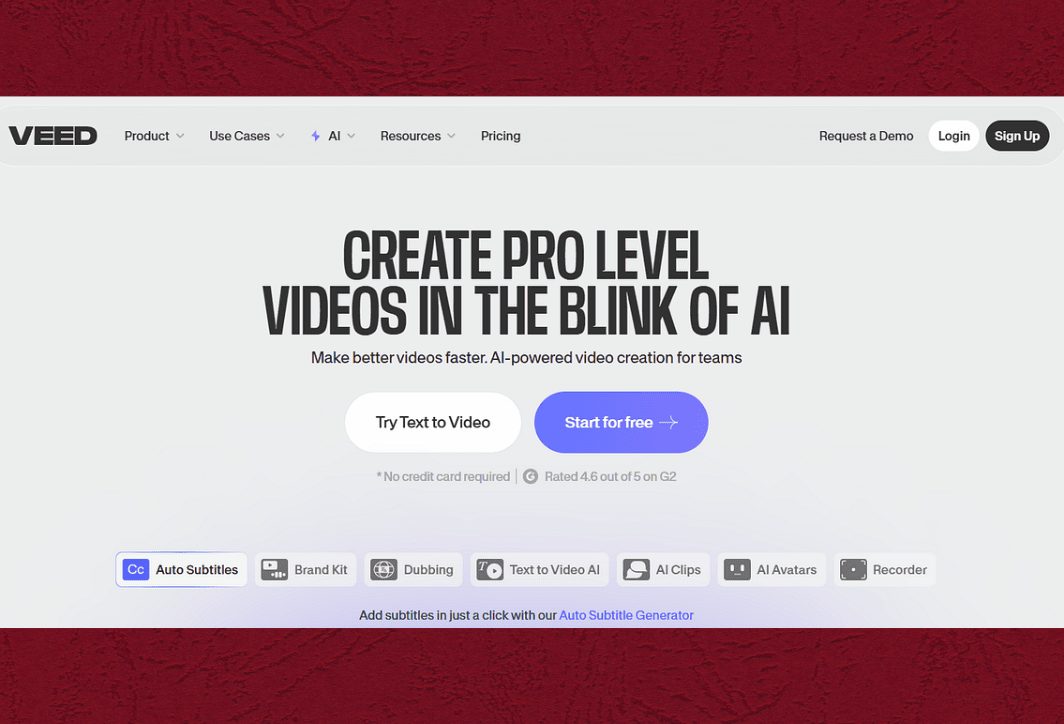
3. VEED.IO – Professional video speed adjustment
VEED.IO is one of the most powerful online video editors, trusted by many content creators and marketers. This tool offers highly detailed control over video speed with notable features such as:
- Speed presets: It offers preset speed settings (0.25x, 0.5x, 1.5x, 2x, 4x…) allowing you to change speeds quickly.
- A comprehensive toolkit: Editing, adding automatic subtitles, removing background noise, screen recording, adding effects…
- Modern interface: The design is beautiful, professional, and logical.
VEED.IO has many advanced features and produces high-quality videos. However, the free version includes a watermark, and it also limits video length (10 minutes) and file size (250MB).
4. Clideo – Quickly and easily adjust video speed.
If your only need is to adjust video speed and you don't want to be distracted by other features, Clideo is the perfect choice. This website offers a dedicated tool solely for changing speed. Key features include:
- Ultra-minimalist interface: It only has one function: upload videos, select the speed, and download them.
- 6 common speed levels: Offers options ranging from slow motion (0.25x, 0.5x) to fast motion (1.25x, 1.5x, 2x).
- Supports multiple formats: Compatible with most popular video formats such as MP4, AVI, MOV…
Clideo is extremely fast and easy to use, requiring no account registration. However, like VEED.IO, the free version of Clideo has a watermark, and the website only serves a single function.
5. Adobe Express – Quality from a major brand
Adobe Express (formerly Adobe Spark) is Adobe's multimedia editing tool, offering reliability and quality. Its video speed changer is intuitive and efficient. Key features:
- Speed slider: The control panel features sliders that can be easily dragged to preview changes.
- Adobe suite integration: It easily integrates with other features such as video trimming, resizing, adding music, etc.
- Compatible with the Adobe ecosystem: If you use other Adobe products, your data can be synchronized.
Adobe Express has a beautiful interface, operates stably, offers good video quality, and has a rather generous free plan. However, the website still requires logging in with an Adobe account, and some premium features require payment.
6. Kapwing – A website for adjusting video speed.
Kapwing is an online video editing platform built on community contributions. It's powerful, flexible, and constantly updated with new features. Here are some of its standout features:
- Customize the speed precisely: This allows you to select preset levels or enter a custom value (e.g., 1.3x).
- Edit based on timeline: The interface is professional, similar to software on a computer.
- Many intelligent AI tools: Supports background removal, subtitle creation, text-to-speech conversion, etc.
Kapwing has the advantage of having many useful features and a large user community. However, it also has a few minor drawbacks, such as the watermark appearing in the free version and a limited video output length.
7. FlexClip – Simple for beginners
FlexClip is another great option for those looking for a simple, fast online video editing tool, especially for creating short videos for social media. Notable features include:
- Visual speed options: Easily select speeds from 0.5x to 3x.
- Extensive media library: Offering millions of free videos, images, and music tracks.
- Drag-and-drop interface: Very user-friendly for new users.
Advantages include ease of use and a large resource library. Disadvantages include the free plan having a limited video output quality of 480p and displaying the FlexClip logo.
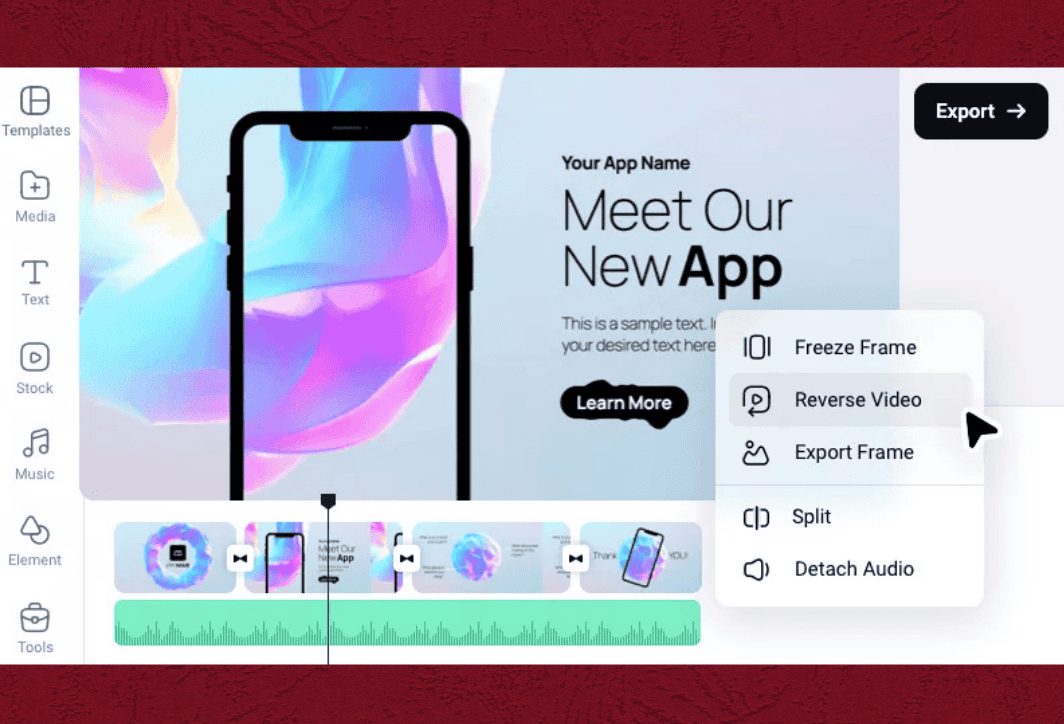
Above are some websites for adjusting video speed that you can refer to. Depending on your needs and the purpose of your video production, you can choose the most suitable website. Each website has its own advantages and disadvantages, so you should research and try them out to find the best tool for you.
What should you keep in mind when using online video speed adjustment websites?
To ensure a smooth and safe experience when using online tools, please keep the following important points in mind:
- Security and privacy: Never upload videos containing sensitive personal information, company data, trade secrets, etc. Always carefully read the website's privacy policy to understand how they handle your data.
- Output video quality: Some websites may compress your video after editing, reducing quality. Check if the tool allows you to select the resolution when exporting the file (HD, Full HD, 4K, etc.).
- Copyright logo (Watermark): Most free services will add their logo to the video. Check this carefully before proceeding to avoid wasting time. If you need a clean video for work, consider upgrading to a paid plan.
- Stable internet connection: This is a crucial factor. A video file can be very large. An unstable internet connection will cause uploads and downloads to take longer, or even fail.
- Always keep the original video: Don't delete your original video after uploading it. Treat the online edits as copies. This is in case something goes wrong or you're not happy with the final result.
Online video speed adjustment websites are a great solution for those who need to process videos quickly and easily without the hassle of installing software. Each tool on the list above has its own strengths, from the versatility of CapCut, the simplicity of Clideo, to the professionalism of VEED.IO. Hopefully, through this detailed article, you have been able to choose the website that best suits your needs to unleash your creativity and create unique and impressive videos.





 English
  Vietnamese