CGI and 3D animation are both specialized tools that help users create realistic yet "virtual" images. They are used in film production, advertising videos, game design, and many other areas of life. Many people often confuse CGI and 3D animation, and vice versa. So, what are their similarities and differences? This article will help answer that question.
What is CGI vs. 3D Animation? Are they the same?
To understand the difference, we first need to clearly define each concept, specifically:
CGI: The Complete Picture of Digital Imaging
CGI stands for Computer-Generated Imagery, meaning "Images created by computers." It's an extremely broad term encompassing all types of images, graphics, or effects created or edited using computer software. These images are used as substitutes for images that are impossible or difficult to create using human actors or traditional cameras.
CGI encompasses 2D and 3D graphic design and visual effects. Specifically:
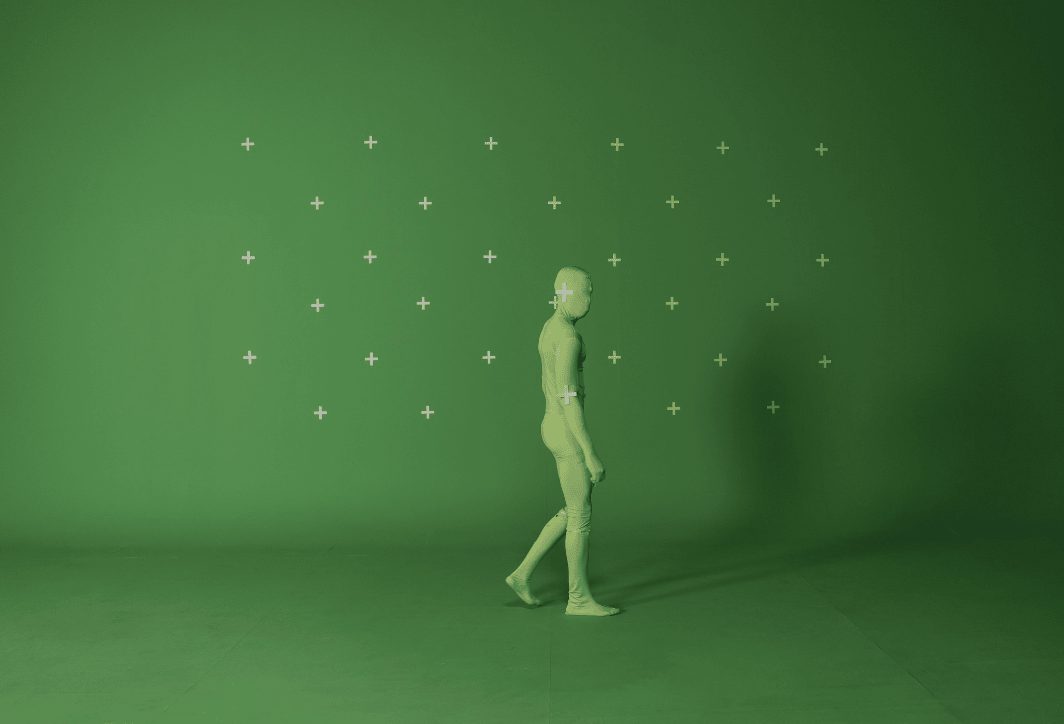
- 2D Graphics: Examples include removing an unwanted object from the scene, replacing the background with a green screen, or adding 2D lighting, smoke, and fire effects.
- 3D graphics: Create models of objects, characters, and environments in three-dimensional space.
- Visual Effects (VFX): This is a major area of CGI, focusing on integrating computer-generated imagery with live-action footage to create realistic scenes that are impossible to replicate in real life (e.g., terrifying explosions, mythical creatures, magic...).
It's safe to say that anything you see on screen that doesn't originate directly from the real world is a product of CGI. It appears in movies, commercials, architecture, video games, medicine, and many other fields.
3D Animation: The Art of Bringing 3D Objects to Life
3D animation is a specialized field and a sub-branch of CGI. 3D animation specifically focuses on the process of creating movement for objects that have been rendered in three-dimensional space (with width, height, and depth).
This is a complex multi-stage process to create the illusion of life and movement. 3D terminology includes terms such as:
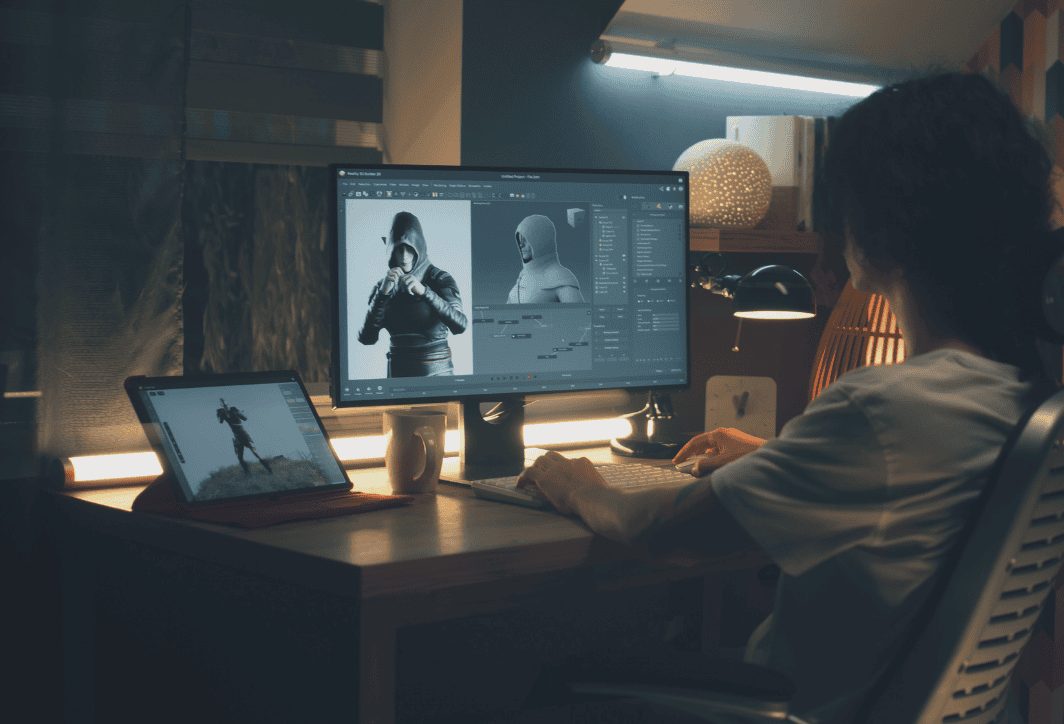
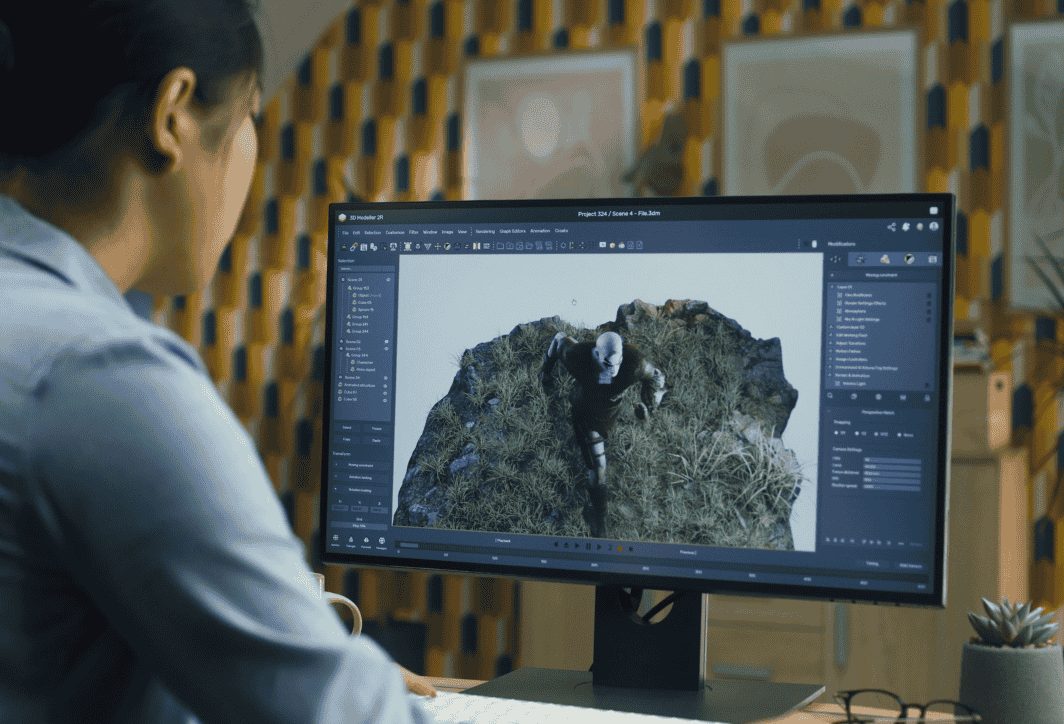
- Modeling: Artists use specialized software to create the shapes of characters or objects in 3D space.
- Texturing (Coloring and Textures): The model's surface is colored and assigned material properties to make it look realistic, such as leather, fabric, wood, or metal.
- Rigging (Bone fixation): A virtual skeletal system is created and attached inside the model, allowing animators to flexibly control the model's movement.
- Animation: This is the step where the character comes to life. The animator manipulates the skeleton frame by frame to create movements, gestures, and expressions.
- Lighting & Rendering: Finally, the scene is set up with lighting, and the computer processes (renders) all the data to produce the complete image or film.
A genuine relationship
So, are they the same? The correct answer is: All 3D animation products are CGI, but not all CGI is 3D animation. We will give you two examples to help you understand this better:
Example 1: The T-Rex dinosaur in the movie Jurassic Park It is a product of 3D animation (it is rendered, skeletalized, and animated to move) and also CGI (because it is created entirely by computer).
Example 2: In an action movie, removing an actor's safety harness is a CGI technique, but it's not 3D animation because no 3D objects are created and made to move.
Analyzing the differences between CGI vs 3D Animation
To clarify further, let's directly compare these two concepts through their main aspects.
The most fundamental difference lies in the process and purpose. CGI is a general term for anything computer-generated, while 3D animation is a specific art and process aimed at creating lifelike movement.
When should you use CGI vs. 3D animation?
The choice of technology depends heavily on the goals and content of your project.
Ideal scenarios for using CGI (VFX)
CGI (especially VFX) is the perfect choice when you want to incorporate virtual elements into the real world or create spectacular visuals. For example:
- Live-action films: When it comes to adding mythical creatures, space battles, or constructing historical/future settings that no longer exist, CGI helps break the boundaries of physics, creating the most realistic virtual images.
- Product advertisement: Make the product appear magical, adding eye-catching effects to attract the viewer's attention.
- Architecture and interior design: Creating realistic 3D images and videos (renders) of a construction project helps clients clearly visualize their future living space.
Ideal scenarios for using 3D animation.
3D animation is most effective when you want to tell a completely new story or explain a complex concept visually. Specific examples include:
- Making animated films and entertainment videos: Creating unique worlds and characters that are not limited by reality, delivering colorful and emotional stories (e.g., Pixar and Disney films).
- Producing Marketing and Explainer Videos: 3D animation simulates the operation of a machine, a medical procedure, or a software application. It helps to simplify complex ideas and make them easy to understand.
- Creating video games: Almost all characters, environments, and items in modern games are created and animated using 3D technology.
- For educational and training purposes: Create safe simulation programs to train pilots, surgeons, or machine operators.
Some things to keep in mind when using CGI vs. 3D Animation
To effectively harness the power of these two technologies, you need to keep a few key points in mind:
- Quality comes first: Low-quality CGI or 3D animation will make the images look "fake." This immediately ruins the experience and reduces the product's credibility. Therefore, you should always prioritize quality.
- Construct a logical storyline: Technology, no matter how impressive, is just a tool. A successful product must be based on a compelling script, a meaningful message, and the ability to connect emotionally with the audience.
- Balancing CGI and real-world effects: Sometimes, using real models and practical explosion effects creates a more realistic feel than overusing CGI. A skillful combination of these two elements often yields the best results.
- Optimized for each platform: A 3D model for a feature film might contain millions of polygons, but a model for a mobile game needs to be optimized (reducing the number of polygons) to ensure smooth performance.
- Budget and time: Both processes require significant investment of time, money, and highly skilled personnel. Create a detailed and realistic production plan before you begin.
In summary, CGI vs. 3D Animation are two distinct concepts with a "parent-child" relationship. CGI is a broad term for all computer-generated imagery, while 3D Animation is a specialized process for creating movement in 3D objects. Understanding this difference will help you become a more discerning viewer and a more effective creator in the colorful digital world.





 English
  Vietnamese