Currently, there are many websites that do this. Video Animation Free and user-friendly interfaces are common. For example, Animaker, Powtoon, Renderforest, Biteable, etc., all possess design tools that allow users to unleash their creativity. Below are suggestions for 8 of the most popular free animation video creation websites.
TOP 8 Free Websites for Creating Animation Videos
1. Canva is a useful tool for creating animated videos.
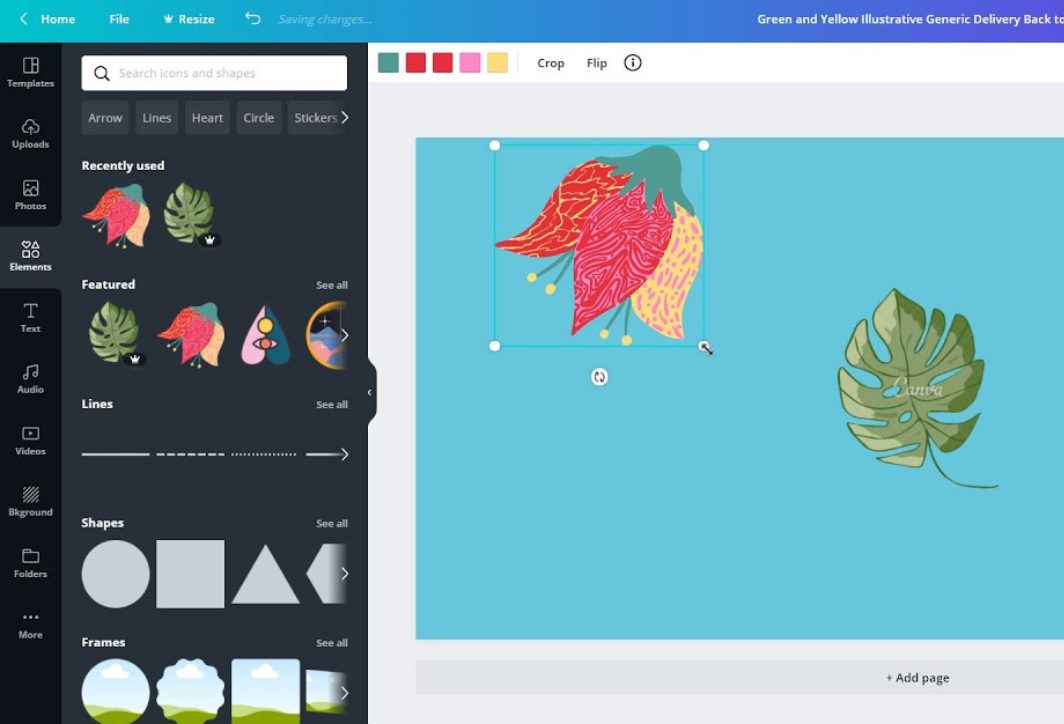
Canva is an online graphic design tool that helps users create animated videos from pre-made templates. Its user-friendly drag-and-drop interface makes it easy to add details such as text, stickers, and simple motion effects.
Advantage:
- Intuitive and easy-to-use interface: Users can easily create videos with just a few drag-and-drop actions, without needing any in-depth design knowledge.
- A rich resource base: Canva is a popular platform because it offers a wide variety of free templates, images, icons, and sounds, suitable for diverse purposes from advertising and education to social media.
- Multi-platform: In addition to its website platform, users can now experience Canva on its mobile app.
Disadvantages:
- The animation function is still basic: Although many templates are available, the free version of Canva lacks complex animation effects and has limited motion customization options.
- The free version has a watermark: The free version of Canva includes a watermark when exporting videos; this detail can only be removed after upgrading to Canva Pro.
2. Animaker – Free Video Animation Website
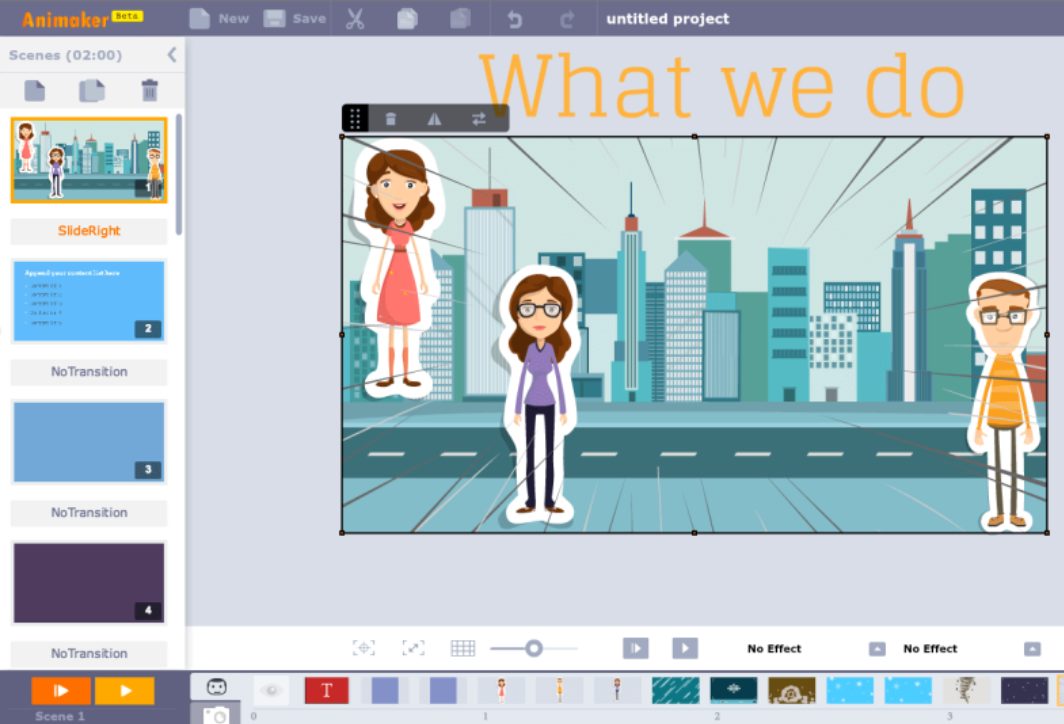
Animaker is also a popular website for creating simple animated videos. It helps you create 2D and 3D animation videos, whiteboard animation, and many other types of videos.
Advantage:
- Supports multiple video styles: Includes 2D and 3D animation, whiteboards, and video infographics, suitable for a variety of purposes (marketing, teaching, and internal communication).
- Easy-to-use drag-and-drop tool: The platform allows users to add animation effects and customize them flexibly.
- Extensive library: The website contains a vast resource with thousands of free templates, diverse images, and sounds to help users unleash their creativity.
Disadvantages:
- The free version has limitations: The resulting video will have a watermark and a maximum length of 120 seconds.
- A paid account is required to access advanced features: Similar to Canva, Animaker still requires users to pay for more advanced features.
3. Powtoon – An animated video creation platform
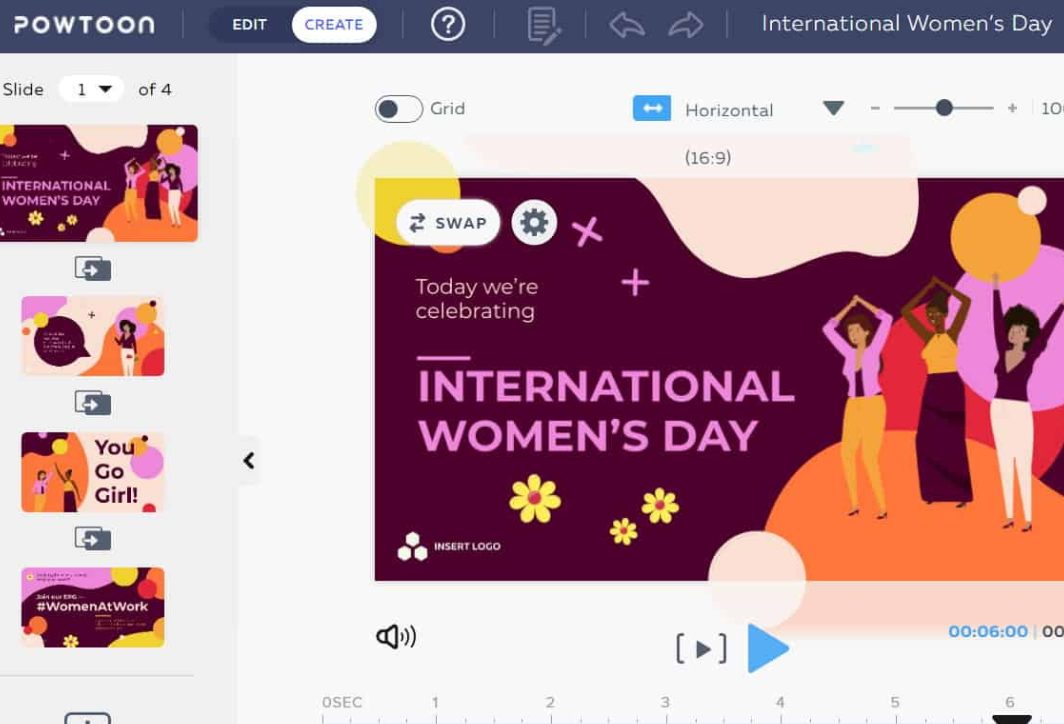
Powtoon is also a free platform that makes it easy to create animated videos for education, advertising, and presentations. Its strengths include readily available templates and flexible customization tools.
Advantage:
- Extensive template library: Powtoon offers a wide variety of animation templates that you can use to create videos, saving you both time and money.
- User-friendly interface: Even those with little design experience can easily use this website, and it also serves as a platform for video creators with its flexible, customizable interface and smooth, seamless operation.
- Integrated presentation tools: Powtoon not only supports creating animated videos, but can also be used to design lively presentations, helping to convey information effectively for various purposes.
Disadvantages:
- The free version has a watermark: Videos exported from free accounts will have a watermark, and the output quality will also be limited.
- Advanced features require a fee: To access all premium templates and features, users need to upgrade their account.
4. Creating Video Animations with Blender (Online Version)
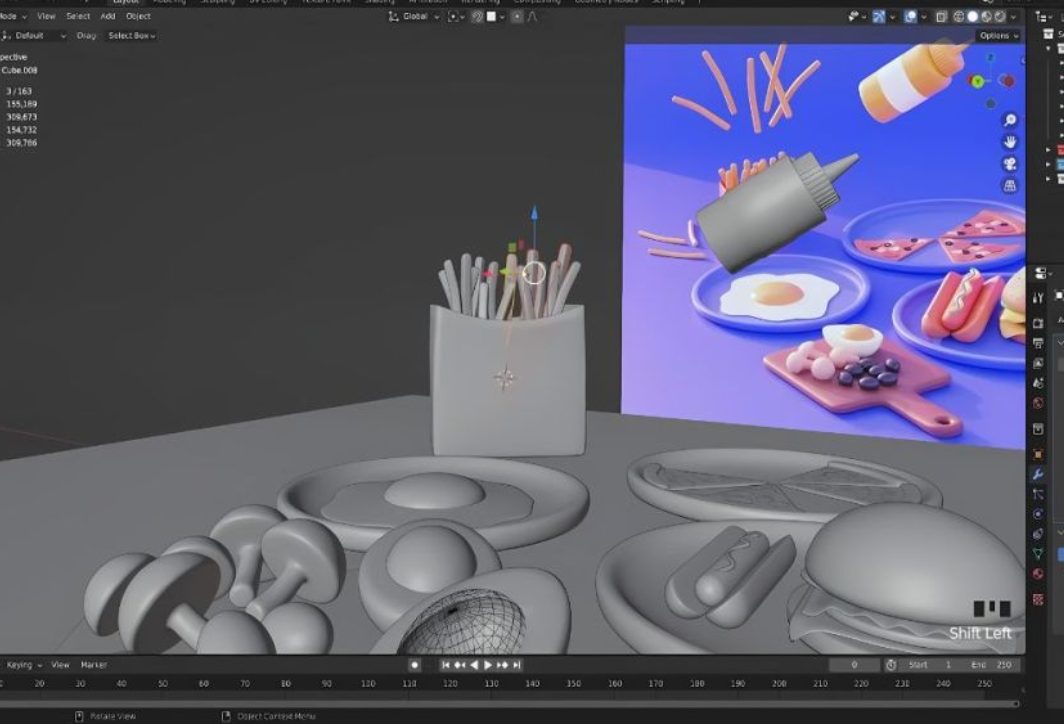
Blender is a free tool that makes creating 3D videos easy; however, it's not a purely online platform. You can use Blender through cloud services to create animated videos.
Advantage:
- Completely free and with no feature limitations: Blender provides all the necessary tools to help users create highly complex 3D models and animations completely free of charge.
- The potential for creativity is limitless: The platform allows you to create high-quality products, from 3D models and special effects to professional animated videos.
- Extensive support community: To support users, the platform offers many free courses and detailed tutorials.
Disadvantages:
- Difficult to learn for beginners: Compared to the websites mentioned above, Blender is more difficult and requires users to spend time getting familiar with it.
- Not a purely online platform: As mentioned, this is not a purely online platform like some other websites. Blender requires configuration to use on cloud services or virtual servers, so its convenience is not very high.
5. Renderforest – Experience creating animated videos for free.
Renderforest offers video animation templates, intros, outros, and advertisements. If you're looking for a website to create animated videos, this platform is definitely worth considering.
Advantage:
- Easy to use: Users simply choose a template, add content, and wait for Renderforest to quickly generate the video.
- Many beautiful video templates: The website has a professional design, providing an enjoyable user experience and serving various purposes, from creating animated videos to other media products.
- Supports diverse content: In addition to video animation, Renderforest also offers services such as logo creation, website design, and intro/outro creation.
Disadvantages:
- There is a watermark and a video length limit: Similar to other platforms, the free version of Renderforest will still add a watermark when exporting videos, and it also has restrictions on video length.
- An upgrade is required to access the premium models: Beautiful designs and premium features are only available in the paid version. Users must upgrade if they want to use newer, more diverse designs.
6. Using Moovly to Create Video Animation
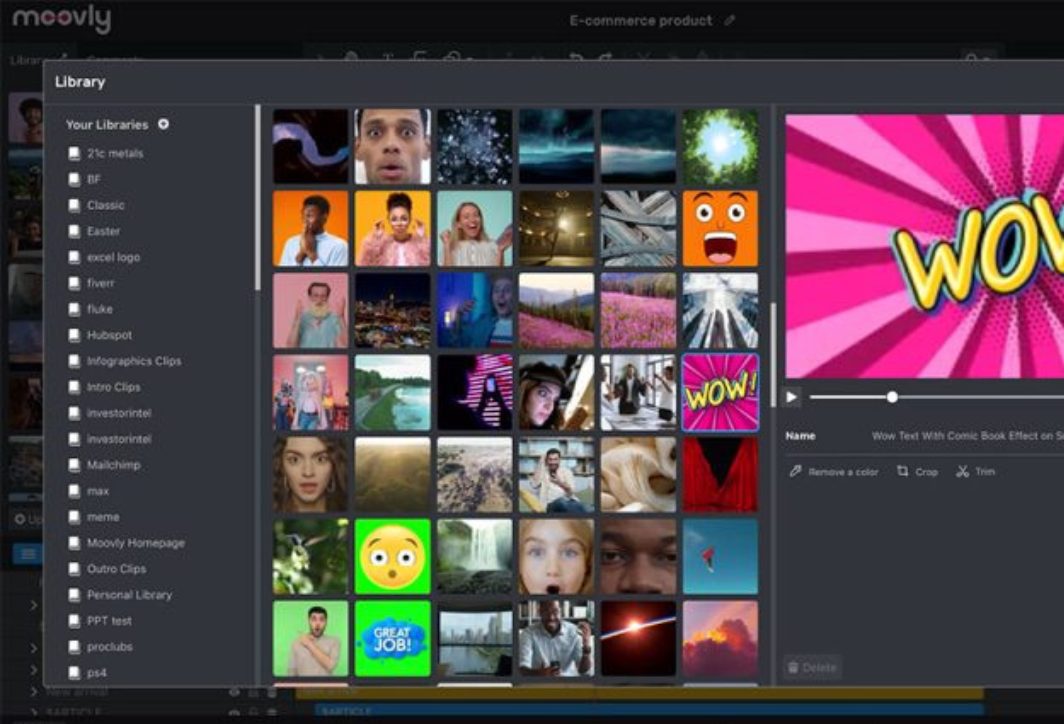
Moovly is also a well-known website for creating animated videos. With its rich interface and diverse features, Moovly not only helps users produce animated content but also supports the creation of other media products.
Advantage:
- Flexibility in creating different types of videos: You can absolutely use this website to produce products for various purposes, not just animated videos.
- Supports integration with a rich library of images and sounds: A library of free clips, music, and images to meet the diverse needs of users.
- Integrating AI tools helps create content automatically: Use automated tools to create speech from text, making complex tasks easier to perform.
Disadvantages:
- The free version has a watermark and video export limitations. Watermark cannot be removed in the free version, and video length is limited.
- The interface may be complicated for new users: New users will need to spend some time getting familiar with the website because it has many complex features and tools.
7. Vyond – Video Animation Tool
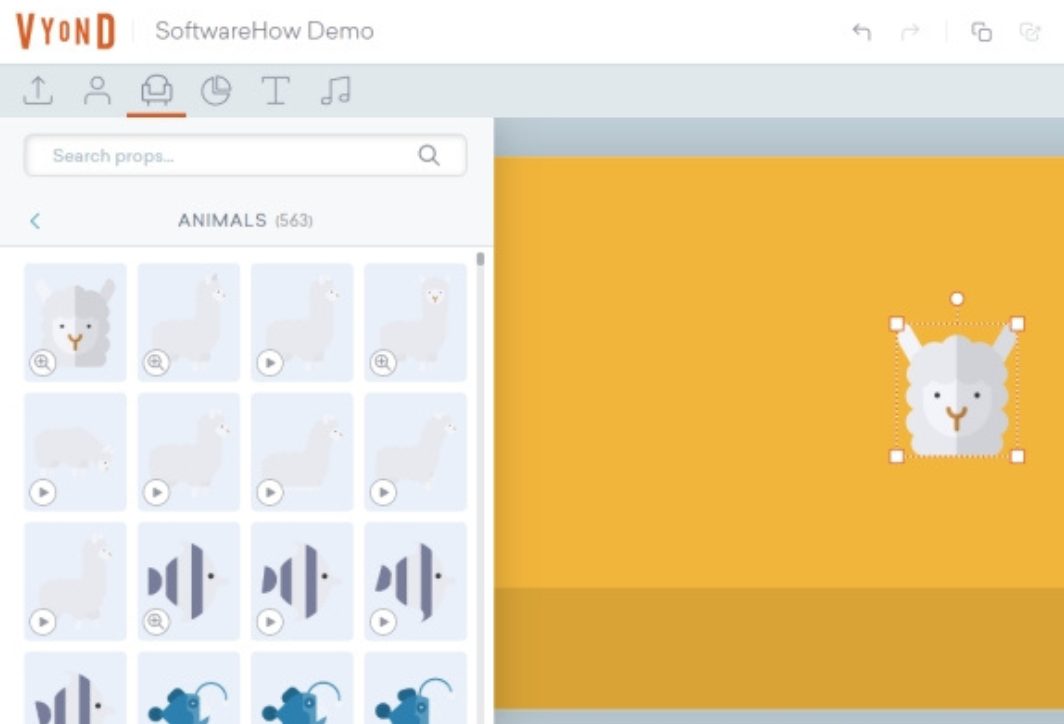
Vyord is a tool specifically designed for animated tutorial and advertising videos. With pre-made characters and animations, you can easily customize them to your liking.
Advantage:
- A rich library of characters and animations: Provides a wide range of options for educational videos, marketing, and internal communications.
- Easily create professional videos: Features include adding motion and synchronizing voice with the character's mouth movements.
- Suitable for businesses: We provide support in creating professional promotional videos, internal training materials, and e-learning content.
Disadvantages:
- The free version has a watermark and limited features: Users can only use the basic features in the free version.
- High cost: Compared to other platforms, upgrading your Vyond account requires a relatively high fee.
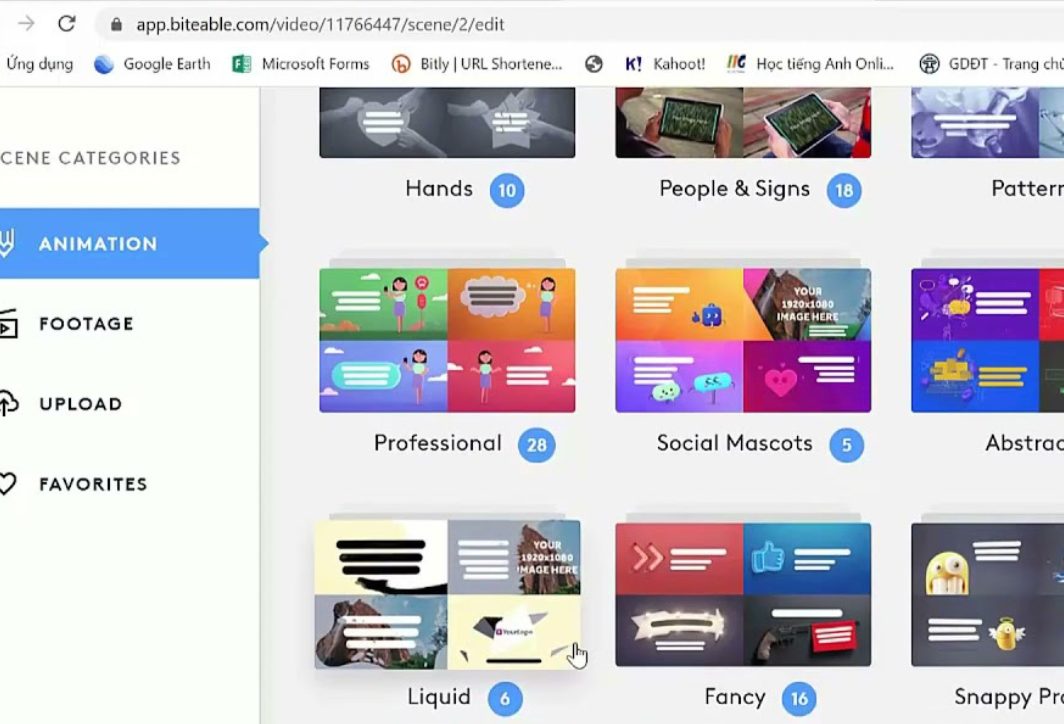
8. Website making Video Animation – Biteable
Biteable is an easy-to-use tool that helps you create animated videos and various other media products. The website supports automatic animated video production simply by selecting suitable templates, images, and sounds.
Advantage:
- User-friendly interface, suitable for beginners: Easy to learn and use right from the first time.
- Many beautiful and eye-catching designs: We provide video templates for social media, advertising, and slideshow videos.
Disadvantages: Similar to other platforms, the free version of Biteable will have a watermark when exporting videos; this can only be removed after upgrading.
Creating animated videos is no longer a difficult task thanks to these free online tools. Depending on your needs and video style, you can choose the appropriate platform.
Some things to keep in mind when choosing a website for creating animation videos.
Using free video animation websites can save you money, but they still have more limitations in terms of configuration and design tools compared to paid versions. Therefore, when choosing one, you should still keep the following points in mind:
- Consider the features and tools of the website: Prioritize platforms with user-friendly interfaces and tools that suit your needs.
- Resource factor: It's important to choose websites that offer a wide variety of templates, characters, effects, and sounds, along with flexible customization options.
- Consider the limitations of the free version: Compared to the paid upgraded versions, free users must accept a watermark when exporting videos and may be limited in video length.
- Video quality and customization options: Using this website allows you to export videos in HD or higher quality, while also ensuring support for formats such as MP4, GIF, and MOV. The website has detailed and flexible editing tools to help create unique products.
- Costs when upgrading to a new version: Consider the cost of upgrading the software to use more advanced features. Choose a platform with flexible pricing plans that fit your budget.
- Website scalability and flexibility: Prioritize web applications that offer extensible features for long-term use, especially tools that allow for easy sharing and editing.
- Consider the reviews from previous users: Read website reviews to choose the best platform that is being used by many people.
Choosing a suitable free video animation website helps you create high-quality videos while saving time and money. However, you should consider the advantages and disadvantages of each platform to make the right decision. When necessary, proactively upgrade to the free version for a better experience; this will give you access to more useful tools for creating creative and impressive videos.