
Following the basic steps for creating video animation correctly helps beginners easily create their own products. If you are looking to develop a career in this field, you can refer to the article below; we will provide the most basic steps to help you do just that.
Step 1: Brainstorm and develop a script
- Define the video's objectives: First, you need to clearly define the goals of your video production. What message do you want to convey? Who is your target audience? Answering these questions will give you a clearer direction and help you plan your content more effectively.
- Create a detailed script: The script plays a crucial role in the video animation production process. It's essential to write a detailed script, including the beginning, main body, and ending of the story. Don't forget to clearly and logically detail the character dialogue, as well as specifying the characters' actions and visual elements.
- Create a storyboard: Sketch the main scenes in the video. This step should not be skipped in the video animation process. Each frame in the storyboard will depict important scenes in the video, and they will be linked together. For this part, you can draw by hand or use modern tools.
Step 2: Prepare the necessary resources
- Audio collection: Audio details should not be overlooked, as they are an extremely important component in video animation. Audio includes background music, character dialogue, and other effects. You can use real voices by recording them to incorporate into the video, use pre-recorded music for background music, and apply sound effects from platforms that allow the use of free music in video production.
- Search for or create images: Choose suitable images, icons, and graphics to add to your video. You can draw them yourself or use software to create this part, but remember to choose images that are appropriate.
- Select Video animation software: Currently, there are many animation software programs such as Adobe After Effects, Blender, Vyond, Toonly, etc. Each software has its own advantages and disadvantages.
Step 3: Create the main scenes
- Character design: Use the templates available in the software or create your own character design by drawing by hand or using other utility tools. Make sure the character you create matches the script you've written.
- Create scenes for the video: Once you have the storyboard, you'll use it to build a detailed visual representation of the character and background, then import them into specialized software. The process involves creating detailed scenes and connecting them to form a coherent, narrative sequence.
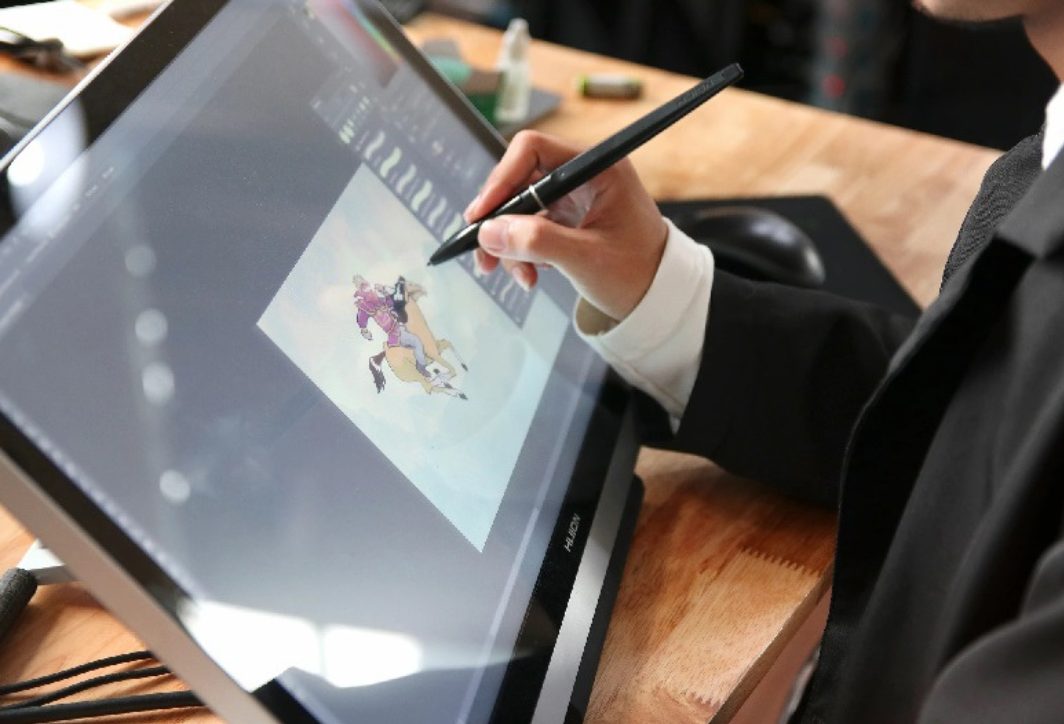
- Create motion: Use the software's features to create movement for the character. For example, running, jumping, smiling, and the appearance and disappearance of objects in the video. It's important to follow the rhythm of the entire video, creating movements that are natural and not stiff.
Step 4: Add sound and effects
- Insert dialogue: After recording and selecting suitable audio, add it to the appropriate video segments. Ensure the audio is easy to hear, the dialogue is clear, and it matches the character's movements.
- Add background music: Animated videos become more engaging with music, especially background music. Therefore, you should choose and add background music to your video that suits the content you've developed. The music can be gentle, lively, relaxing, etc.
- Insert sound effects: Add special sounds to details that need to grab the audience's attention, such as knocking on a door, clapping, footsteps, etc. This element will help make the video more realistic and lively.
Step 5: Review and edit
- Preview the video: After completing the above steps for creating the animation video, you need to review the entire video one more time to ensure there are no issues before publishing. Don't forget to check the consistency of the sound, images, and movements.
- Edit: If any inconsistencies are detected, adjustments should be made accordingly. For example, changing the color, sound, effects, etc., to make the video smoother and more natural.
Step 6: Export the video
- Choose a format: Choose a suitable video format, the most common being MP4 or MOV. Additionally, you need to select an appropriate resolution, at least 1080p, for sharp video playback on online platforms.
- Post-export inspection: Review it again to ensure the video is free of any audio or visual errors.
Step 7: Share and promote
- Posted: Animated videos can be uploaded to various platforms such as YouTube, Facebook, Instagram, TikTok, etc.
- Track feedback: Analyze audience feedback and gather data to make adjustments as needed.
The above are the basic steps for creating animated videos. Hopefully, this has given you an overview and a better understanding of this process. To become more proficient, practice regularly and create your own products. Over time, your skills will improve, and you will be able to create high-quality and engaging videos.
Need an explanatory video or dynamic infographic created by a professional team? Check this out. motion graphic services.