Film editing is not simply about cutting and splicing raw clips together; it's about creating rhythm and emotion. A skilled editor can transform ordinary footage into a moving work of art through the arrangement of time and space. In this article, we will guide you through the most commonly used techniques.
Learn the basic video editing techniques commonly used.
Basic haircut styles
Cutting is the most basic operation, yet it has the power to completely change the emotional flow of a story. Below are some cutting techniques that anyone studying film editing needs to master:
- Hard Cut: This is a way to directly connect two scenes without using transition effects. It creates an instantaneous change in space or time, making the film's pace faster and clearer.
- Jump Cut: This technique involves cutting between two shots that share the same camera angle and subject, but with a brief interruption in time. It's used to depict the rapid passage of time or to portray the confusion and instability of a character.
- Match Cut: Connecting two scenes that share similarities in shape, color, or action. For example, transitioning from an image of a spinning wheel to a running clock. This is the pinnacle of creative filmmaking, creating a powerful association for the audience.
- Cutting on Action: The editor cuts the scene right when the character is performing an action (such as opening a door, punching, or jumping). Cutting mid-action makes the transition smoother for the viewer.
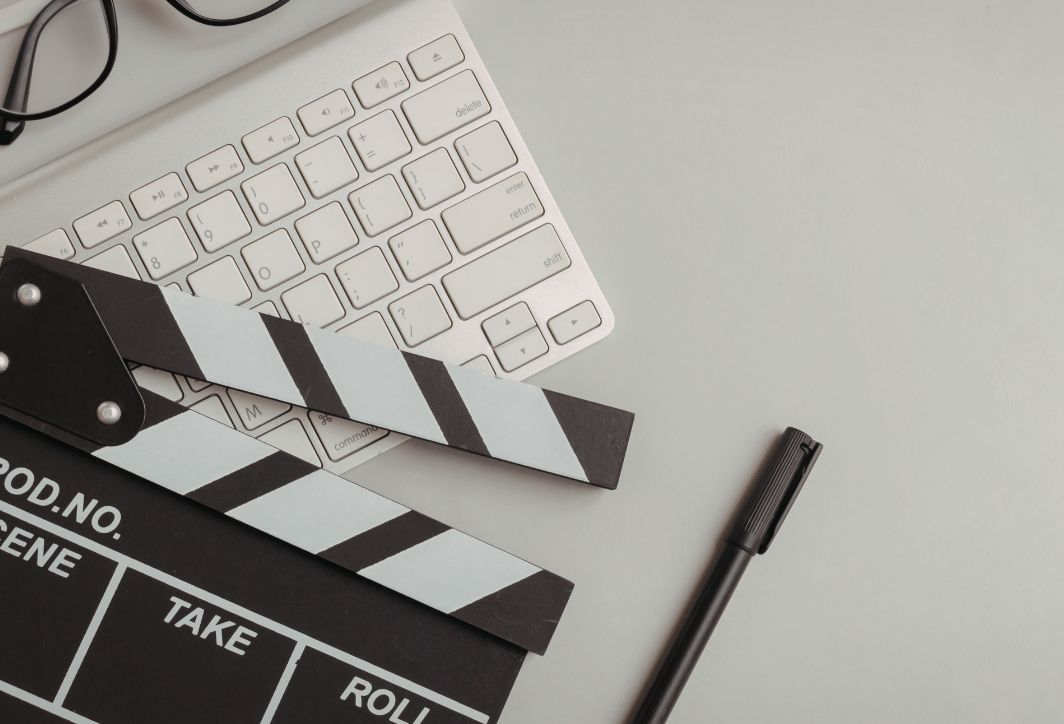
There are many ways to cut scenes when editing raw video.
Sound editing techniques
Sound plays a crucial role in the success of a film. In professional filmmaking, using sound to guide the visuals is essential to avoid any abrupt pauses between scenes.
- J-Cut (Preceding sound): The audience hears the sound of the next scene while the image of the previous scene is still displayed. This is often used to prepare the viewer psychologically for an upcoming change in setting (for example, hearing the sound of ocean waves before a character steps onto the beach).
- L-Cut (Image shown first): The image transitions to a new scene, but the audio from the previous scene lingers for a few more seconds. This is very common in dialogues. Instead of just seeing the person speaking, the L-Cut allows us to see the listener's reaction while still hearing the speaker's voice, making the conversation feel more natural and engaging.
- Meaning: Both J-Cut and L-Cut help blur the lines between image cuts, creating a continuous flow of sound that prevents viewers from experiencing any emotional interruption.
Rhythm-based film editing techniques
A good editor knows when to let a shot linger and when to cut quickly to control the audience's heart rate.
- Fast Cutting: This technique utilizes multiple short, consecutive shots. It's often used in action sequences, chase scenes, or when aiming to create intense tension and excitement.
- Slow Cutting: To make the shots appear longer, they are often combined with fading transitions (dissolve). This technique is suitable for psychological films, romantic films, or moments requiring reflection and contemplation.
- Editing to the Beat: This is a core filmmaking technique for music videos and trailers. Placing cuts precisely on key notes of the music creates immense visual and auditory satisfaction for the viewer.
- Balance: The rhythm shouldn't be monotonous from beginning to end. A good film needs moments of intensity interspersed with quiet periods so that the audience can grasp the message.
Montage film editing technique
Montage is one of the most important filmmaking techniques for conveying a large amount of information in the shortest amount of time. A montage is a series of short shots arranged in a logical sequence to summarize the development of a character or event.
How to do it:
- Select the most iconic shots for each period.
- Use music that is motivating or inspiring to connect the scenes.
- Use transition effects such as Wipe or Dissolve to increase connectivity.
Benefit: It helps to speed up the story's progress without making the viewer feel that the plot is being logically disrupted.
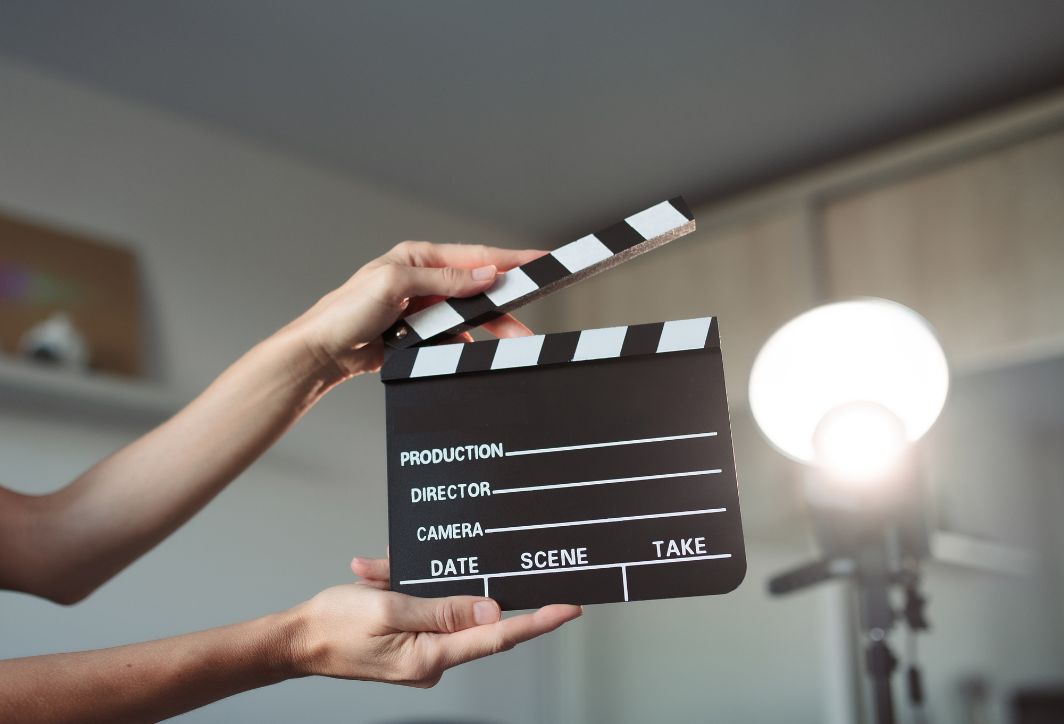
Mastering film editing techniques can make your footage more dynamic and engaging.
Film editing rules to ensure seamlessness.
Seamlessness is crucial for the audience to believe in the world you create. When applying editing techniques, you must strictly adhere to the following rules:
- The 180-degree rule: Ensure the axis of action between the two characters remains unchanged. If you cut the scene and the character on the left jumps to the right, the audience will be immediately disoriented.
- The 30-degree rule: When cutting between two shots of the same subject, the camera angle needs to change by at least 30 degrees. If it changes too little, it will create an error. Jump Cut Unintentionally, it creates a feeling of jerky image.
- Eye-line Match: If character A looks to the right in scene 1, then in scene 2, character B or the object they are looking at should appear in the corresponding position to create the feeling that they are actually looking at each other.
- Uniformity of action: If in a wide shot the character is holding the cup in their left hand, then in a close-up shot, the cup must still be in their left hand. Editors must scrutinize this extremely carefully to eliminate any continuity errors (inconsistencies in context/action).
Post-production techniques for color and special effects.
In the modern era of film editing techniques, color grading and special effects have become an integral part of the editing process:
- Color Correction: This is a technical step to ensure all footage has consistent brightness, contrast, and color. It helps correct exposure errors during filming.
- Color Grading: This step creates the mood for the film. For example, cool blue tones for science fiction films, warm yellow tones for family films. Color helps tell the story quietly but powerfully.
- Invisible VFX: Film editing sometimes involves removing unwanted details (such as trash or microphones in the frame) or replacing the green screen. These techniques help to make the frame look more perfect without the viewer noticing.
- Insert Text and Motion Graphics: This is especially important for video marketing and vlogs. Adding text at the right time and place helps emphasize information and increase the professionalism of the video.
Popular video editing software in 2026
Good tools will help you perform video editing techniques more quickly and creatively.
- Adobe Premiere Pro: Software with a powerful Adobe ecosystem, suitable for all needs from personal to professional.
- DaVinci Resolve: This software is the top choice for film crews thanks to its exceptional Fairlight color and sound post-production tools.
- Final Cut Pro: The optimal choice for macOS users thanks to its extremely fast rendering speed and unique Magnetic Timeline interface.
- CapCut (PC & Mobile): Designed for short, quick content on TikTok/Shorts. Despite its simplicity, CapCut offers many clever transition effects, allowing users to easily perform basic video editing techniques.
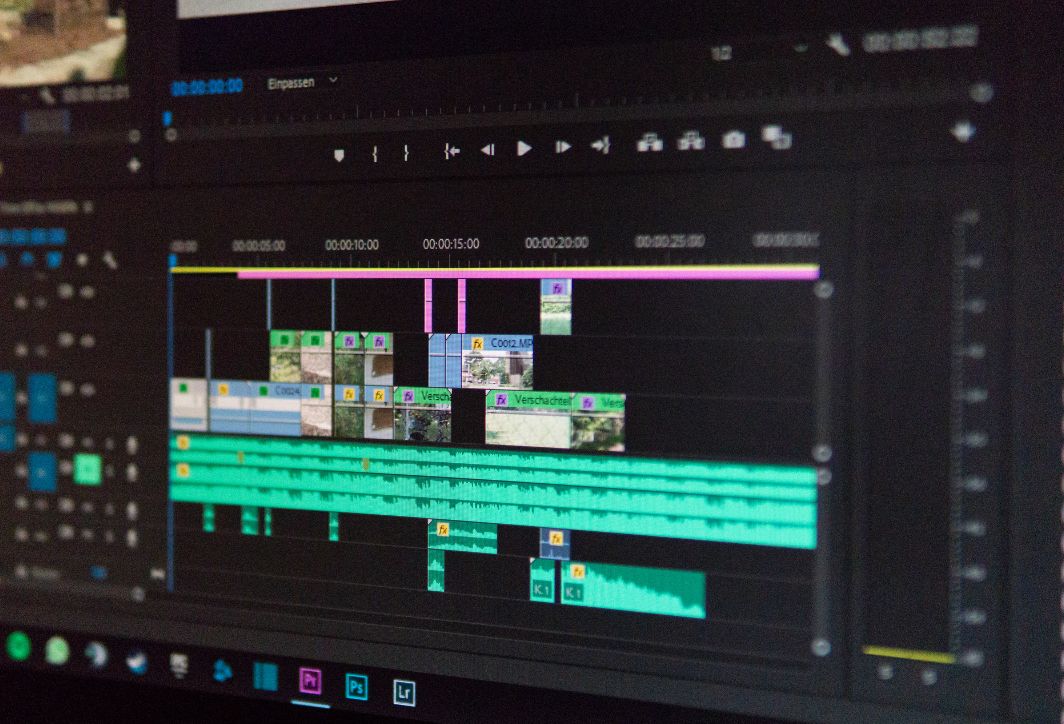
Edit videos using supporting software.
Mistakes to avoid to improve your video editing skills.
To become a professional editor, you need to avoid the following mistakes:
- Overuse of transition effects: Using too many spinning and disappearing effects will make viewers dizzy and detract from the value of the content. Prioritize clean, straight cuts (hard cuts).
- Bad Timing: Cutting too early, before a character has finished speaking, or leaving a scene too long after the action has ended, will ruin the film's rhythm.
- Ignore background sound (Ambient Sound): Having absolute silences during scene transitions in a video will detract from its authenticity. Always have a consistent layer of background sound to connect the different shots.
- Lack of focus on storage (Project Management): Good video editing skills start with organizing your files systematically. If you don't manage your data well, you'll waste a lot of time searching for and fixing errors later.
Mastering film editing techniques offers numerous benefits, making projects more effective. Every cut, every color layer, or every well-placed sound sequence is a building block in the success of a work. Start by mastering the fundamentals, then don't hesitate to break them to create your own unique style. Remember that technique is just a tool; the soul of the film lies in how you tell that story.




 English
  Vietnamese