Instead of downloading and installing heavy software like Premiere or Camtasia, online video editing tools have become the perfect solution thanks to their convenience, fast processing speed, and complete freedom. This article will suggest the best online video editing websites currently available, helping you create your desired videos in just a few clicks.
Why is online video editing an inevitable trend today?
Before diving into the list of tools, we need to understand why online video editing websites are so popular. In reality, not everyone needs advanced editing capabilities or a powerful device to run complex post-production software. Online video editing websites offer benefits such as:
- Save computer resources: Online video editing takes place on the website's server, preventing your computer from freezing or overheating due to CPU/RAM overload.
- Speed and agility: You can work from anywhere, from your company computer to your personal phone, as long as you have an internet connection, without worrying about installing software.
- User-friendly interface: Most online video editing websites are designed with a minimalist approach, focusing on user experience, making them easy to use even for those who are not tech-savvy.
- Diverse integrated features: These websites don't just offer video editing; they often integrate additional features like file compression, music insertion, text addition, and highly flexible video format conversion.
- Completely free: Most of the leading tools available today are free to use for basic tasks, effectively meeting the needs of individual users and online shop owners.
Top Popular and Easy-to-Use Online Video Editing Websites
Below are some popular websites used by many users for editing and trimming videos online:
1. Canva – Online video editing and versatile design tool.
Canva is not only the "king" of graphic design but also boasts an extremely powerful online video editor. It's a top choice for those who want to edit videos online and create professional social media content. Its advantages include:
- Drag-and-drop interface: Canva provides an intuitive timeline, allowing you to drag the ends to trim videos or easily split them into different segments.
- A vast resource pool: After editing, you can utilize thousands of available sticker templates, frames, and background music to decorate your clip and make it more lively.
- Supports multiple formats: Canva allows you to export videos in standard aspect ratios for TikTok (9:16), YouTube (16:9), or Instagram (1:1) with just one tap.
- Cloud storage: Your video will be automatically saved to your account, allowing you to continue editing anytime on any device.
- Share directly: After you've finished editing, you can upload the video directly to social media platforms without downloading it to your computer.
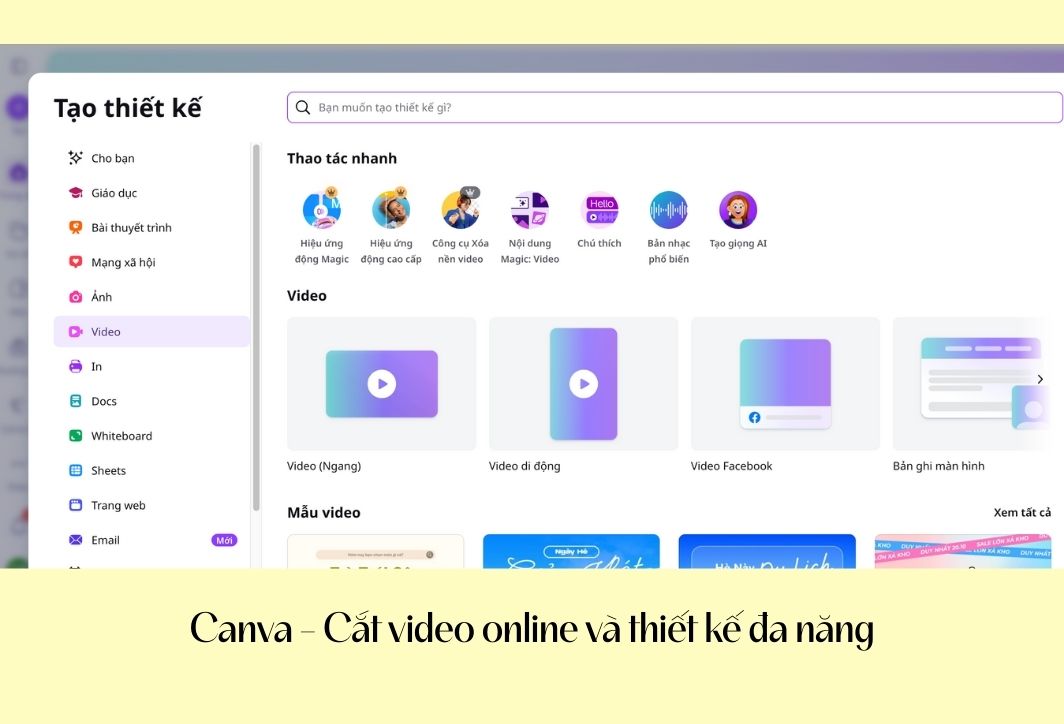
Canva's user-friendly interface makes it easy to edit videos online.
2. 123Apps – A simple and secure online video cutter.
If you're looking for a dedicated website for file processing, 123Apps is the ideal destination. It's an extremely lightweight online video editing toolkit that delivers impressive performance. Key features of the website:
- No account registration required: You can start working immediately by uploading files without having to provide personal information or go through complicated login procedures.
- Supports large files: Unlike many competitors, 123Apps allows you to upload videos up to 4GB in size, effectively meeting the needs of cutting long movies or videos shot in 4K quality.
- Rotate and flip feature: Besides shortening the video length, you can also quickly rotate the video 90/180 degrees or flip the frame.
- High security mode: The website commits to automatically deleting your files from the server after a few hours of completing the task, ensuring absolute security for user privacy.
- Output format options: You can choose to export the video in MP4, MKV, or MOV format to suit different video players.
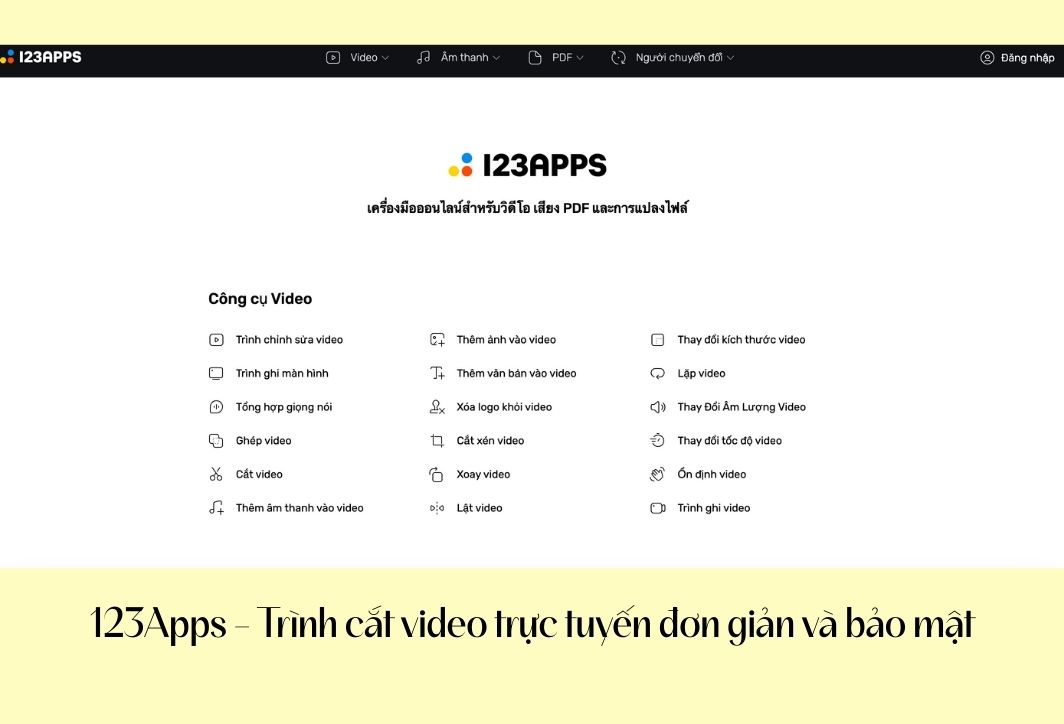
Edit videos online at 123Apps website.
3. Clideo – Quickly cut videos online with high quality.
Clideo is well-known in the filmmaking community for its modern interface and lightning-fast processing speed. It's an online video editing tool optimized for users who need speed and millisecond precision:
- Absolute accuracy: Clideo allows you to enter the specific number of seconds to start and end the cut, helping you capture the exact desired segment without out-of-frame issues.
- Fade-in and Fade-out effects: A premium feature rarely found on online websites, this feature ensures that the edited video has a smooth beginning and end, without abrupt interruptions.
- Perfectly compatible with smartphones: The website is optimized for mobile browsers, making video editing on iPhone or Android as smooth as using the built-in app.
- Repository integration: You can take videos directly from Google Drive or Dropbox to edit and save them back there, saving you upload and download time.
- Instant format conversion: After trimming, Clideo allows you to convert the video to the most suitable format for your desired platform with just a few simple steps.
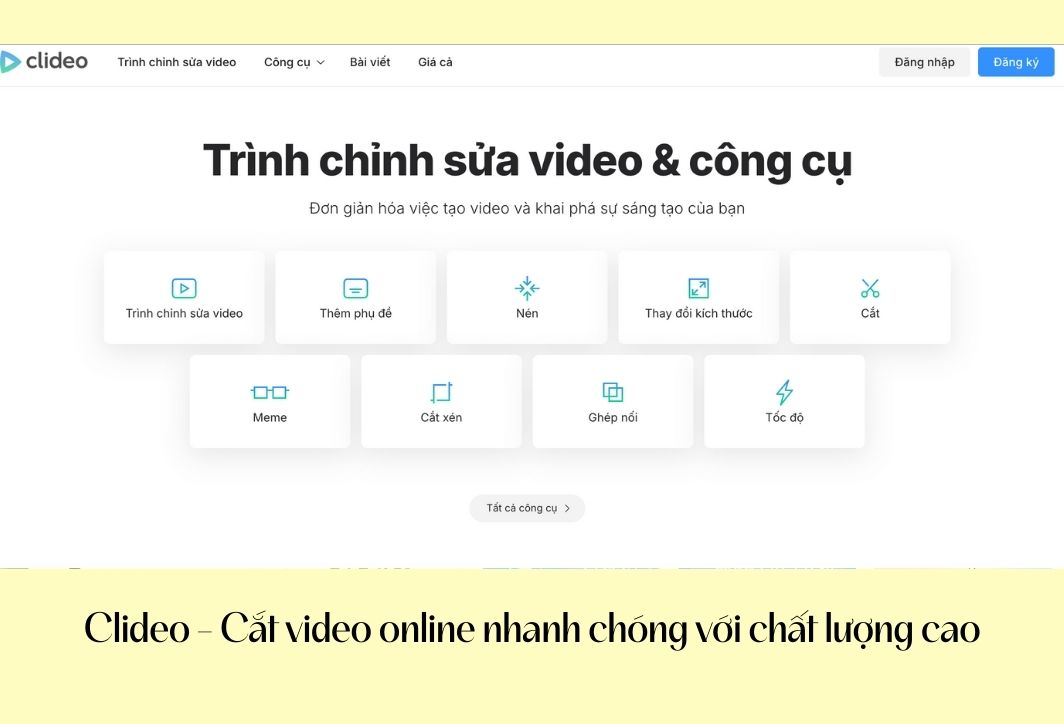
Use the web browser Clidio to edit and trim videos online.
4. Kapwing – Professional video editor for Creators
Kapwing is more than just a typical online video editing website; it's a true post-production studio in your browser. It's a favorite tool of professional YouTubers and TikTokers. Key features:
- Smart Cut feature: Kapwing uses AI technology to automatically detect silences in videos and allows you to trim them with just one button press, which is extremely useful for those who create podcast videos or lectures.
- Layer support: You can cut multiple videos and stack them on top of each other, creating unique picture-in-picture effects.
- Automatic subtitle system: After trimming the clip, you can utilize Kapwing's AI to automatically generate Vietnamese subtitles with accuracy up to 95%.
- Online collaboration: Allowing multiple people to participate in a video editing project through a sharing link makes teamwork easier than ever.
- Customize Frame Rate: You can make significant adjustments to the frame rate to ensure the video achieves the desired smoothness after trimming.
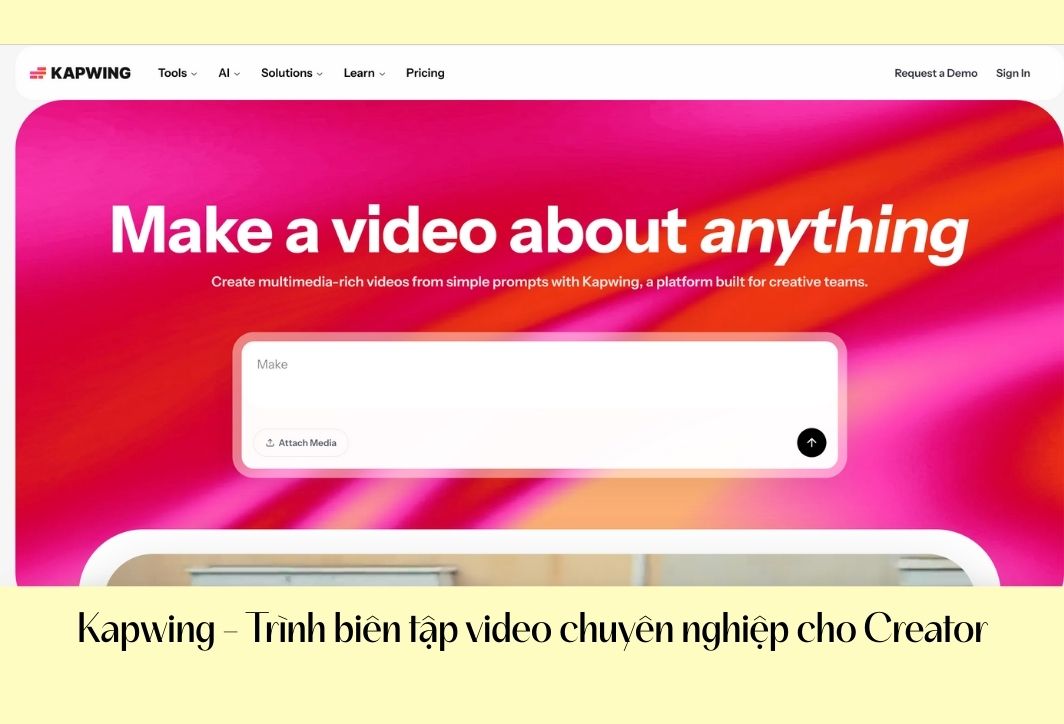
Kapwwing interface – Web-based video editing and trimming service online.
5. Adobe Express – Online video editing tool from graphics.
Adobe Express, formerly Adobe Spark, offers unparalleled reliability in image processing quality. It's the perfect free online video editing tool for those who want to experience Adobe's professionalism without installing Premiere Pro. Advantages:
- High precision operation: Adobe Express offers highly responsive timing sliders, allowing you to select the start and end points of your clip precisely to the millisecond.
- Smart frame rate adjustment: After trimming, you can use the "Resize" feature to convert the video to the standard sizes of Instagram, Facebook, or YouTube without losing important content.
- Export high-quality files: Adobe allows you to export your trimmed videos in high-quality MP4 format, ensuring no image distortion when uploading to major platforms.
- Cloud synchronization: If you're using the Creative Cloud ecosystem, trimmed clips can be stored and further processed on other Adobe professional software.
- Absolutely no watermark: Unlike many other free tools, Adobe Express allows you to download videos without the developer's logo.
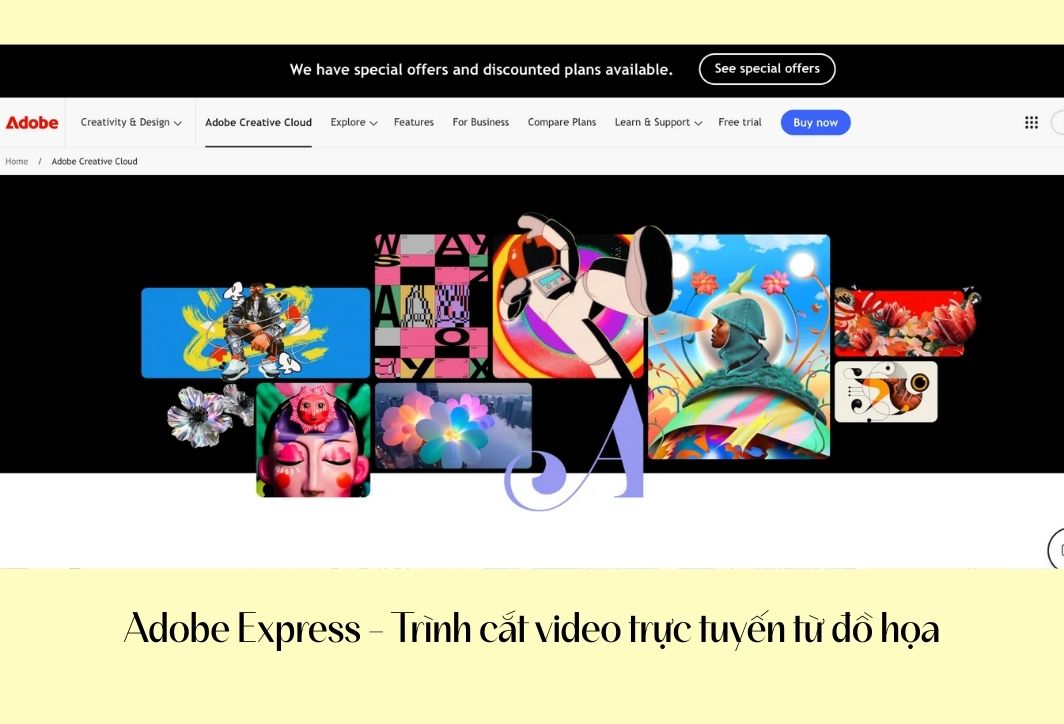
Using Adobe Express online, no download required, for simple video editing.
6. Clipchamp – A built-in online video editor for Windows
Acquired by Microsoft and deeply integrated into Windows 11, Clipchamp quickly became one of the world's most powerful online video editing websites, boasting a user-friendly interface and many advanced features. Notable features include:
- The "Magnetic Timeline" feature: It makes cutting and joining video segments incredibly easy. When you delete a segment in the middle, the remaining segments will automatically snap back together, preventing any black gaps in the video.
- Extensive library of templates: Clipchamp offers a variety of modern frames and fonts. After trimming your video, you can add highly professional-looking animated titles.
- Screen and Webcam Recording: Not only does this website allow you to cut and paste, but it also lets you record your computer screen and then immediately edit and combine it, making it ideal for teachers giving lectures or gamers.
- Export 1080p video for free: The biggest advantage is that Clipchamp allows you to export Full HD video completely free of charge without watermarks.
- Filters and effects: It offers a range of color filters and smooth transition effects to help you decorate your clip after you've finished cutting it.
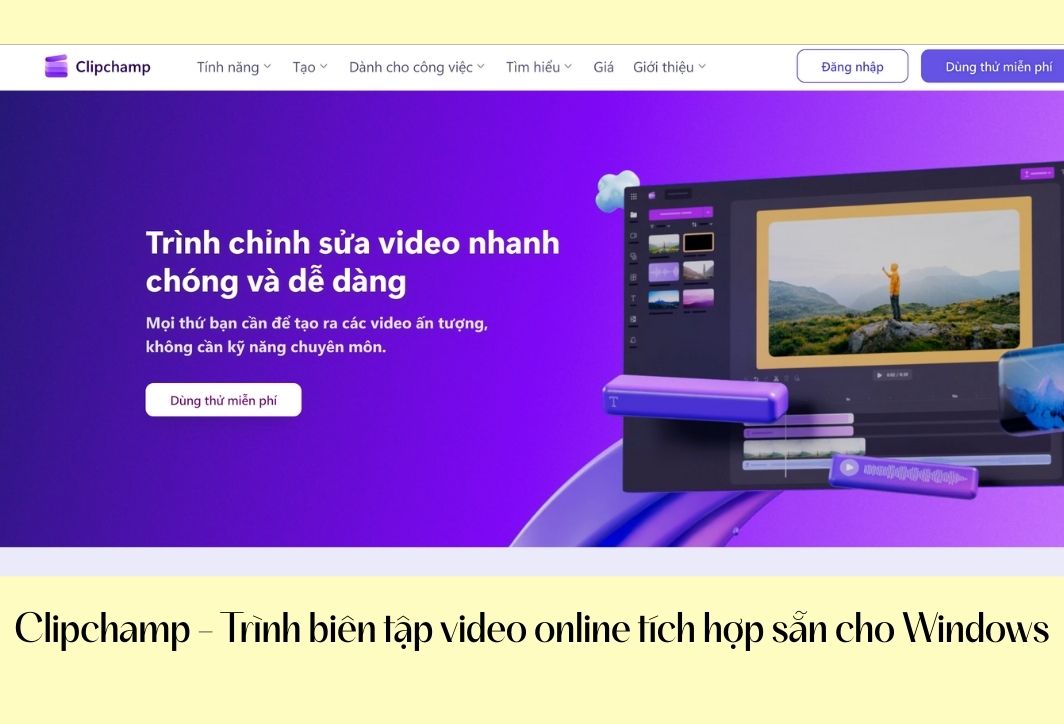
Clipchamp makes it easy to edit videos on the web.
7. InVideo – Online video editing using intelligent AI technology
InVideo is a rapidly rising name in 2026 thanks to its application of artificial intelligence to the online video editing process, saving users significant time. Key features:
- AI Video Trimmer: InVideo's AI tool can analyze content and suggest the most valuable clips for you to keep, making video editing smarter and more artistic.
- Supports files up to 800MB: This is a fairly large storage capacity for an online editor, allowing you to comfortably process phone-recorded clips in high quality.
- Flexible keyboard shortcuts: InVideo's keyboard shortcuts are designed to be similar to those in professional software, helping you cut and edit twice as fast.
- Text-to-Video Conversion: After trimming the clip, you can input text and the AI will automatically generate eye-catching intros or endings for your video.
- Enterprise-standard security: InVideo is committed to protecting user data with advanced encryption layers, suitable for high-profile video projects.
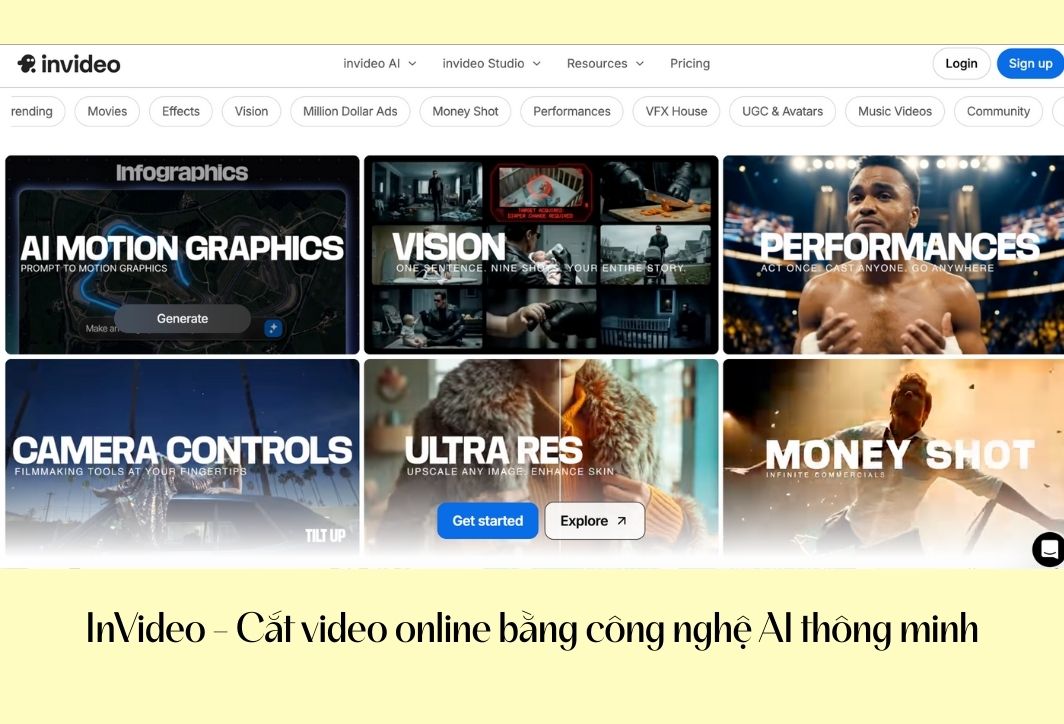
Cut videos online with the InVideo website.
8. VEED.IO – Online video editing solution for social media.
If your goal is to create short videos that will go viral on social media, VEED.IO is an option you can't ignore. This is an online video editing website optimized for vertical and short formats:
- Trim video with a single click: VEED's interface is extremely minimalist; you simply drag the slider to remove unnecessary elements, and everything happens instantly in your browser.
- Automatically add a progress bar: A super hot feature for TikTok or Facebook Reels videos. After trimming, you can add a timeline so viewers know how much time is left in the video.
- Add Stickers and Emojis: VEED offers an incredibly diverse collection of emojis, making your edited videos more fun and engaging.
- Supports downloading videos directly from YouTube: Simply paste the YouTube link, and VEED will download it, allowing you to trim the video directly on the web without needing to download the file to your computer beforehand.
- Sound optimization: This allows you to remove background noise or adjust the volume of the clip after it has been trimmed.
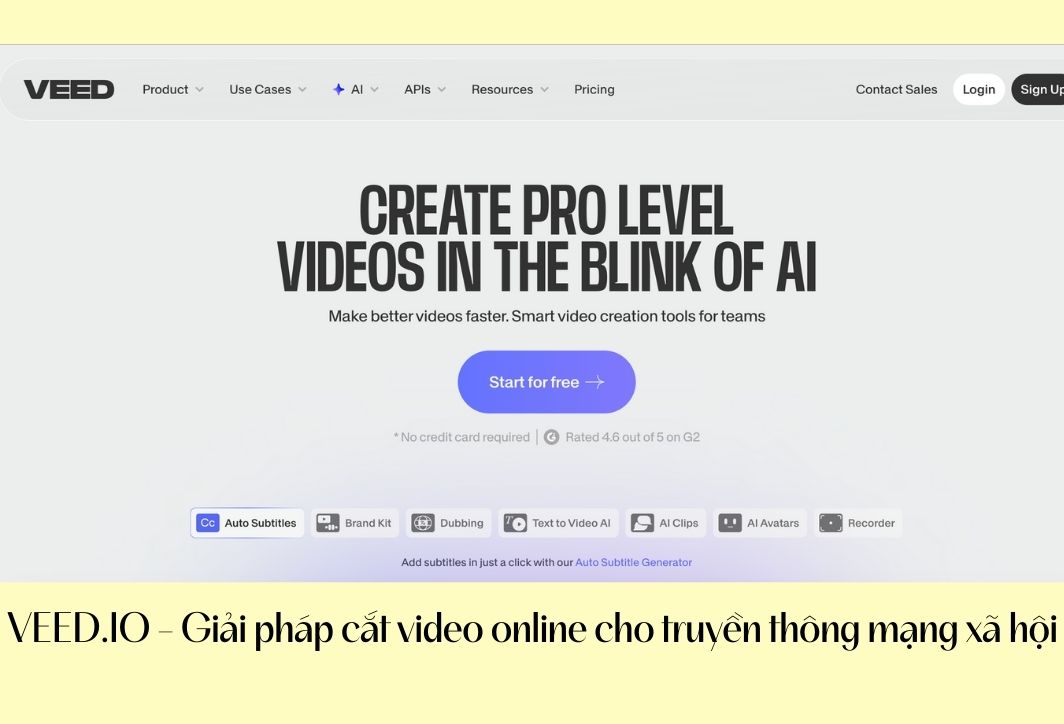
The VEED.IO website is used for editing and cutting videos online.
Important notes when using online video editing websites.
Although using online video editing tools offers many benefits, to create a perfect and secure product, you need to keep the following points in mind:
- Check your internet connection: Since the video upload and export process takes place online, ensure your Wi-Fi or wired network is stable to avoid file corruption midway through.
- Concerned about copyright and privacy: Avoid uploading videos containing sensitive information, personal data, or confidential documents to websites of unknown origin. Prioritize sites that commit to deleting data after processing.
- Note regarding the watermark: Some free websites will insert their logo into the video after exporting. Be sure to double-check if the website allows exporting videos without a logo before spending time editing.
- Check the allowed file size: Each website has a different file size limit (usually from 100MB to 500MB for the free version). If your video is too large, compress it beforehand or find sites that support large files like 123Apps.
- Preview carefully: Before clicking the "Download" button, always review the trimmed video in your browser to ensure you haven't accidentally cut anything or missed important details.
Mastering online video editing tools will save you a lot of time and effort in content creation. From simple websites like 123Apps to more specialized platforms like Kapwing or Canva, each tool has its own advantages to suit your specific needs. Experiment and choose the website that best suits you to create impressive and engaging videos.




 English
  Vietnamese