
Shooting videos on a phone is simple and anyone can do it. However, not everyone knows how to shoot beautiful, sharp videos. This article will guide you on how to create stunning footage using only your phone's camera.
How to shoot videos on your phone to make your footage look professional.
Having visually appealing footage with harmonious colors and utilizing the features of your smartphone will bring you many benefits. Whether you work in video production or simply want to improve your filming skills for personal entertainment, knowing how to shoot beautiful, professional videos on your phone is essential.
Here are some tips to help you upgrade your phone's video recording feature:
Optimize camera settings before recording.
The biggest mistake many people make is picking up their phone and shooting immediately without checking the settings. To shoot high-quality video on your phone, you need to prioritize the following settings:
- Resolution and frame rate (FPS): Always prioritize shooting in 4K for the best detail. Regarding frame rate, choose 24fps if you want a cinematic feel, or 60fps if you plan on action videos or want to shoot slow-motion later.
- Cleaning the lens: This is an extremely simple step, yet it's often overlooked. Even a tiny fingerprint on the lens can blur the video and cause glare. Always wipe the camera lens clean with a soft cloth before each recording session.
- Turn off notifications (airplane mode): Don't let a call or text message interrupt your important filming. This will also help your phone run more smoothly and stay cooler.
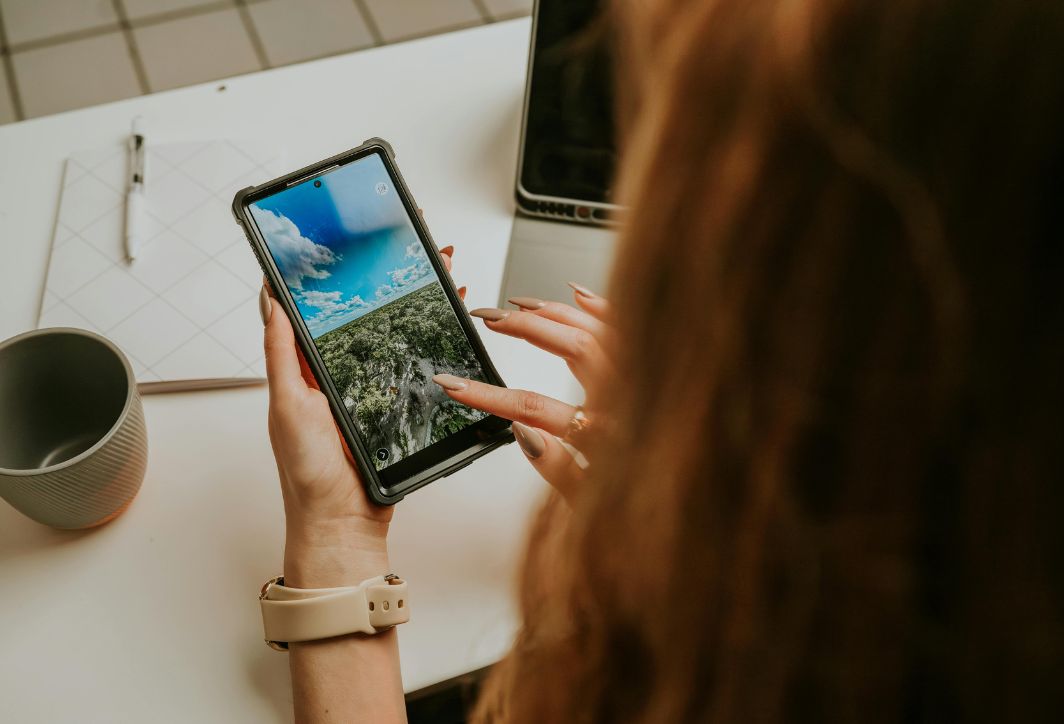
Adjust your phone's camera settings for the best video quality.
Adjust the light
Lighting is crucial to video quality. When shooting video on a phone, the smartphone's small sensor often struggles in low-light environments.
- Take advantage of natural light: Early morning or sunset sunlight always produces the most beautiful skin tones. Position your subject facing the light source, and absolutely avoid shooting against the light unless you want to create a shadow effect.
- Exposure lock: Phones often automatically adjust brightness as you move. This creates an annoying, abrupt change in lighting. Press and hold on the subject on the screen until the "Lock AE/AF" option appears, then drag the brightness slider down slightly to make the video look more stable and cinematic.
- Use auxiliary lights: If shooting indoors, invest in a small LED light or ring light to compensate for the lack of light, resulting in smoother images without graininess.
Anti-shake techniques for smooth footage.
A shaky video will make viewers dizzy and feel unprofessional. There are many ways to improve stability when shooting video on your phone:
- Camera holding posture: Hold the phone with both hands, keeping your elbows close to your sides for a stable base. When moving, slightly bend your knees and walk gently to minimize the impact of your feet on the device.
- Use the following accessories: If you have the means, a gimbal like the DJI Osmo Mobile will transform your running into smooth slides, just like using a professional track.
- Take advantage of software image stabilization: Most modern cameras have a "Super Image Stabilization" mode. However, please note that this mode often reduces image quality and narrows the field of view, so only use it when absolutely necessary.
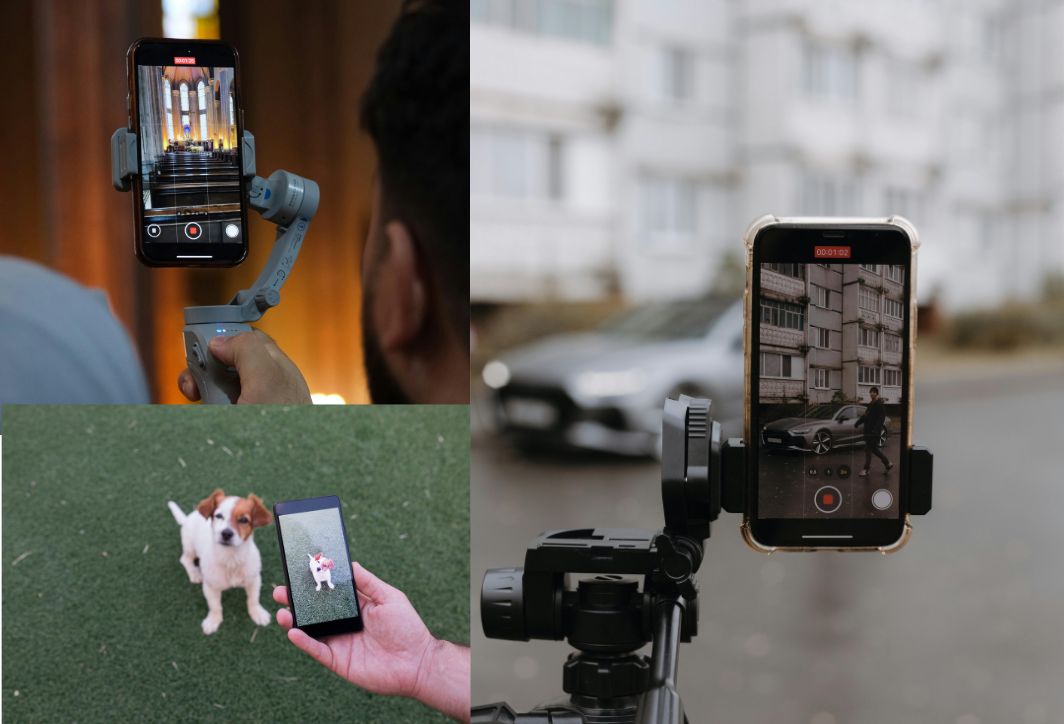
Use a stabilizer when shooting videos on your phone.
Professional composition and camera angles.
To prevent your video from becoming boring, you need to apply classic cinematic composition rules:
- Rule of Thirds: Turn on the grid in your camera settings. Position your subject at the intersections or along the lines. This helps create a more balanced and deeper frame than simply placing the subject in the center.
- Diverse camera angles: Instead of just standing at eye level, try shooting from a low angle for grandeur, or a high angle to encompass the entire scene. Changing camera angles helps maintain the viewer's interest.
- Path: Use straight lines in the context, such as roads and fences, to guide the audience's gaze to the main subject.
Focus on sound during filming.
Viewers might overlook a slightly blurry video, but they'll turn it off immediately if the audio is distorted and difficult to hear. When recording video on a phone, the built-in microphone often picks up a lot of background noise.
- Using an external microphone: Even an inexpensive wireless lavalier microphone can deliver superior sound quality compared to the device's default microphone.
- Microphone wind shield: If filming outdoors, use a windproof foam or simply use your hand to block the wind from blowing into the microphone to avoid buzzing noise.
- Record in a quiet environment: If you don't have an external microphone, try to hold your phone as close to your subject as possible and choose a space that is sheltered from drafts and has minimal echo.
Use advanced video editing software.
If your phone's default camera is too basic, you can install third-party apps to fully control the parameters like a DSLR camera:
- Filmic Pro or Blackmagic Cam: These are applications that allow you to manually adjust ISO, shutter speed, manual focus, and especially shoot in Log format for advanced color post-processing.
- Smooth zoom adjustment: Avoid using two fingers to zoom while recording as it will cause jerky movements. Dedicated apps often have zoom sliders that allow you to create smooth, professional-looking zooms.
Accessories for professional video recording on your phone.
To bridge the gap between phones and dedicated cameras, using supporting accessories is essential. When you want to upgrade your phone's video recording capabilities, consider investing in the following devices:
- External Lenses: Brands like Moment and Sandmarc offer add-on wide-angle, anamorphic, or macro lenses for smartphones. These lenses overcome the distortion issues of the default camera and create realistic optical effects that software alone cannot replicate.
- 3-axis anti-shake gimbal: This is an indispensable device for vloggers. Gimbal not only eliminates shaky videos but also provides smart features such as active track, timelapse recording, and creating unique "inception" shots.
- Rig or Cage for phones: A rig helps you hold the phone more securely with both hands and provides mounting points for additional LED lights, microphones, or spare batteries. This transforms your phone into a real on-location camera setup.
- ND (Neutral Density) Filters: Similar to film cameras, ND filters allow you to shoot video in bright sunlight with a slow shutter speed without overexposure. This is the secret to creating a natural motion blur effect, making your videos look much more artistic.
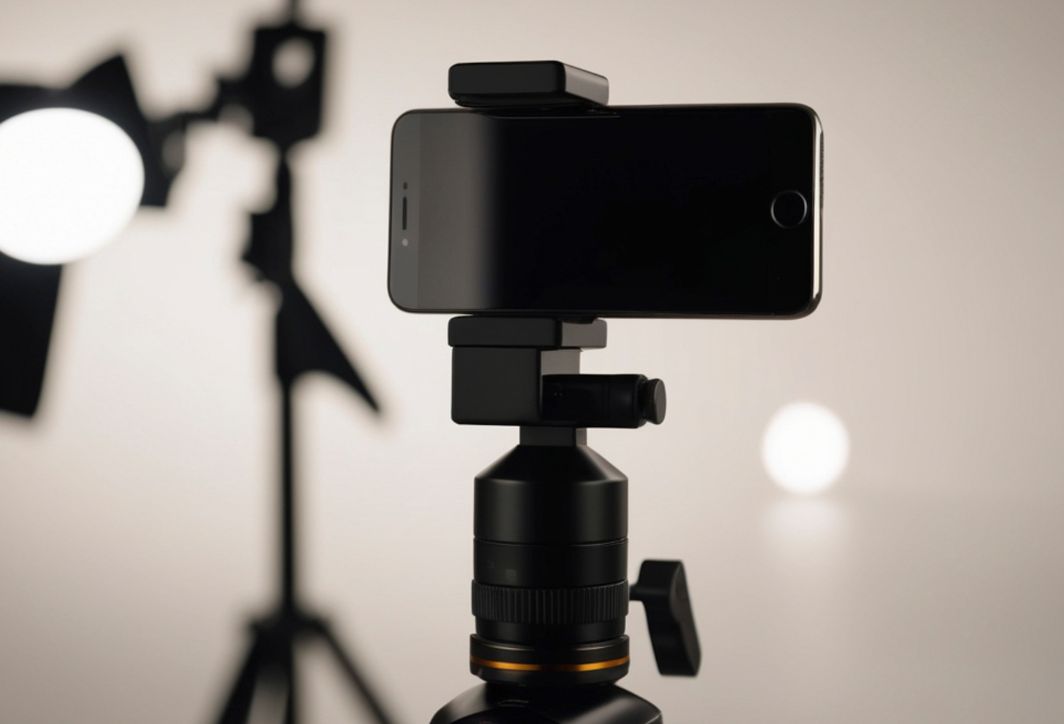
Buy additional accessories to make videos shot on your phone clearer and more professional.
Mistakes to avoid when shooting videos on your phone.
To ensure a smooth production process, keep the following rules in mind:
- Do not rotate vertically unless necessary. Unless you're creating content for TikTok/Shorts, always rotate your camera horizontally so that your videos display well on computers and TVs.
- Don't overuse digital Zoom: Zooming on a phone mostly magnifies the pixels, causing the video to become blurry. Instead of zooming, move closer to the subject.
- Check your memory capacity: 4K video takes up a lot of storage space. Make sure your computer has at least 10-20GB of free space before starting an important shoot.
Mastering how to shoot videos on your phone is just the beginning. To create a finished product, you need to go through post-production using apps like CapCut, VN Video Editor, or Adobe Premiere Rush. Trim away unnecessary parts, add suitable background music, and adjust the colors to give your video a personal touch. Hopefully, this article has helped you feel more confident in using your smartphone to create works of art.





 English
  Vietnamese